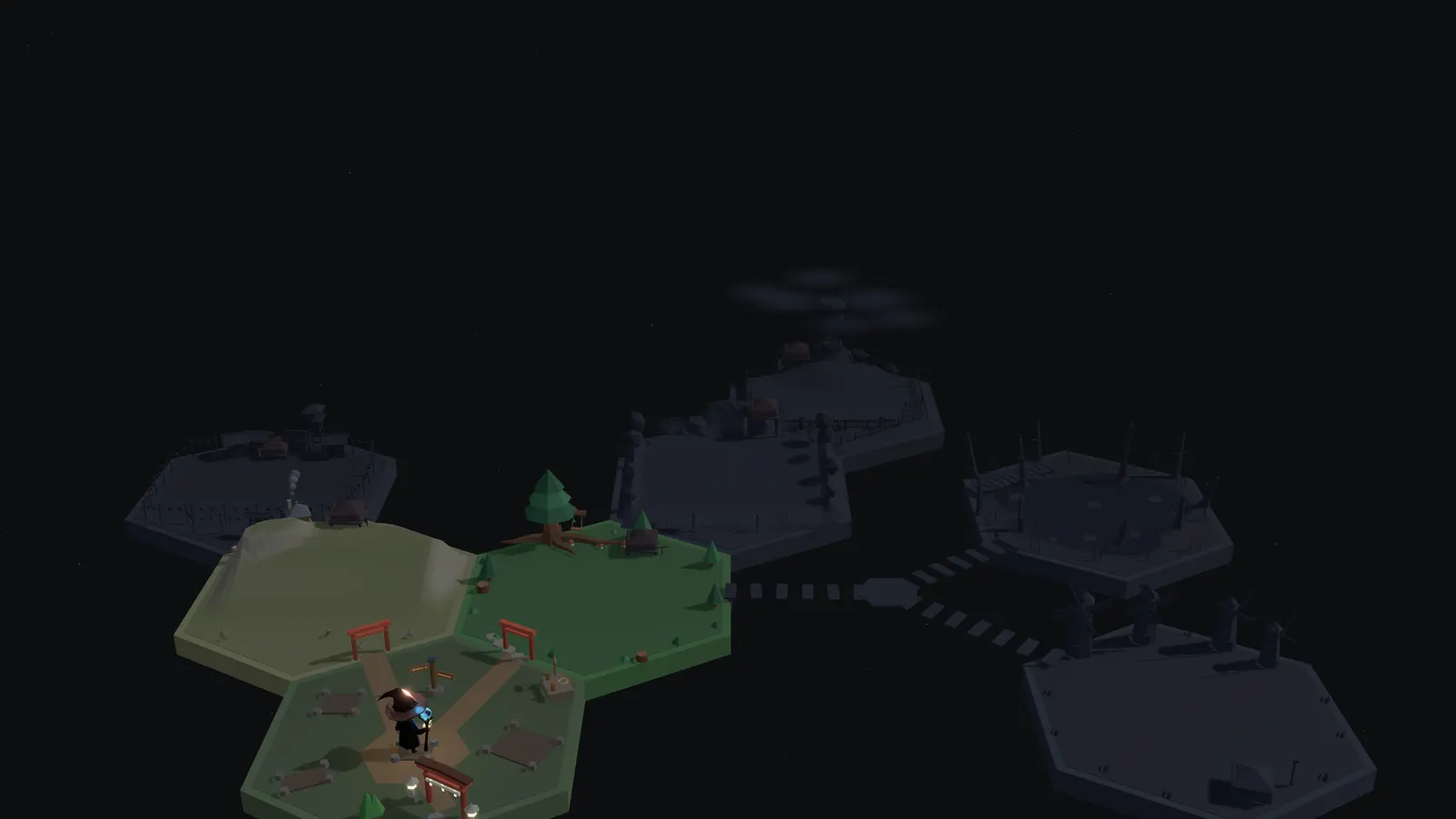
MASTER THETERMINAL
The tool professional engineers use every day. Learn it from zero, right in your browser.
#5 Product of the Week in Education

Learn with Slides and Exercises
VISUAL SLIDES
HANDS-ON EXERCISES
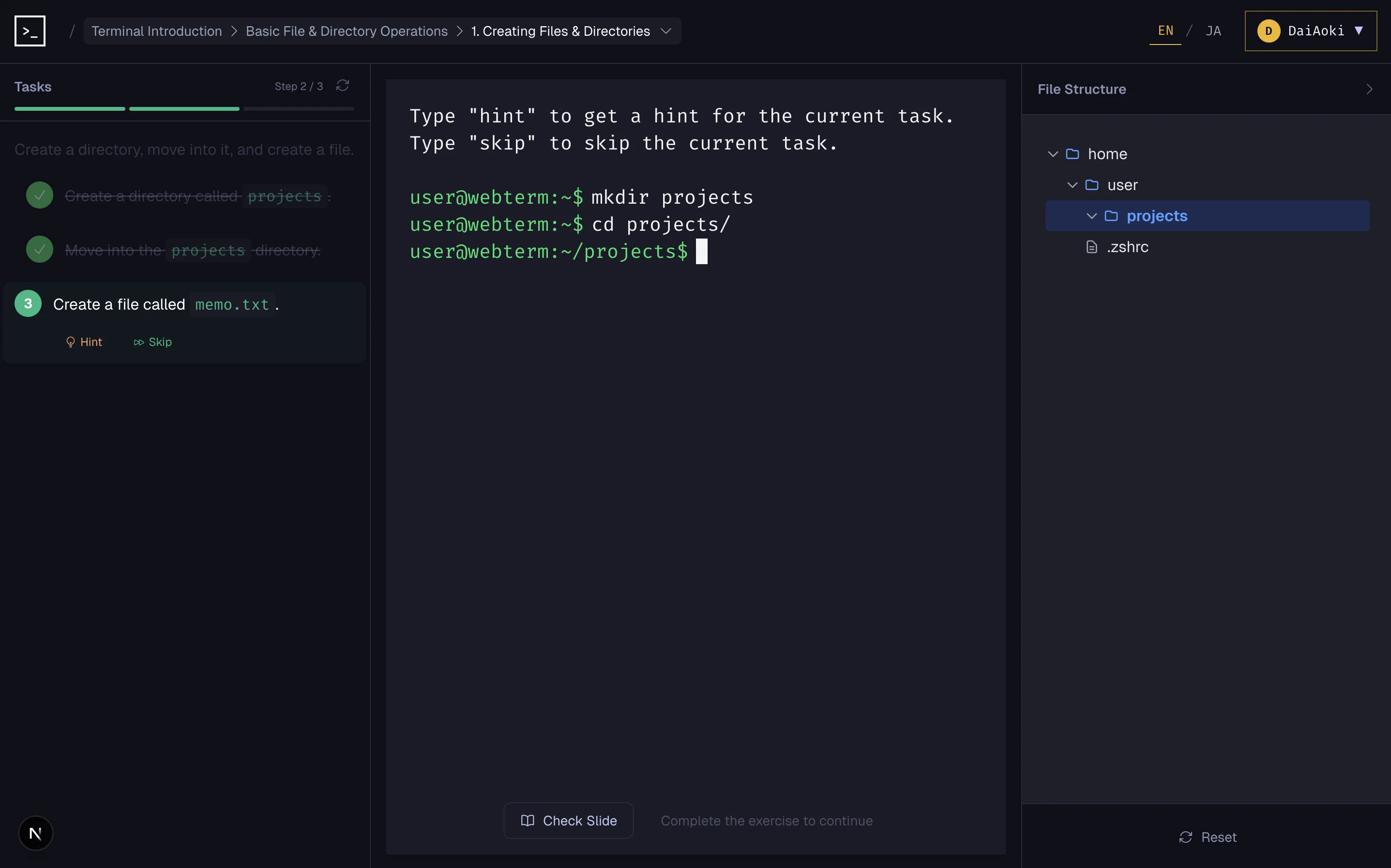
No Setup. Zero Risk. Free.
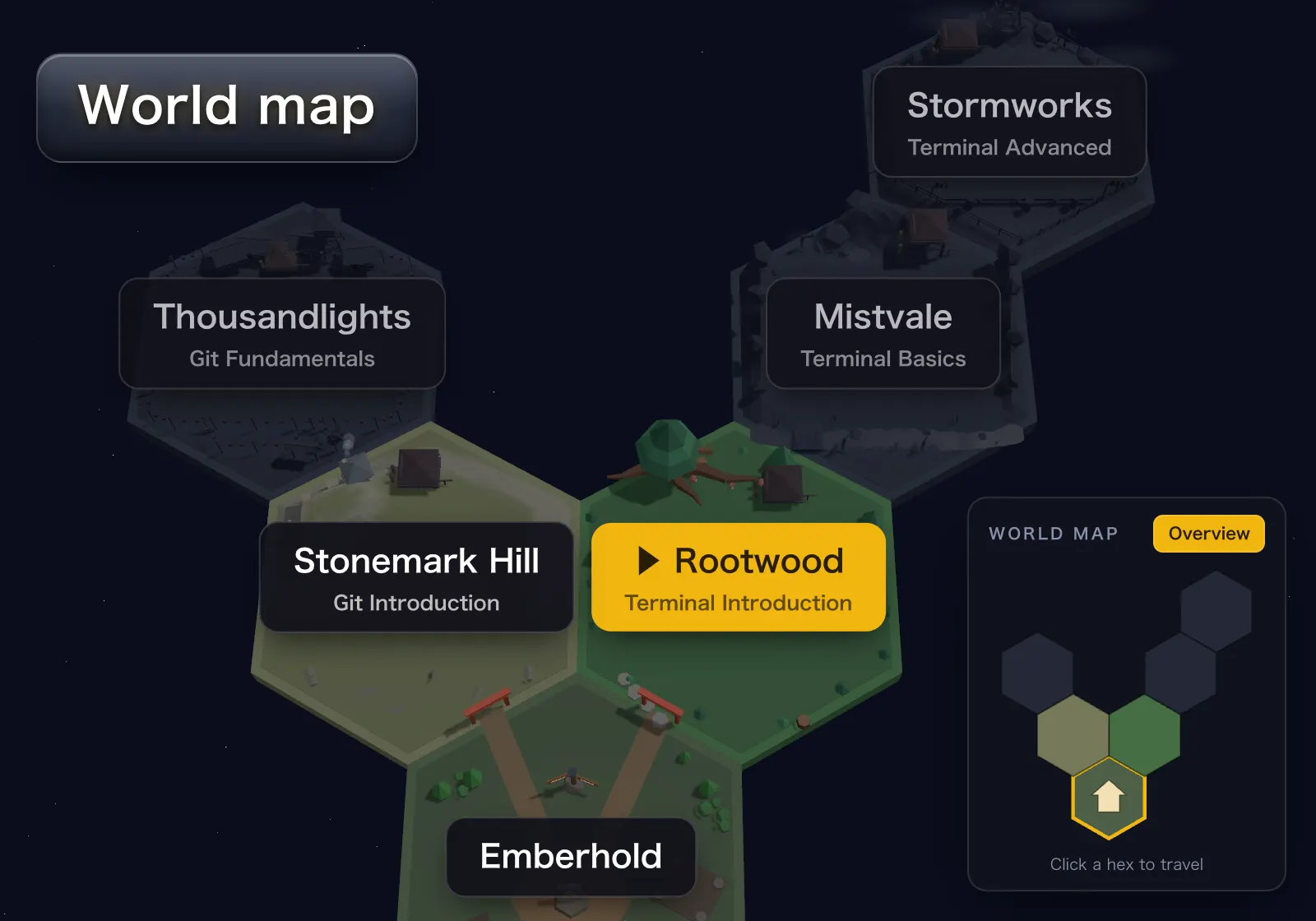
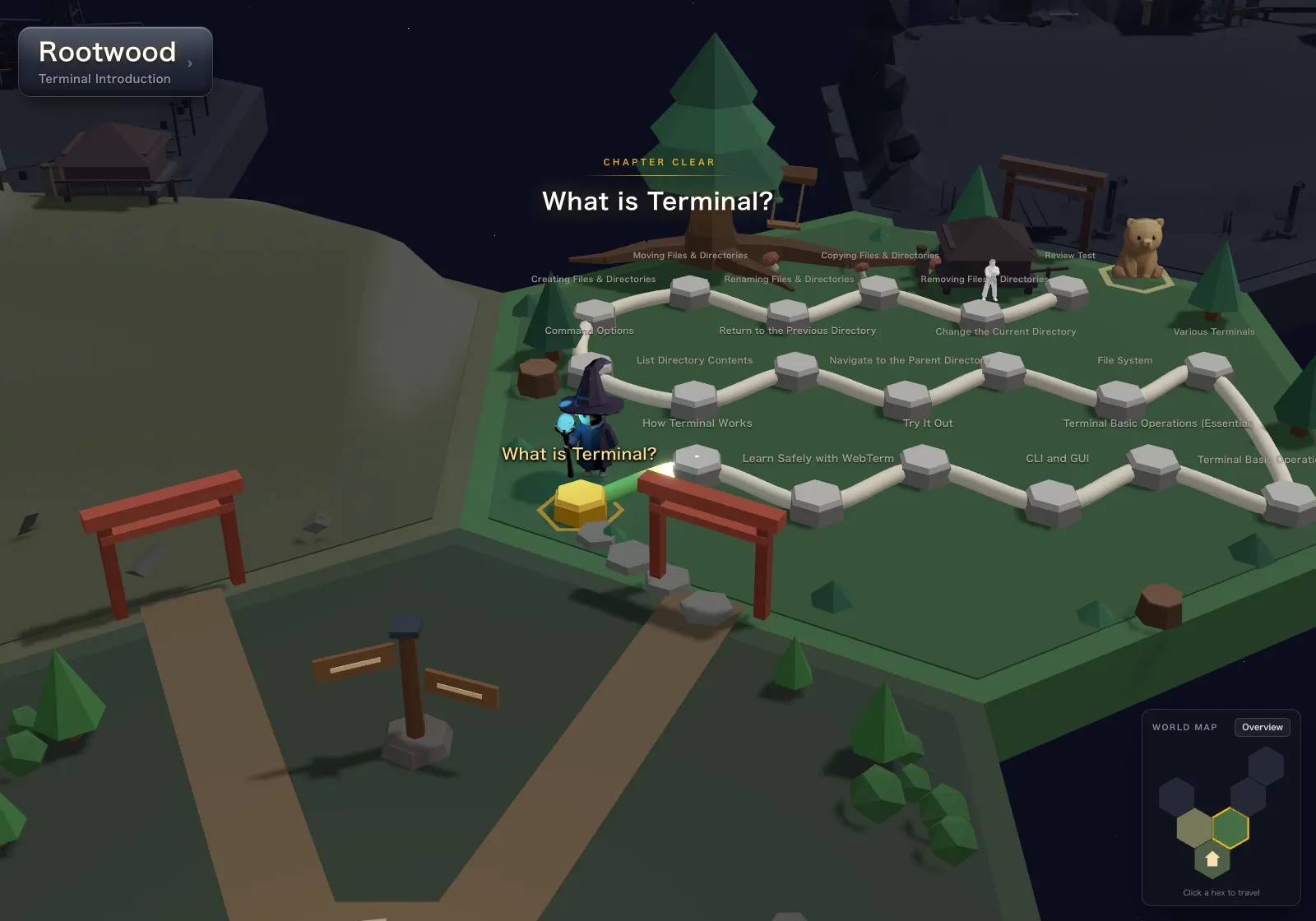
USER FEEDBACK

“It helped me brush up on the fundamentals I had been neglecting in the AI era, and gave my productivity another boost!”

“It was so rewarding to relearn things I had picked up on the job over the years, this time hands-on and with such clarity! I'll keep using this site to level up my day-to-day work!”

“This is the service I wish I could have recommended to my past self, struggling through my first year as an engineer with no prior experience.”

“There are very few hands-on materials for learning the terminal, so this feels like a rare and valuable service.”

“I appreciate being able to actually get my hands on the keyboard and learn something new.”

“I have never installed Linux in my life. I want to become a cybersecurity guy, and the first step is learning the TERMINAL. This site makes it all feel so easy to understand!”

“This game is a great way to start your journey, as well as refreshing your memory, and instantly testing out all you just learned. Truly an amazing concept.”

“I've been looking for a solid resource to brush up on my Git and terminal skills, and I'm so glad I stumbled upon this website! The quality of the lessons is amazing, and the character-development mini-game makes learning really fun. I'll definitely be keeping an eye out for new courses. Highly recommended for any developer, whether you're refreshing your skills or starting from scratch”

“I started at the “what is a terminal?” level, but learning hands-on really deepened my understanding. Now I feel motivated to put it to use in my day-to-day work.”

“As a PMM, I've had many more opportunities this year to talk in depth with the engineering team. Learning the basics of programming in such a fun, approachable way made me feel it will be much easier to share a common language with engineers!”

“Everything is explained in plain language, so even someone like me with little interest in engineering could enjoy the courses. Along the way, I felt inspired to sharpen my engineering skills and apply them to all kinds of things. I set out to study, but I forgot I was learning and was simply having fun.”

“Learning hands-on makes it fun. If you're a beginner, I really encourage you to give it a try.”

“WebTerm changed my whole perspective about how to learn EFFECTIVELY. I am mind-blown by the things I have learned AND the things I could recall. The hard work that the creator has put in is quite evident. Thank you very much for all your efforts!”

“Having to work on NATO systems that run on Linux, this is a perfect way to learn new terminal commands. It was also a lot of fun by turning it into a game as well!”
“It stuck faster and more surely than buying a book ever did. I still can't believe it's free.”

“Even in the AI era, mastering the terminal is a must if you want to become a next-level engineer. I recommend this to anyone who feels intimidated by the terminal but is serious about becoming an engineer.”

“The slides were easy to follow even for a beginner. Whenever I got stuck, the hints showed me the way right away, and running the commands myself gave me a real sense of accomplishment.”

“This is exactly the product for beginners who feel “the terminal is scary, but I want to master it!” You can learn all you want in an environment that's safe to break, so you can give things a try without hesitation. Just keep touching it, keep experimenting, and make those skills your own.”

“I found this while looking for material to teach team members whose experience is limited to upstream design work. Even when ChatGPT or Copilot produces code, an SE who has only done upstream work doesn't know how to run it in the first place. As something for the team to work through on their own time, I think it's remarkably easy to follow.”

“The site is easy to use, with hands-on experience alongside a little theory. The learning is progressive and useful.”

“My school's cybersecurity course doesn't cover terminal, so using this has helped me learn a ton of what I'll be using in cybersecurity related jobs.”
Every lesson is free
Create a free account and learn every course, all the way through, at no cost.
You can write code.The terminal is another story.
That quiet gap is more common than you think.
And it closes faster than you think.
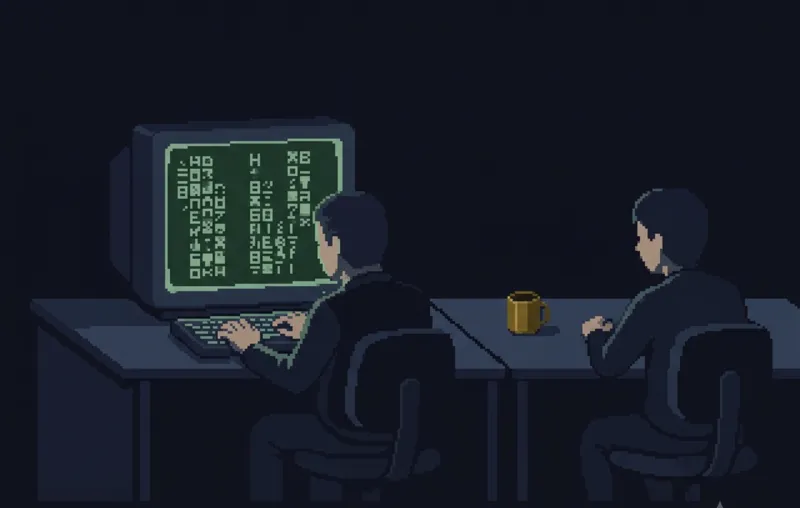
The question you keep swallowing: "How did you do that?"
Your code passes review. Yet the engineer next to you pulls logs, jumps into servers, and finds the root cause in seconds, all in that black screen.
Log digging and Git rescues, handled end to end in the terminal. You go from asking to teaching.
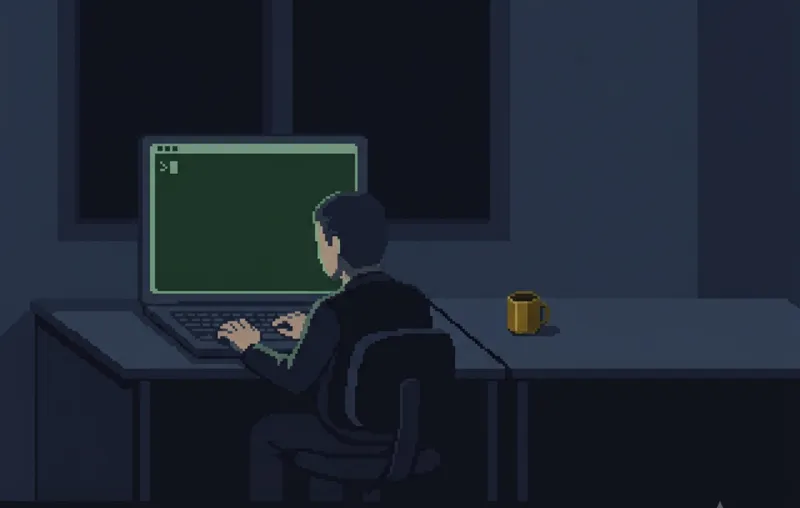
Stopped cold at "run this in your terminal"
You learned to code, and you have things you want to build. But that one line in every setup guide stops you cold, and the errors tell you nothing.
That line turns from a roadblock into a doorstep. Setup stops draining you, and your time goes into what you build.
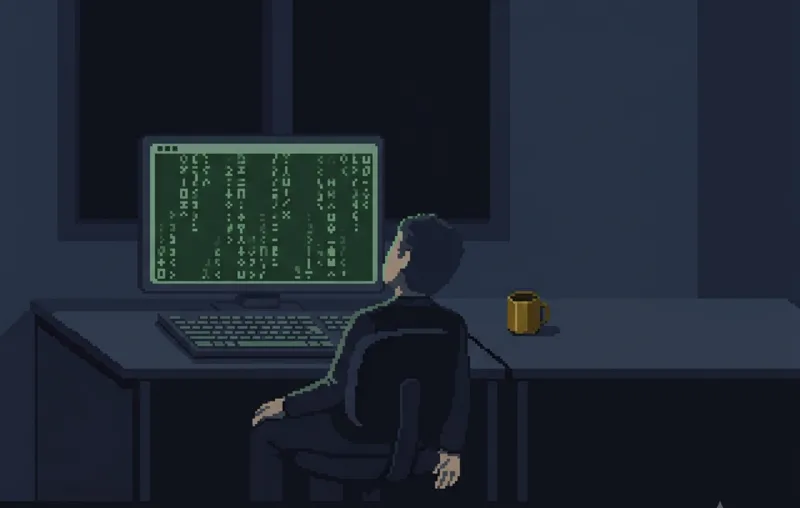
Approving AI's commands with fingers crossed
AI writes the code for you. But you can't tell what the agent's commands actually do, and when something breaks, you don't know what happened.
You read what AI proposes and decide: approve or stop. Your instructions get sharper, and the scale of what you build changes.
Who this isnot for. Yet.
The terminal is a tool that supports a builder's life. Getting to your first "it works!" is the faster route, even when it looks like a detour.
Start with freeCodeCampThe Odin Project or a similar course built around building. When a tutorial stops you at "run this in your terminal", come back.
If the black screen already excites you, just start here.
You want a no-code website, or to learn design, or to tame spreadsheet work. If that is the goal, the terminal is not what you should be learning right now.
Stay on your current goal. When your path leads you to setting up an environment, a command-line-only tool, or touching a server, come back.
If an error or a production server task is sitting in front of you, this is not the time for structured learning. WebTerm is not a tool for putting out a fire that is already burning.
Solve it first, with AI, search, and the official docs. Once things calm down, come back so the same spot never stops you again.
BEGIN YOUR
JOURNEY
Join thousands of developers who've mastered the terminal. Your first lesson awaits.
Get Started →Frequently Asked Questions
The terminal (also known as CLI) lets you complete tasks in seconds that would take minutes with a mouse, and automate repetitive work. It also builds the foundation for communicating effectively with AI coding tools, which operate through text-based interfaces. Learning the terminal trains you to think in structured, step-by-step instructions, a core aspect of computational thinking that accelerates how quickly you pick up new technologies. Whether you go into programming, data analysis, or any tech-adjacent role, terminal skills compound over time.
WebTerm is designed for PC use. The recommended browser is the latest version of Google Chrome. Tablets and smartphones are not currently supported.
Yes, absolutely! We start from the basics and guide you step by step with hands-on practice.