For press and media
You are free to write about
WebTerm Learn without asking
Every course on WebTerm Learn is free for learners. Reaching as many people as possible is the whole point of the service.
So there is nothing to clear with anyone first. Articles, reviews, videos, posts: none of them need prior contact or permission.
Examples
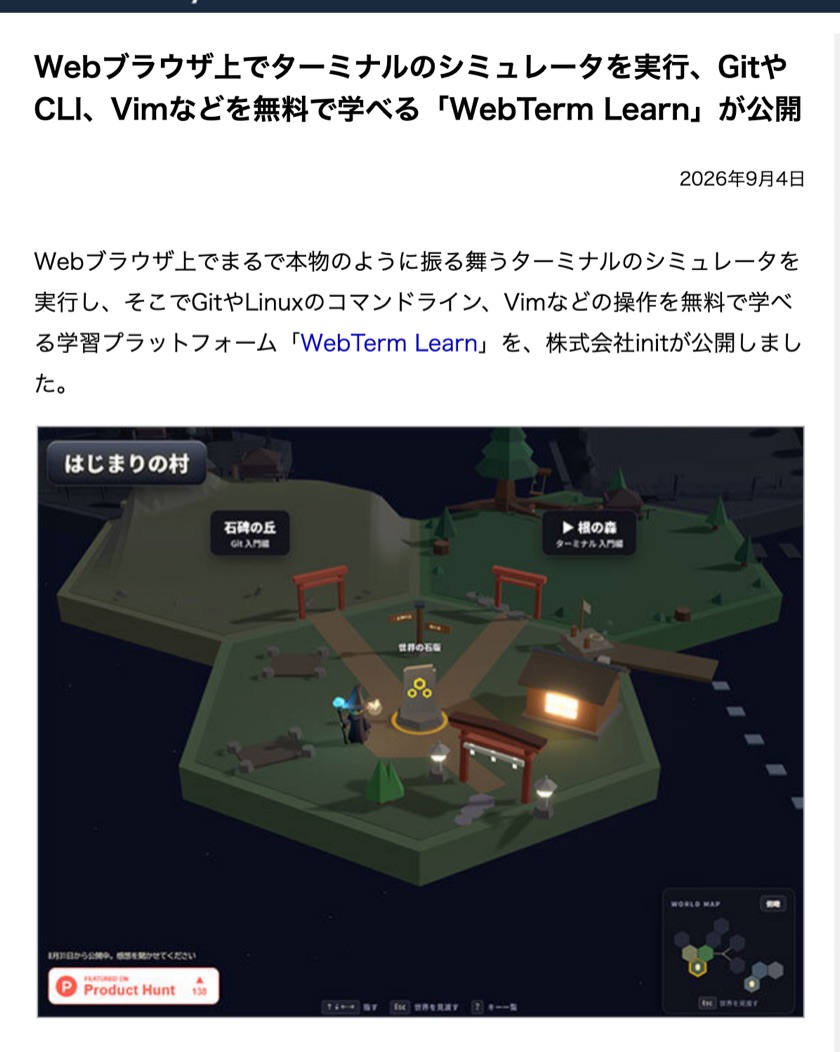
Publickey
See the original ↗
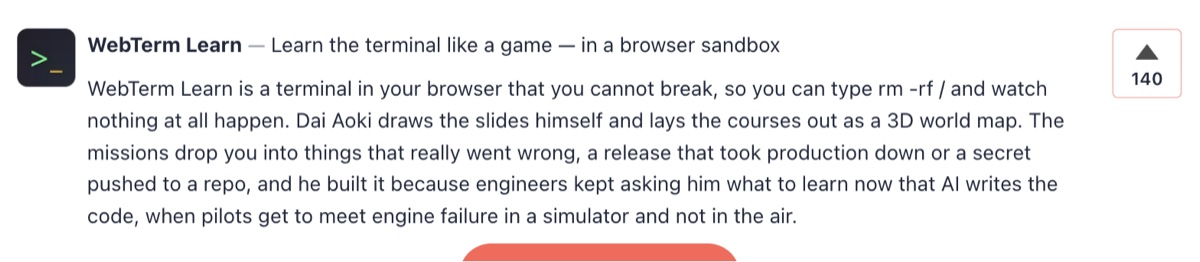
Product Hunt
See the original ↗
Coverage like this is welcome too.
- Use screenshots or screen recordings in your article or video
- Write what it was actually like to use, including what fell short
- Quote lesson content to explain a concept
- Compare it with other learning services
Press kit
Everything you need for a piece, in one file. You can also browse it right here.
ZIP · 15.1 MB
Select an image to open it at full size (2540x1520).
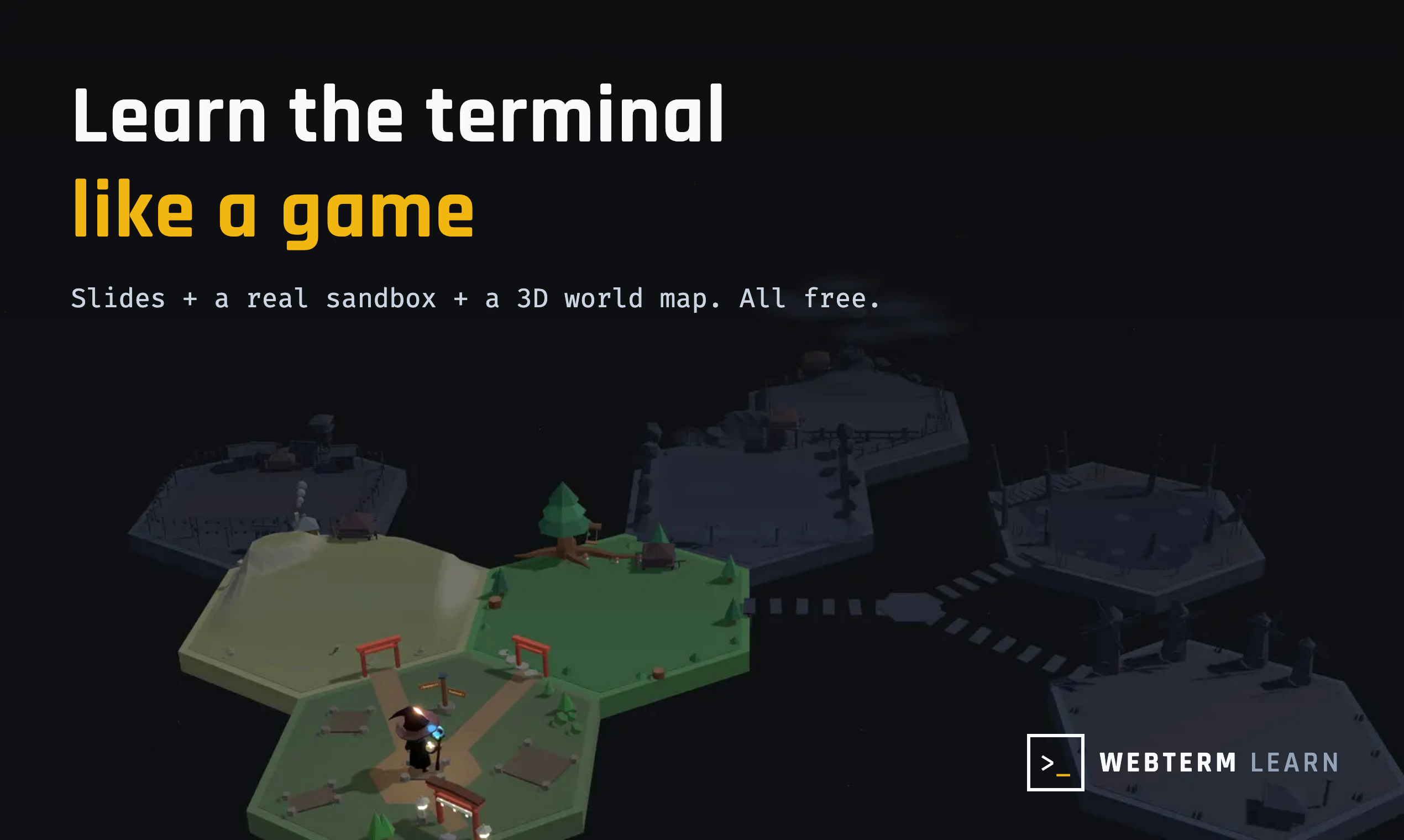
Learn the terminal like a game. Slides, a real sandbox and a 3D world map
PNG · 723 KB
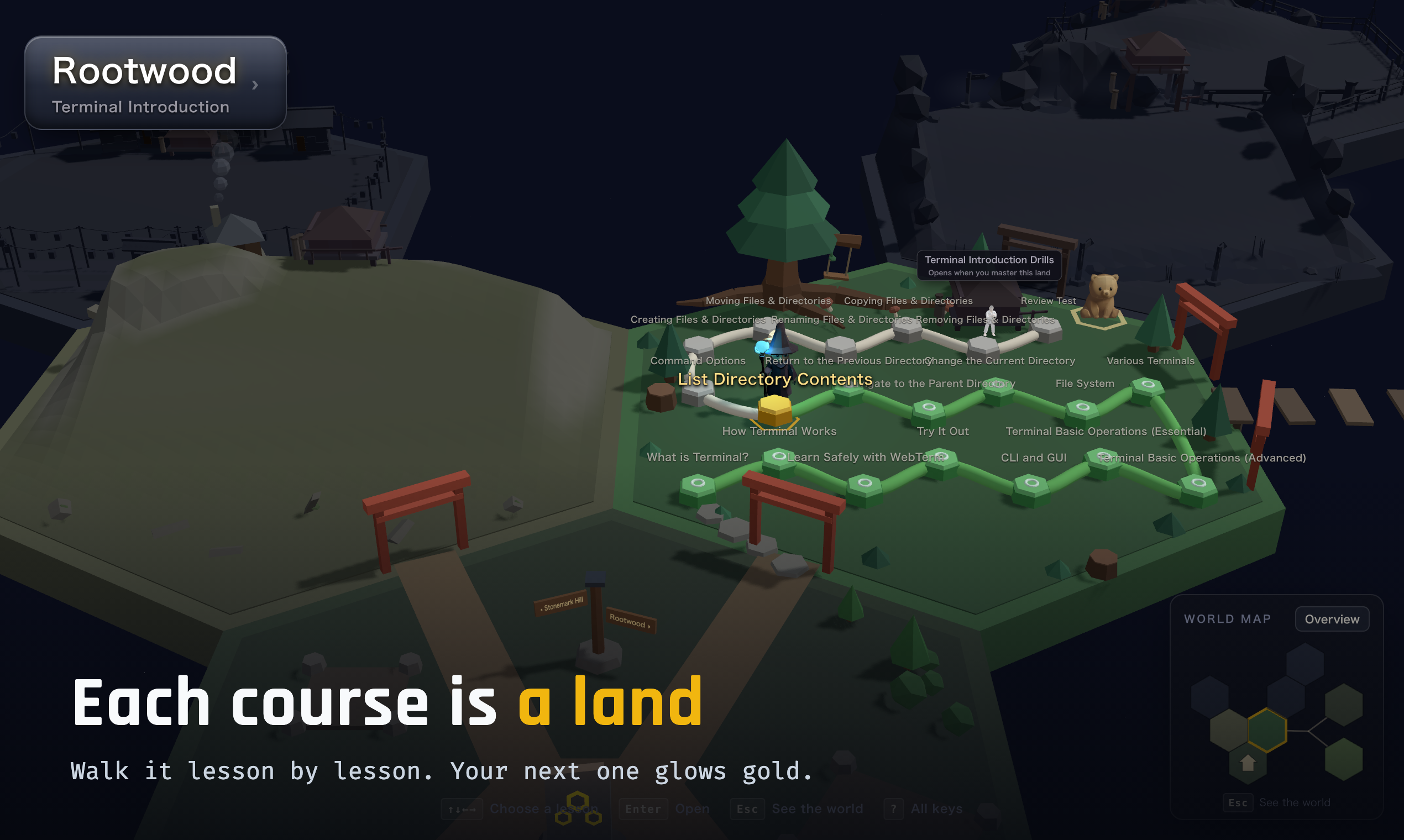
Each course is a land you walk lesson by lesson
PNG · 1003 KB
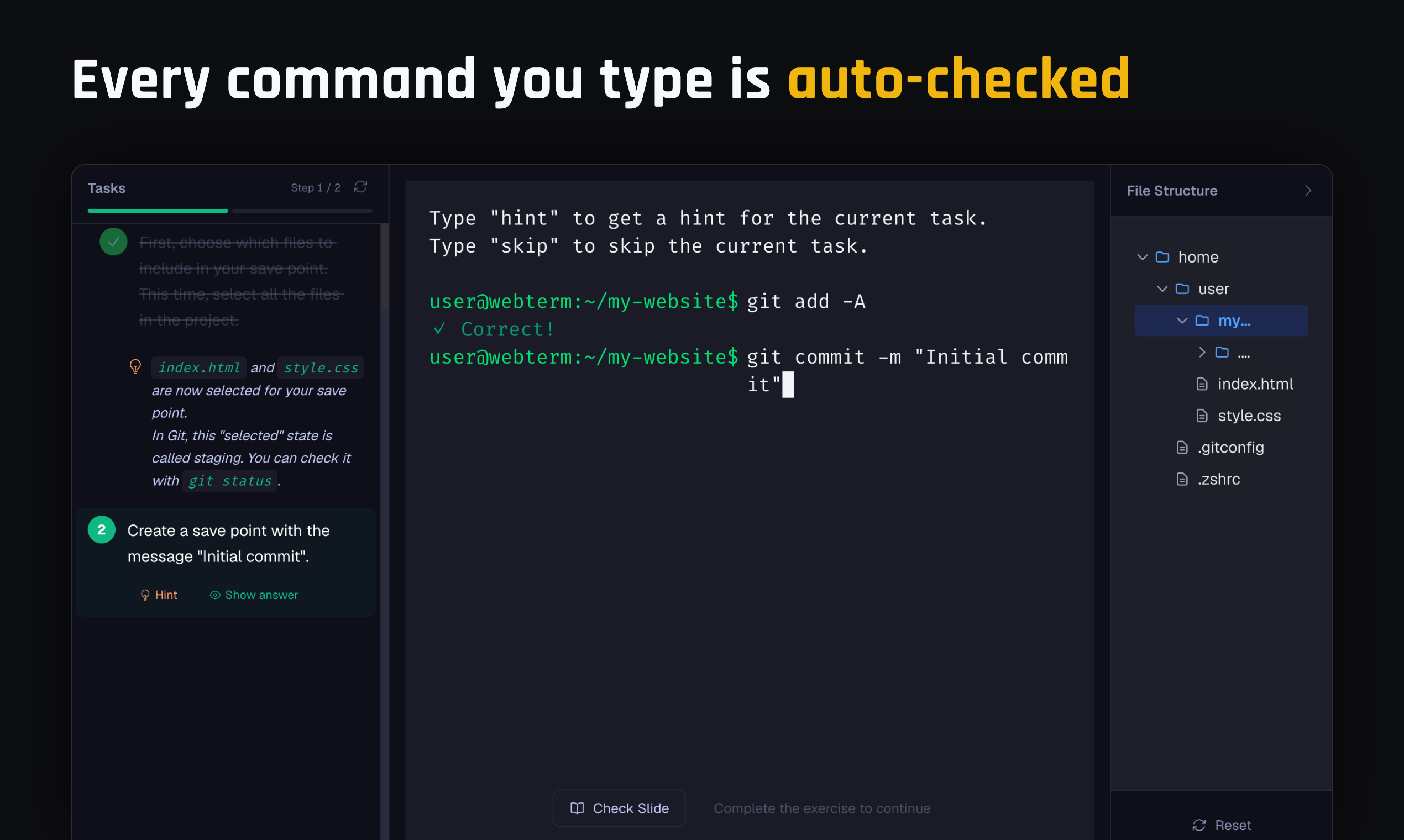
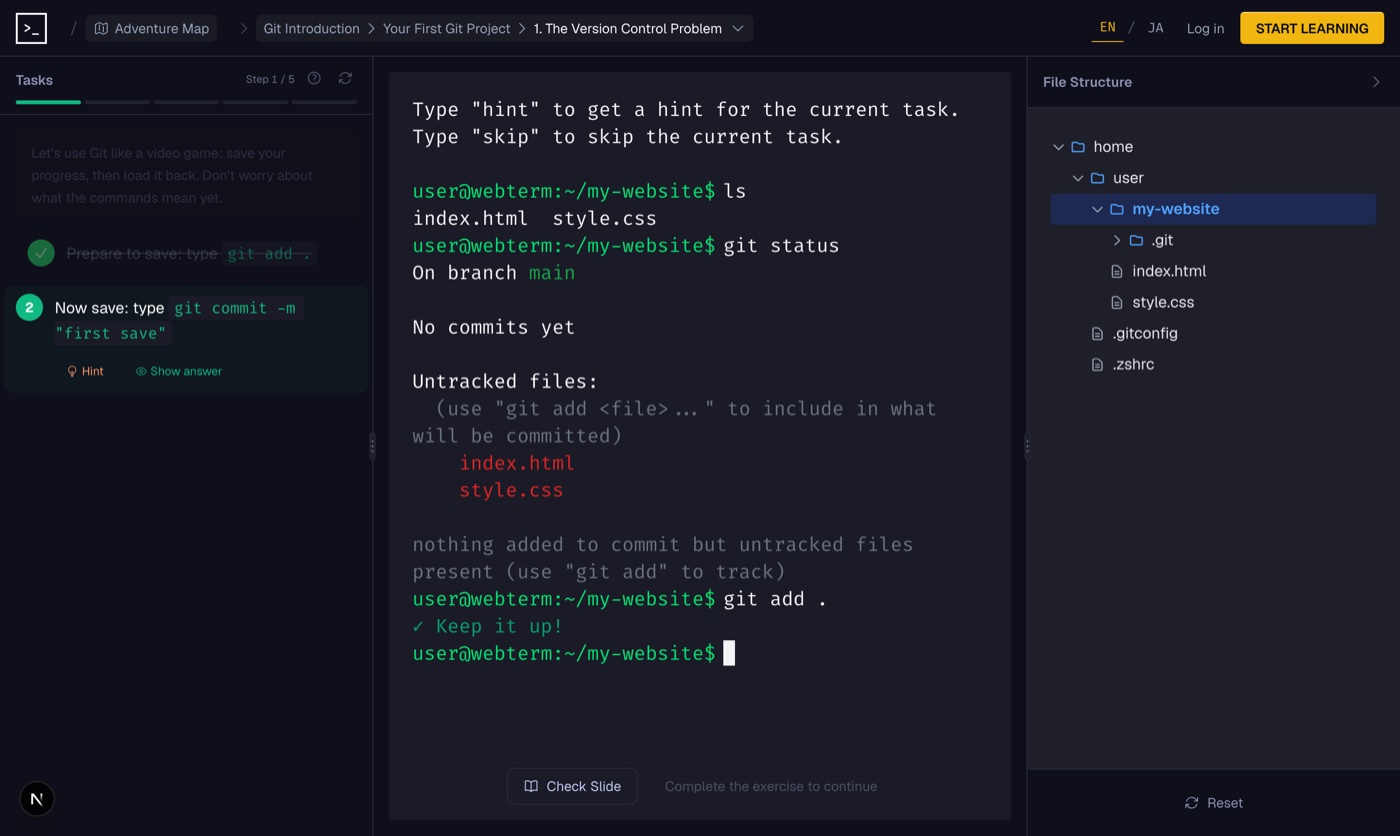
Tasks on the left, terminal in the middle, file tree on the right
PNG · 279 KB
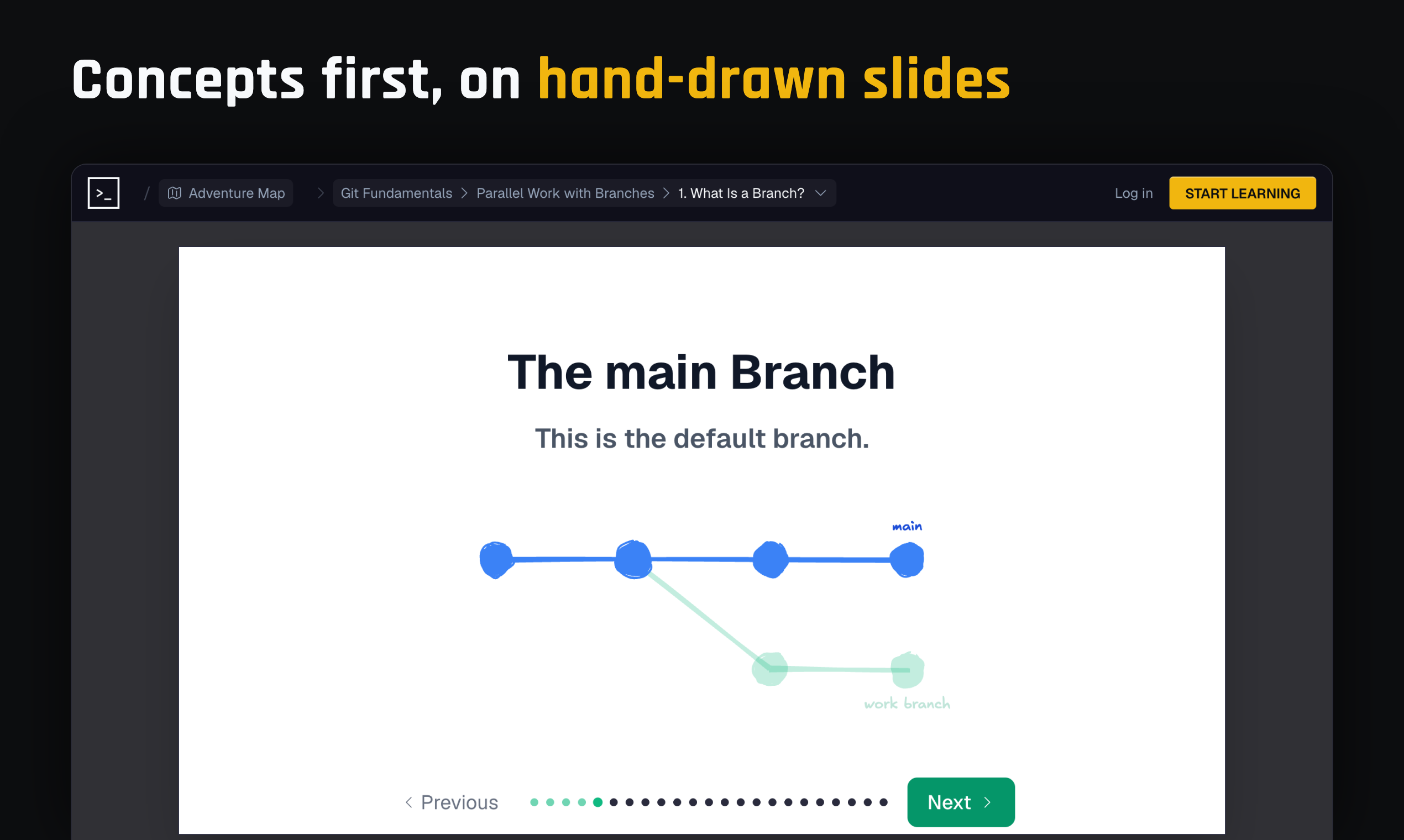
Concepts come first, on hand-drawn slides
PNG · 148 KB
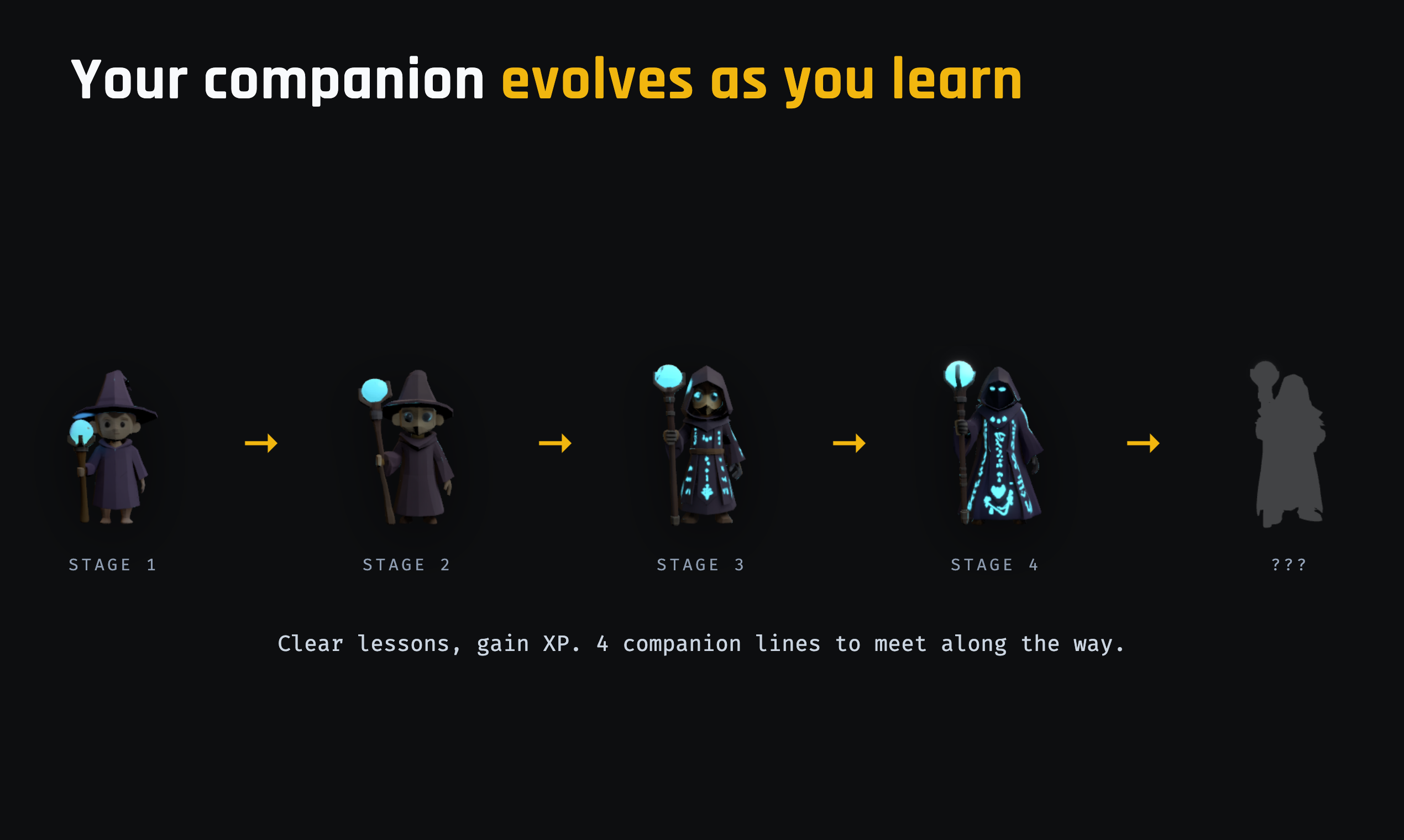
Your companion evolves as you clear lessons
PNG · 255 KB
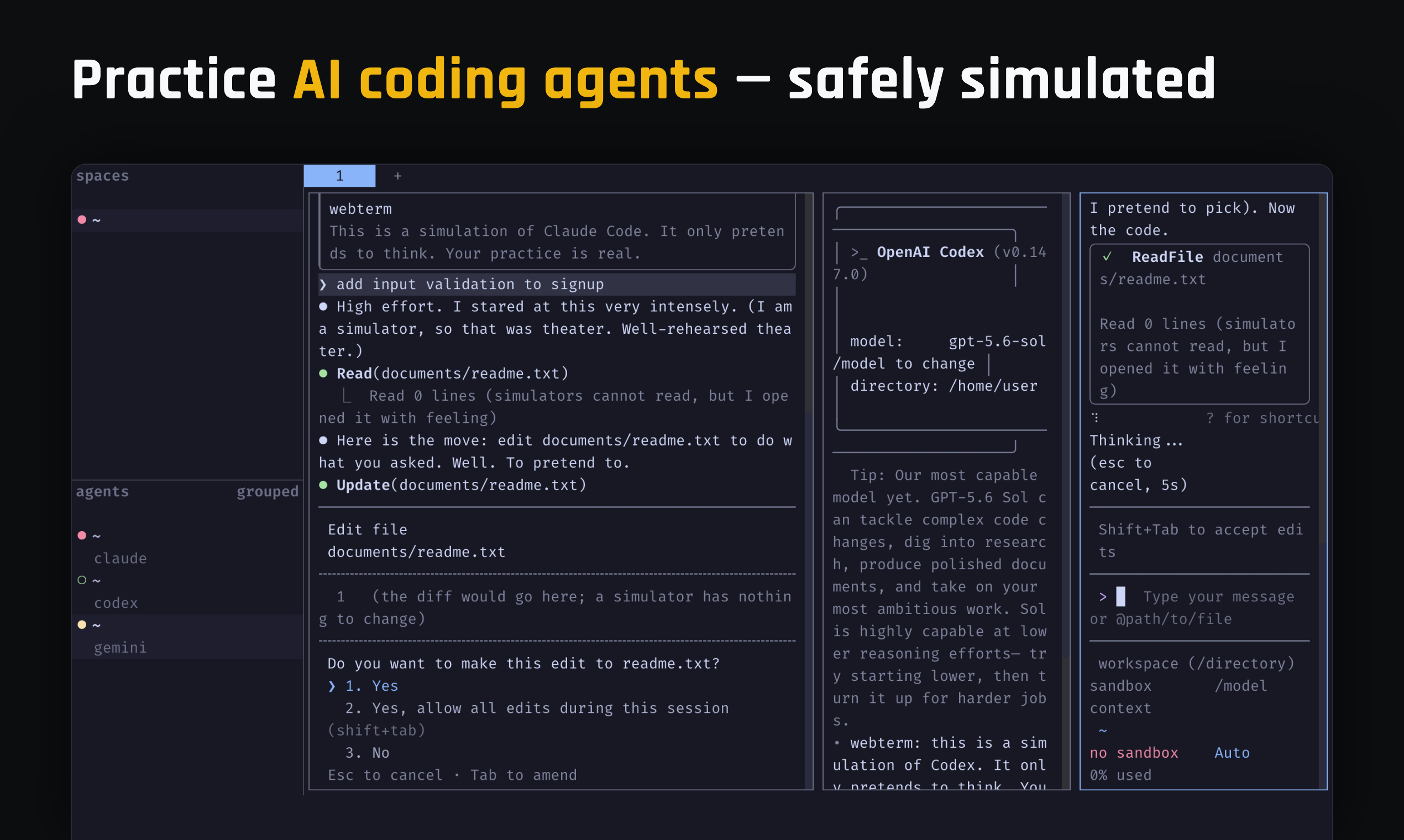
Practicing AI coding agents, safely simulated
PNG · 496 KB
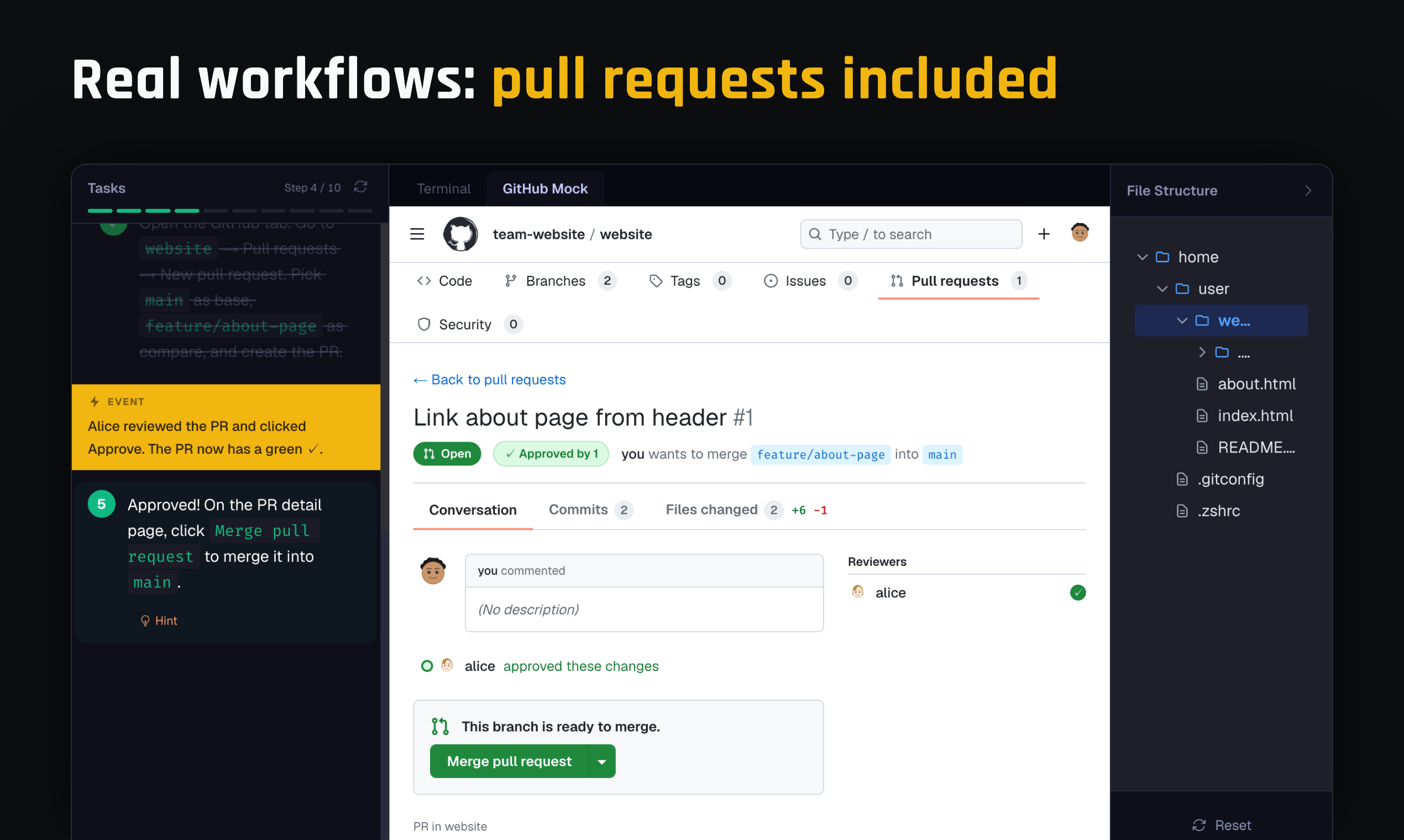
Real workflows, pull requests included
PNG · 352 KB
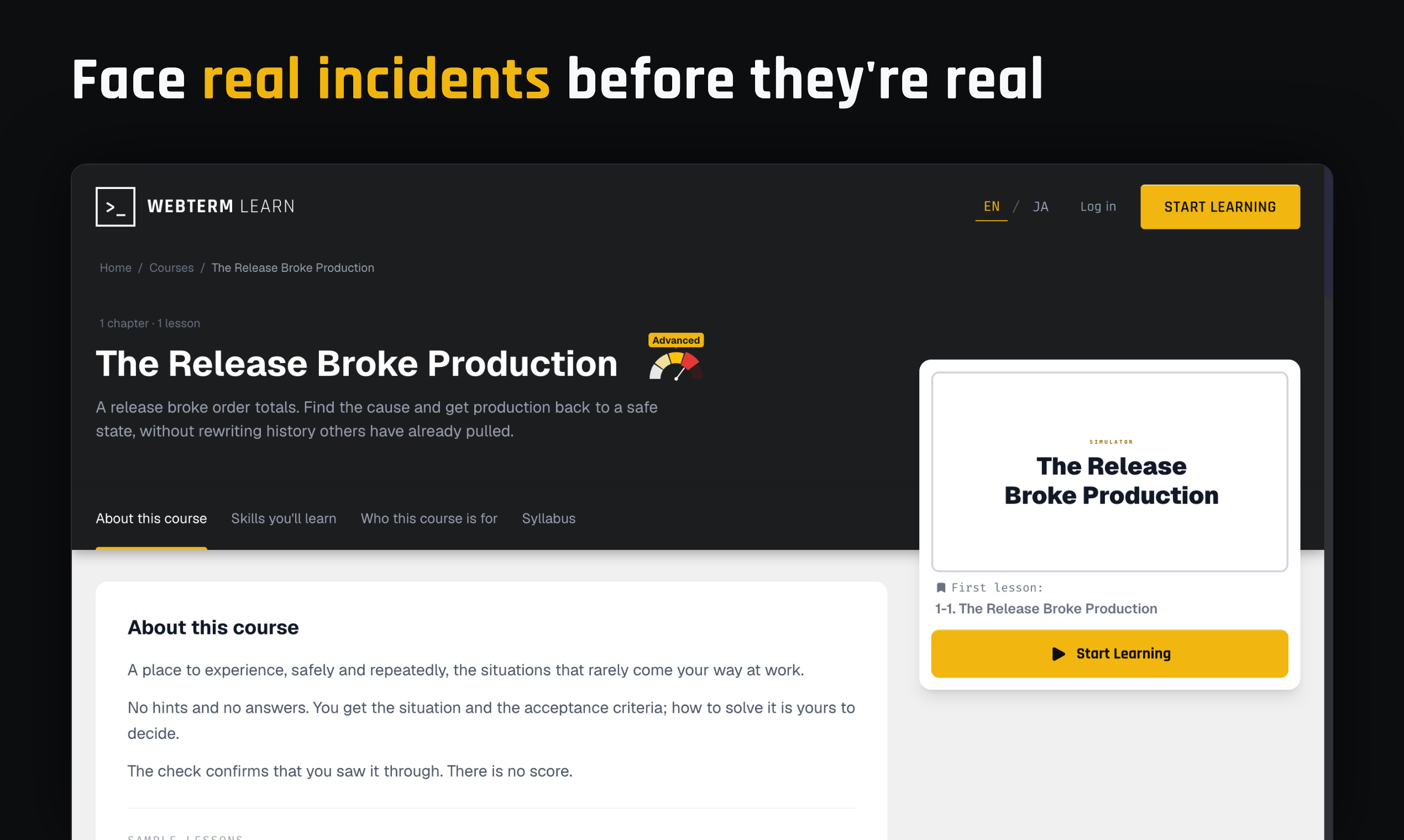
Simulator missions. Real incidents, solved without hints
PNG · 295 KB
Questions that come up
The numbers are counted from the course definitions, so they stay current.
- How long does it take to finish everything?
- Five to ten minutes per lesson. Across 13 courses and 139 lessons, around 16 hours in total.
- Does it work on a phone or tablet?
- Desktop only. Typing commands is the heart of the learning, and it leans on keys like Ctrl and Esc, which an on-screen keyboard cannot really carry.
- Is there a paid plan?
- No. Every course and every lesson is free.
- What can you learn?
- Linux commands, Git, Vim and Herdr, plus 2 simulator missions that recreate incidents from real work.
- There is no course on the topic I want. Will more be added?
- Courses are added steadily, and each one takes a while, because quality comes first. The diagrams are drawn by hand, and the order things are taught in matters as much as the content itself. The topics chosen are the ones still worth learning in the age of AI: the ones everything else sits on top of.
Selected coverage
Featured by established technology publications and the catalogs developers actually use.



Get in touch
Anything you want to check, just ask.
Email works too. contact@init.co.jp