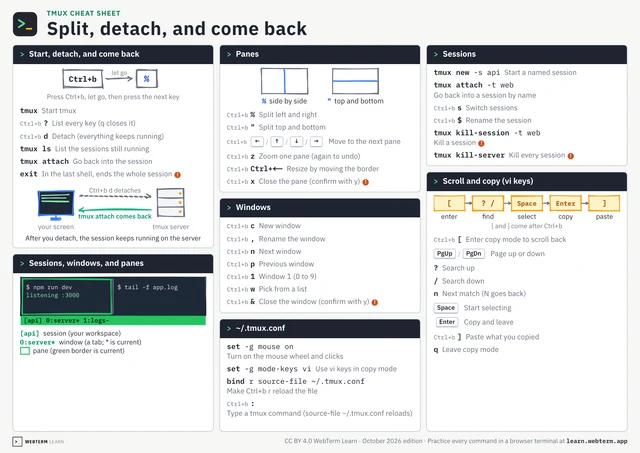
One Session Can Have Two Screens
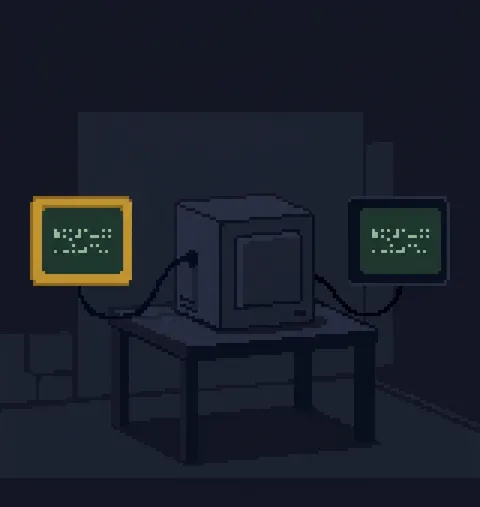
You attach to a tmux session, leave with d, and switch with s.
Usually there is one screen. There does not have to be.
Attach to the same session from two terminals and both show the same screen. A key pressed in one appears in the other.
Size follows the client you used last by default (tmux 3.1 and later) (window-size is latest). Set it to smallest and it always fits the smaller one.
Pair programming, an incident at two desks, teaching someone. To share with another user, create a shared socket with -S and grant access (the default socket lives where only you can read it).
A session is not a screen. It is the workspace that screens attach to.