The time cp froze my computer
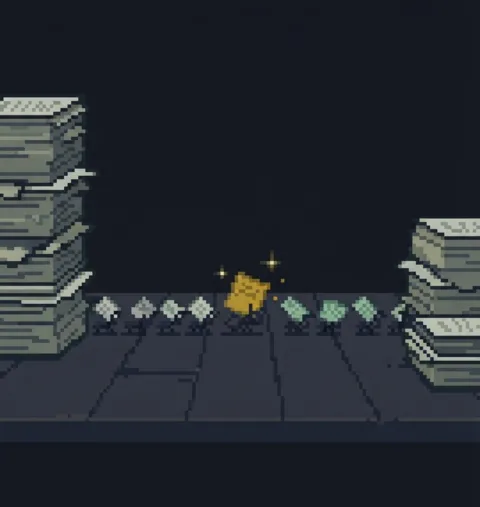
You run cp -r on a massive directory, and the screen looks frozen. No progress bar, nothing. "Did it freeze?" Panic sets in, and you run the same command again, making everything twice as bad.
Unlike mv, cp actually copies the contents of files. So for large files, it takes real time. And the terminal works in silence. It doesn't show you progress.
When in doubt, open another terminal and run du -sh on the destination to watch it grow.
When the terminal goes quiet, it's not slacking off. It's proof that it's hard at work.