Red and Green: Git's Traffic Lights

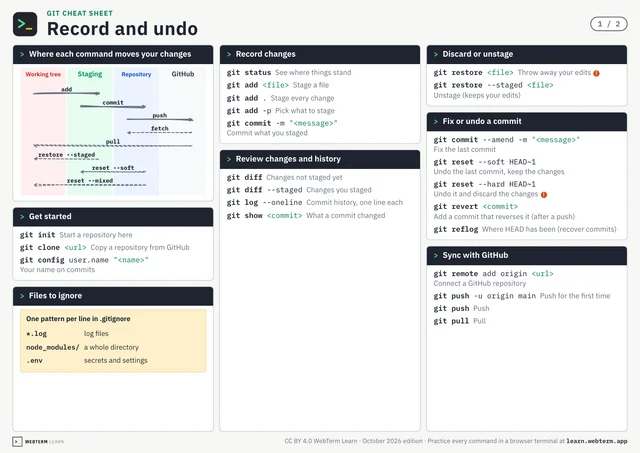
The first time you run git status, the output might look like a wall of text. But look closer: it's color-coded in red and green. Think of them as traffic lights. Green means "go": these files are staged and ready to be committed. Red means "stop": these files haven't been added yet and won't be in the next commit.
The fun part is that git add is the switch. A file that was red turns green the instant you stage it. There's something oddly satisfying about watching it happen. When your entire status screen goes green, it's like every traffic light on a long street turning green at once.
Read the colors, and you'll know exactly where you stand. git status is your best navigator.