For getting comfortable at the terminal
6 chapters · 23 lessonsAbout 2 h
Git Introduction
A free beginner course to learn Git version control by typing real commands in your browser. No setup needed. Practice everything from commit to push safely.
About this course
Git is a version control system that records and manages the history of changes to your code. It is the standard tool in software development worldwide, and combined with GitHub it enables publishing your code and collaborating with a team.
This course teaches Git from scratch. Perfect for anyone who has heard of Git but doesn't know how to use it, or who has started writing code with AI but isn't managing versions yet.
Starting from why version control matters, you'll learn the commit workflow, how to review and undo changes, and how to upload your project to GitHub. Six chapters and 23 lessons at a steady pace.
Each lesson takes about 5 minutes, and the whole course takes about 2 hours. The only prerequisite is basic terminal usage (finishing Terminal Introduction is plenty). Every exercise runs in a safe Git environment inside your browser, so there is nothing to install and no real project to break.
After this course, you'll be able to use Git confidently in personal projects and be ready to learn branching and merging for team collaboration in the fundamentals course.
Sample Lessons
Skills you'll learn
Commit Workflow
From creating repositories to staging and committing, master the core Git operations. Covers .gitignore and selective staging too.
Reviewing History & Undoing Changes
Use log, diff, and show to review your history, and safely undo mistakes with restore and reset.
Working with GitHub
Push, clone, and pull to upload your code to GitHub and sync across environments.
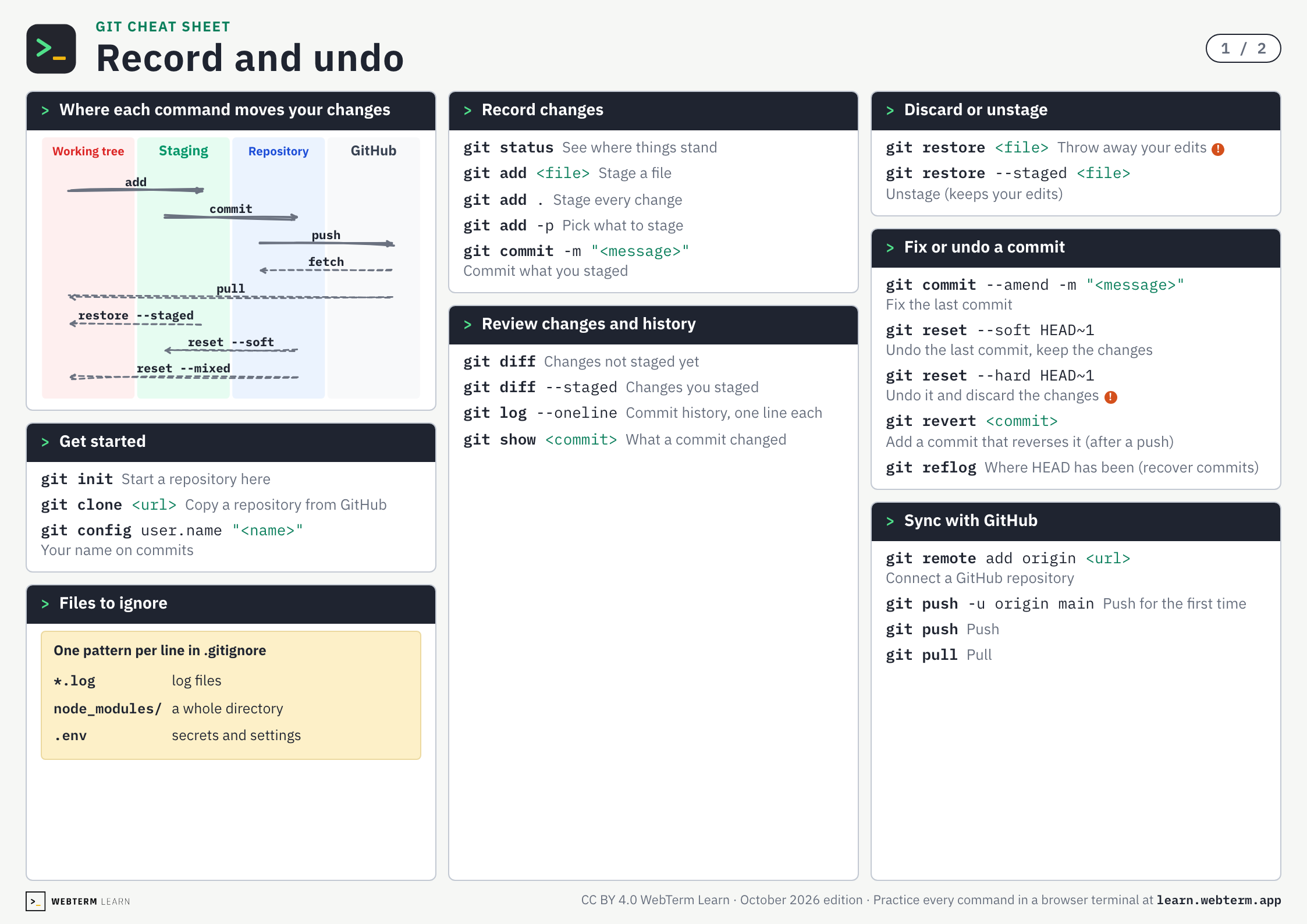
Git Cheat Sheet
Every command from the two Git courses on two A4 pages. The PDF is free and prints as is.
Who this course is for
Learning Git for the First Time
Start with what version control is and learn Git step by step.
Starting to Code with AI
Git is essential for managing AI-generated code. Learn to safely record and restore your changes.
Using Git Through a GUI Without Really Understanding It
Learn what happens behind SourceTree or VS Code, and gain the confidence to work from the command line.
Related Courses
Related articles
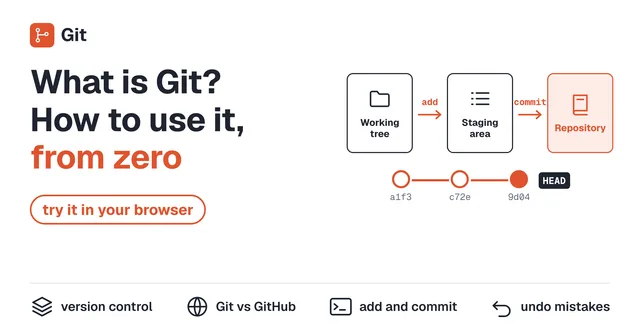 What Is Git? How to Use It, Explained for Beginners (Try It in Your Browser)What Git is, explained from zero: why version control matters, how Git differs from GitHub, and how to use init, add, commit, and push. Try every command in a safe browser environment as you read.
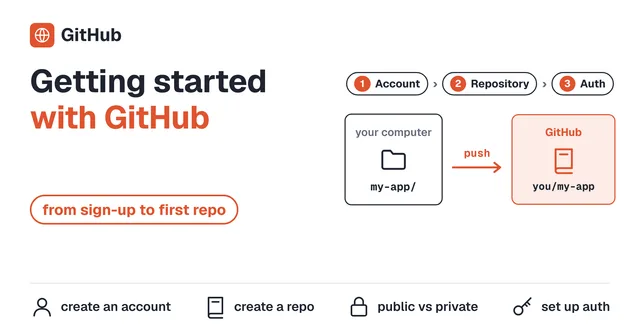 Getting Started with GitHub - From Account Creation to Your First RepositoryA beginner-friendly, step-by-step guide to creating a GitHub account and setting up your first repository. Get ready to store your Git-managed code online.
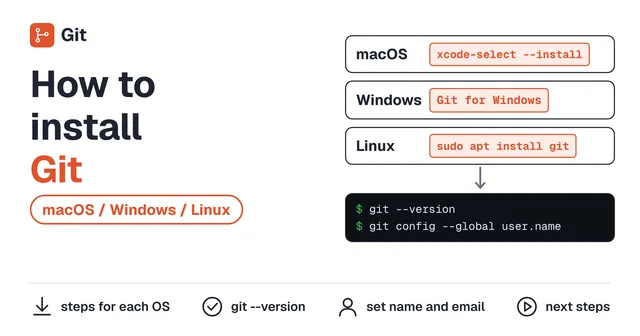 How to Install Git (macOS / Windows / Linux)A step-by-step guide to installing Git on macOS, Windows, and Linux. Covers installation methods for each OS and initial configuration.
Keys and commands
Start Version Control with Git
Practice →git init- Start a repository here
git config user.name "<name>"- Your name on commits
Create a Save Point
Practice →git add .- Stage every change
git commit -m "<message>"- Commit what you staged
Three Areas
Practice →git add <file>- Stage a file
Check Your Changes
Practice →git status- See where things stand
git diff- Changes not staged yet
git diff --staged- Changes you staged
Master Selective Staging
Practice →git add -p- Pick what to stage
Exclude Files from Tracking
Practice →*.log- log files
node_modules/- a whole directory
.env- secrets and settings
Undo Your Edits
Practice →git restore <file>- Throw away your edits
Undo Staging
Practice →git restore --staged <file>- Unstage (keeps your edits)
Undo a Commit
Practice →git reset --soft HEAD~1- Undo the last commit, keep the changes
git reflog- Where HEAD has been (recover commits)
Other Reset Operations
Practice →git reset --hard HEAD~1- Undo it and discard the changes
Other Ways to Undo
Practice →git commit --amend -m "<message>"- Fix the last commit
git revert <commit>- Add a commit that reverses it (after a push)
View Commit History
Practice →git log --oneline- Commit history, one line each
Inspect a Commit
Practice →git show <commit>- What a commit changed
Upload to GitHub
Practice →git remote add origin <url>- Connect a GitHub repository
Sync with the Remote
Practice →git push -u origin main- Push for the first time
git push- Push
git pull- Pull
Get a Repository
Practice →git clone <url>- Copy a repository from GitHub
BEGIN YOUR
JOURNEY
Join thousands of developers who've mastered the terminal. Your first lesson awaits.
Get Started →