What If the Destination Is Not There?

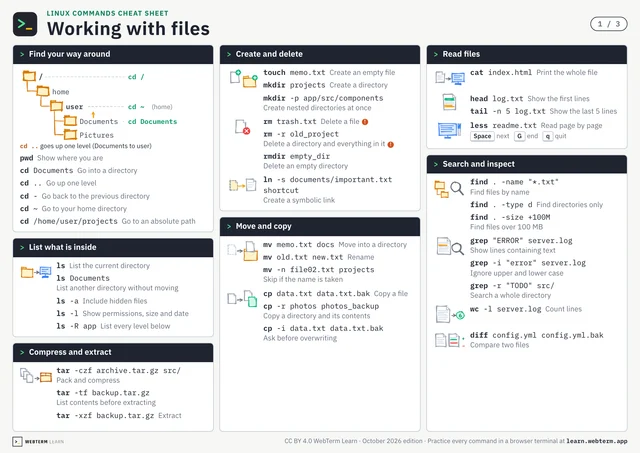
Type mv *.txt backup and every .txt file lands inside backup. As long as backup is there, that is.
So what happens when the backup directory does not exist?
The rule for mv is simple: whatever you wrote last is the destination. With two or more files, mv stops and tells you the destination is not a directory. But when the pattern matches exactly one file, everything changes. mv report.txt backup is a perfectly valid command meaning "rename report.txt to backup."
The line you wrote to tidy up logs every night is quietly renaming one file to backup and painting over last night's. Nothing is printed.
The guard is a single character: end the destination with a /. With mv *.txt backup/, mv stops with an error whenever backup is not a directory. Running mkdir -p backup first works just as well.
One line that moves everything at once is powerful. The more powerful the line, the more worth knowing where it lands when it misses.