For getting comfortable at the terminal
5 chapters · 13 lessonsAbout 1 h
Terminal Basics
A free course to master everyday Linux skills like file operations, pipes, and redirection through hands-on practice in your browser.
This course continues from Terminal Introduction
About this course
The next step after the introductory course. Build practical terminal skills you'll use in real work: finding files, extracting information from logs, chaining commands to automate tasks. You'll learn to solve everyday challenges with the terminal.
Navigate directory structures freely by understanding how paths work, process text with grep, regex, and pipes, and manage file archives. Five chapters and 13 lessons at a steady pace.
After completing this course, you'll have the intermediate terminal skills needed to move on to Git, shell scripting, and server administration.
Sample Lessons
Skills you'll learn
Path & Filesystem Navigation
Understand absolute/relative paths and symlinks, and quickly locate files with the find command.
File Viewing & Text Processing
Efficiently inspect files with head, tail, and less, then search and extract text using grep and regular expressions.
Pipes, Redirects & Practical Operations
Chain commands with pipes, save output with redirects, create nested directories at once, and manage archives with tar.
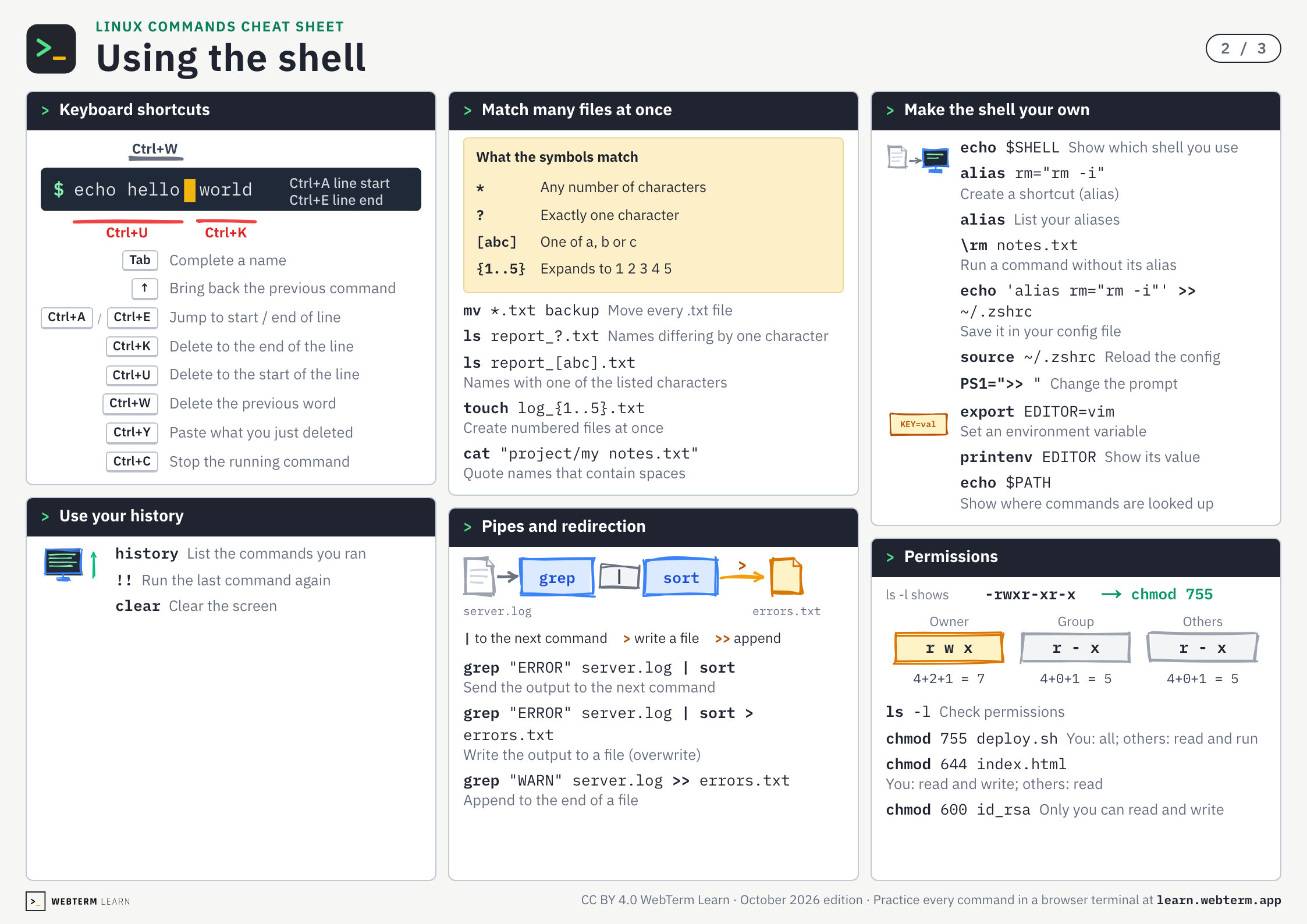
Linux Commands Cheat Sheet
Every command from the three terminal courses on three A4 pages. The PDF is free and prints as is.
Who this course is for
Ready for the Next Step
Build practical intermediate techniques on top of your foundational knowledge.
Want to Work More Efficiently
Once you learn file search and text processing, tasks that used to take minutes will be done in seconds.
Want to Read Logs and Data Yourself
With grep, regex, and pipes, you can quickly extract what you need from large volumes of text.
Related Courses
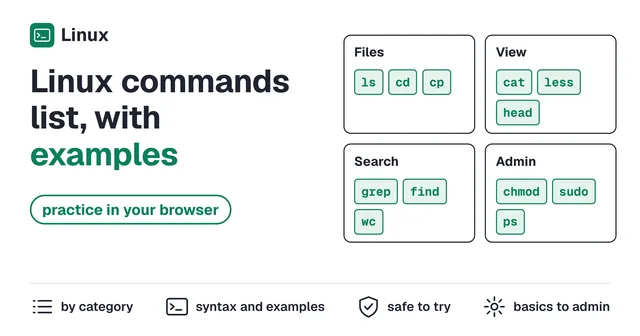
Keys and commands
Three Important Directories
Practice →cd ~- Go to your home directory
Absolute and Relative Paths
Practice →cd /home/user/projects- Go to an absolute path
cat index.html- Print the whole file
Creating Symbolic Links
Practice →ln -s documents/important.txt shortcut- Create a symbolic link
Finding Files & Directories
Practice →find . -name "*.txt"- Find files by name
find . -type d- Find directories only
find . -size +100M- Find files over 100 MB
Creating Nested Directories
Practice →ls -R app- List every level below
mkdir -p app/src/components- Create nested directories at once
Moving Multiple Files at Once
Practice →mv *.txt backup- Move every .txt file
Viewing Part of a File
Practice →head log.txt- Show the first lines
tail -n 5 log.txt- Show the last 5 lines
Scrollable File Viewing
Practice →less readme.txt- Read page by page
Examining Text Files
Practice →grep "ERROR" server.log- Show lines containing text
grep -i "error" server.log- Ignore upper and lower case
grep -r "TODO" src/- Search a whole directory
wc -l server.log- Count lines
diff config.yml config.yml.bak- Compare two files
Pipes and Redirects
Practice →grep "ERROR" server.log | sort- Send the output to the next command
grep "ERROR" server.log | sort > errors.txt- Write the output to a file (overwrite)
grep "WARN" server.log >> errors.txt- Append to the end of a file
Compressing and Extracting Files
Practice →tar -czf archive.tar.gz src/- Pack and compress
tar -tf backup.tar.gz- List contents before extracting
tar -xzf backup.tar.gz- Extract
BEGIN YOUR
JOURNEY
Join thousands of developers who've mastered the terminal. Your first lesson awaits.
Get Started →