Where Did the Tiny Commits Go?
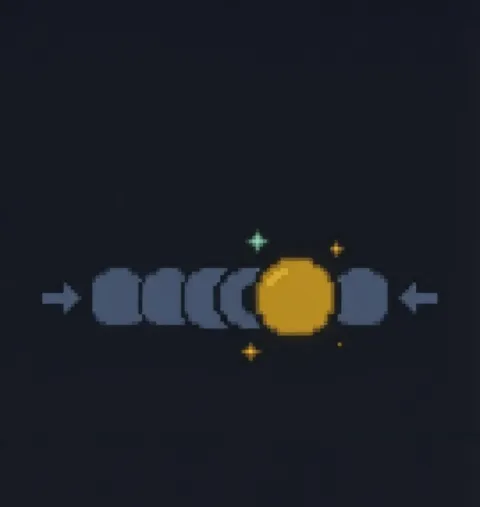
Peek at git log right after a squash and you may feel a small jolt. All that's on main is one tidy commit. "Wait, did my work vanish?" Double-taking at the log after your first squash is a rite of passage.
Relax, the changes are all there inside that single commit. A squash isn't a merge: it takes only the net result of those tiny commits and stamps out a brand-new one. That's why it has just one parent and isn't even a merge commit.
This is exactly what GitHub's "Squash and merge" button does. While building, commit however you like: wip, fix typo, whatever. Once review is done, squash folds it all into one commit you can stand behind. Your trial and error stays with you; the team's history stays clean.