The Best ThinkPad for Omarchy: Compare 60 Models by Specs, Photos and Used Prices
Compare 60 ThinkPad models you can buy used, by Lenovo’s official specs and typical used prices.
Prices for the same model can more than double depending on CPU and memory, so they are shown per configuration.
59 models(of 60; Snapdragon models are excluded because Omarchy does not install on them)
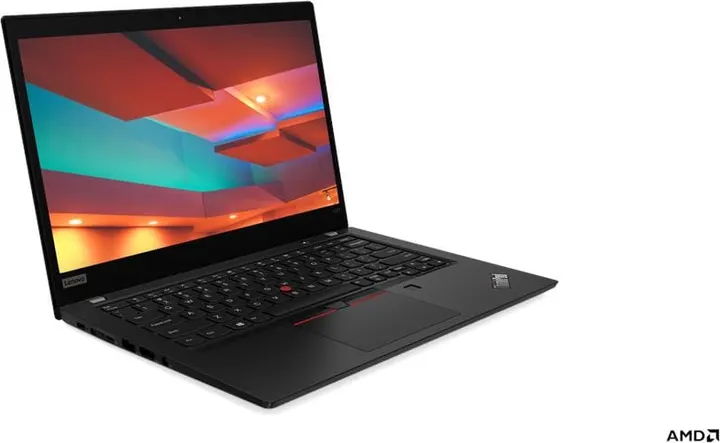
X395
Jun 2019$40–$110 by configLow-cost with 16GB+ ($80)- Display
- 13.3″ 16:9 · touch
- Weight
- 1.28 kg~
- Memory
- Up to 16GB, soldered
- Ports
- C×2 A×2 HDMI microSD
- Lenovo sold it with Linux preinstalled (Ubuntu Linux)
- Face login (IR camera) is not part of Omarchy’s setup (fingerprint and FIDO2 keys are)
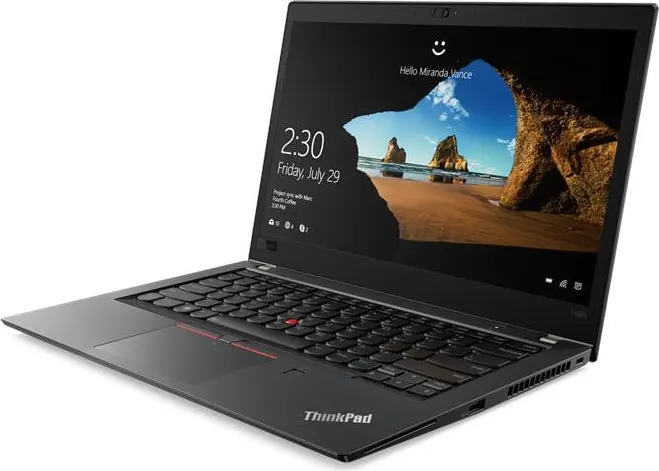
T480s
Jan 2018$60–$180 by configLow-cost with 16GB+ ($80)- Display
- 14″ 16:9 · touch
- Weight
- 1.32 kg~
- Memory
- Up to 24GB, upgradable
- Ports
- TB×1 C×1 A×2 HDMI LAN SD
- Some configurations have an NVIDIA dGPU (MX150). Omarchy installs the legacy 580 driver; the screen is driven by the integrated GPU
- Face login (IR camera) is not part of Omarchy’s setup (fingerprint and FIDO2 keys are)
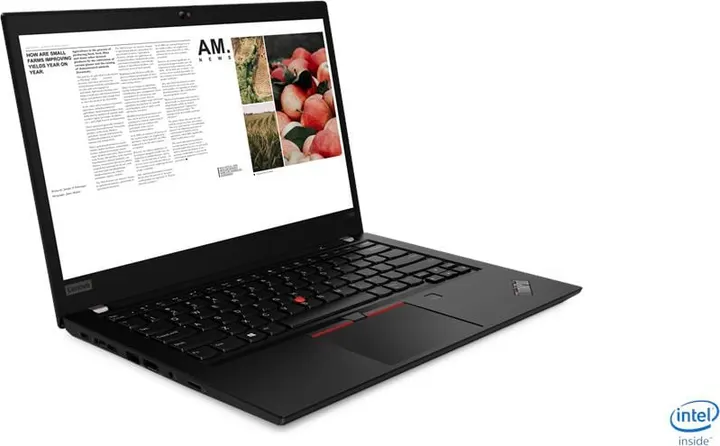
T490
Mar 2019$80–$190 by configLow-cost with 16GB+ ($90)- Display
- 14″ 16:9 · touch
- Weight
- 1.46 kg~
- Memory
- Up to 48GB, upgradable
- Ports
- TB×1 C×1 A×2 HDMI LAN microSD
- Lenovo sold it with Linux preinstalled (Ubuntu Linux)
- Some configurations have an NVIDIA dGPU (MX250). Omarchy installs the legacy 580 driver; the screen is driven by the integrated GPU
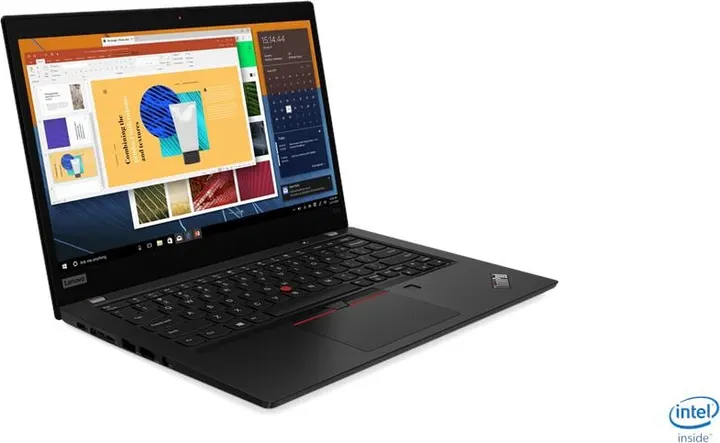
X390
Mar 2019$40–$130 by configLow-cost with 16GB+ ($90)- Display
- 13.3″ 16:9 · touch
- Weight
- 1.22 kg~
- Memory
- Up to 32GB, soldered
- Ports
- TB×1 C×1 A×2 HDMI microSD
- Lenovo sold it with Linux preinstalled (Ubuntu Linux)
- Face login (IR camera) is not part of Omarchy’s setup (fingerprint and FIDO2 keys are)
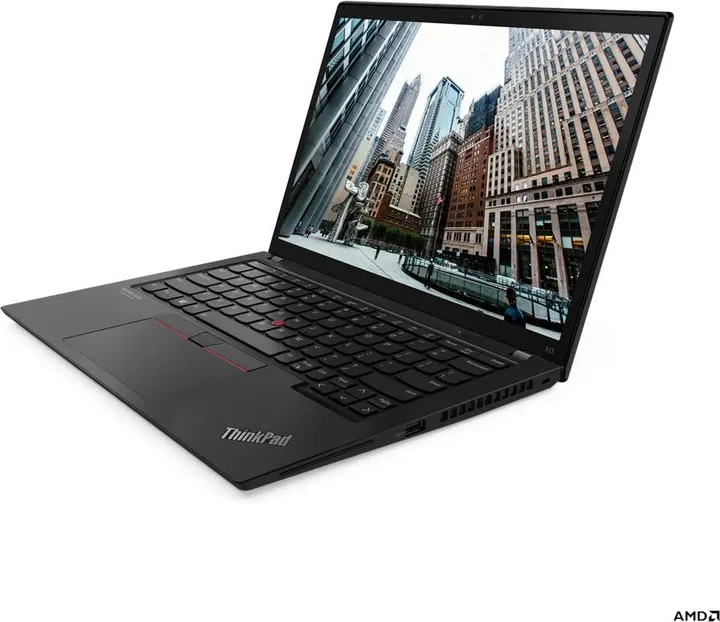
X13 Gen 2 (AMD)
Jul 2021$130–$380 by configLow-cost with 16GB+ ($140)- Display
- 13.3″ 16:10 · touch
- Weight
- 1.19 kg~
- Memory
- Up to 32GB, soldered
- Ports
- C×2 A×2 HDMI
- Lenovo sold it with Linux preinstalled (Ubuntu Linux)
- Face login (IR camera) is not part of Omarchy’s setup (fingerprint and FIDO2 keys are)
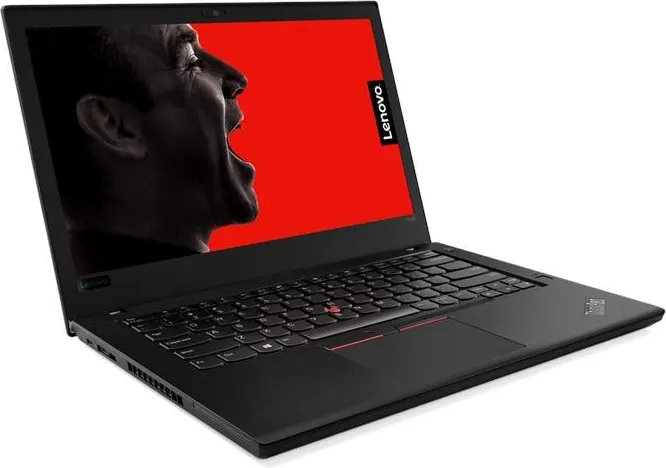
T480
Jan 2018$110–$160 by configLow-cost with 16GB+ ($140)- Display
- 14″ 16:9 · touch
- Weight
- 1.58 kg~
- Memory
- Up to 32GB, upgradable
- Ports
- TB×1 C×1 A×2 HDMI LAN SD
- Some configurations have an NVIDIA dGPU (MX150). Omarchy installs the legacy 580 driver; the screen is driven by the integrated GPU
- Face login (IR camera) is not part of Omarchy’s setup (fingerprint and FIDO2 keys are)
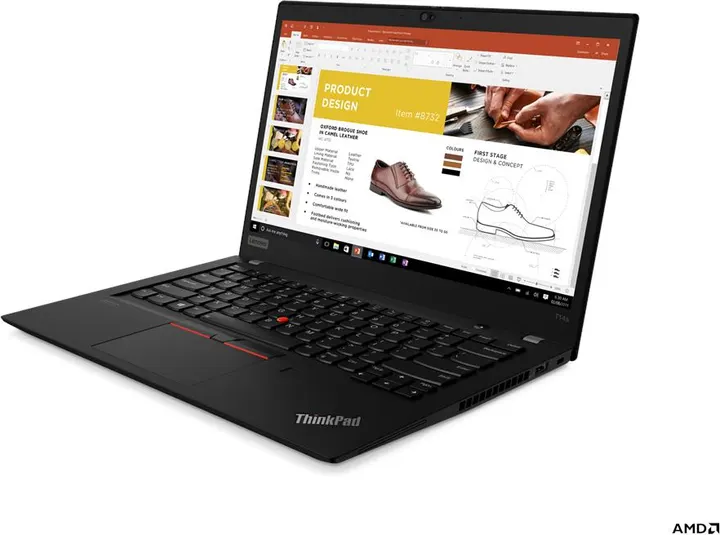
T14s Gen 1 (AMD)
Jun 2020$100–$140 by configLow-cost with 16GB+ ($140)- Display
- 14″ 16:9 · touch
- Weight
- 1.27 kg~
- Memory
- Up to 32GB, soldered
- Ports
- C×2 A×2 HDMI microSD
- Lenovo sold it with Linux preinstalled (Ubuntu Linux)
- Face login (IR camera) is not part of Omarchy’s setup (fingerprint and FIDO2 keys are)
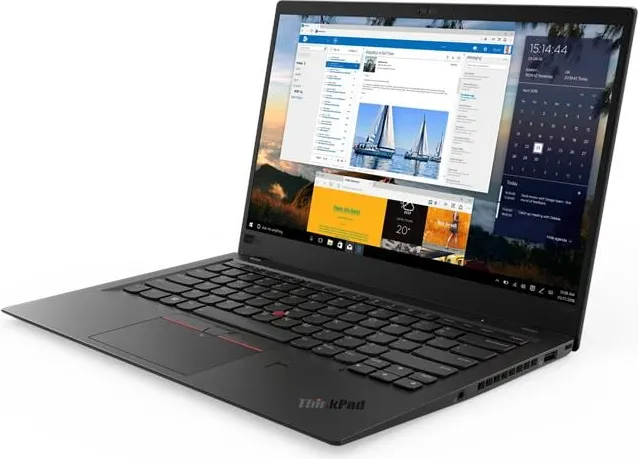
X1 Carbon (6th Gen)
Feb 2018$90–$140 by configLow-cost with 16GB+ ($140)- Display
- 14″ 16:9 · touch
- Weight
- 1.13 kg~
- Memory
- Up to 16GB, soldered
- Ports
- TB×2 A×2 HDMI microSD
- Face login (IR camera) is not part of Omarchy’s setup (fingerprint and FIDO2 keys are)
- Fingerprint reader: Omarchy’s menu sets it up for sudo and the lock screen (if libfprint supports the sensor)
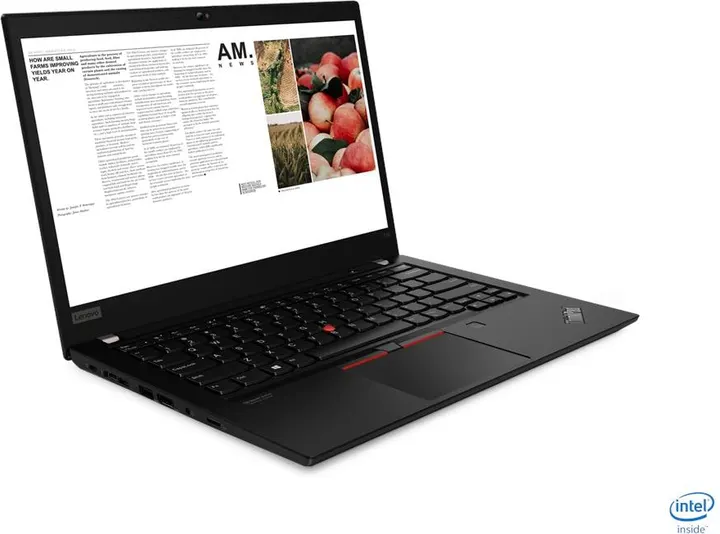
T14 Gen 1 (Intel)
May 2020$110–$190 by configLow-cost with 16GB+ ($140)- Display
- 14″ 16:9 · touch
- Weight
- 1.49 kg~
- Memory
- Up to 48GB, upgradable
- Ports
- TB×1 C×1 A×2 HDMI LAN microSD
- Lenovo sold it with Linux preinstalled (Ubuntu Linux)
- Some configurations have an NVIDIA dGPU (MX330). Omarchy installs the legacy 580 driver; the screen is driven by the integrated GPU
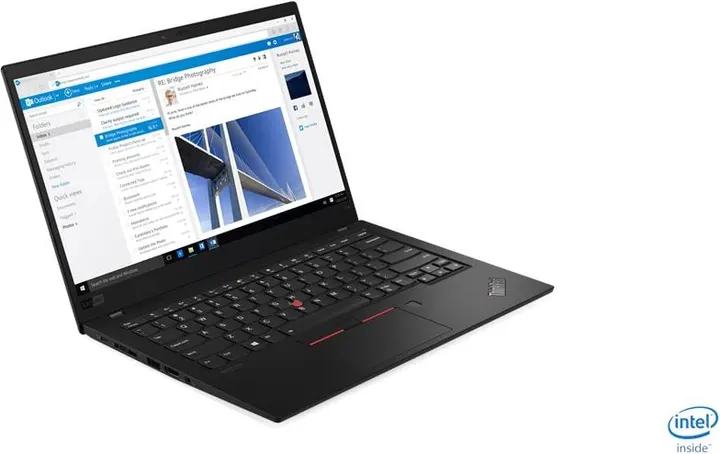
X1 Carbon (7th Gen)
Jun 2019$90–$280 by configLow-cost with 16GB+ ($150)- Display
- 14″ 16:9 · touch
- Weight
- 1.09 kg~
- Memory
- Up to 16GB, soldered
- Ports
- TB×2 A×2 HDMI
- Lenovo sold it with Linux preinstalled (Fedora Linux / Ubuntu Linux)
- Face login (IR camera) is not part of Omarchy’s setup (fingerprint and FIDO2 keys are)
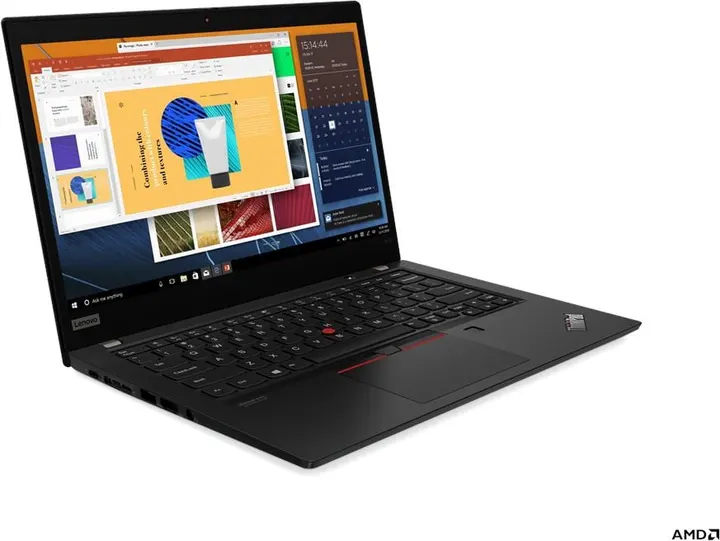
X13 Gen 1 (AMD)
Jun 2020$60–$220 by configLow-cost with 16GB+ ($150)- Display
- 13.3″ 16:9 · touch
- Weight
- 1.28 kg~
- Memory
- Up to 32GB, soldered
- Ports
- C×2 A×2 HDMI microSD
- Lenovo sold it with Linux preinstalled (Ubuntu Linux)
- Face login (IR camera) is not part of Omarchy’s setup (fingerprint and FIDO2 keys are)
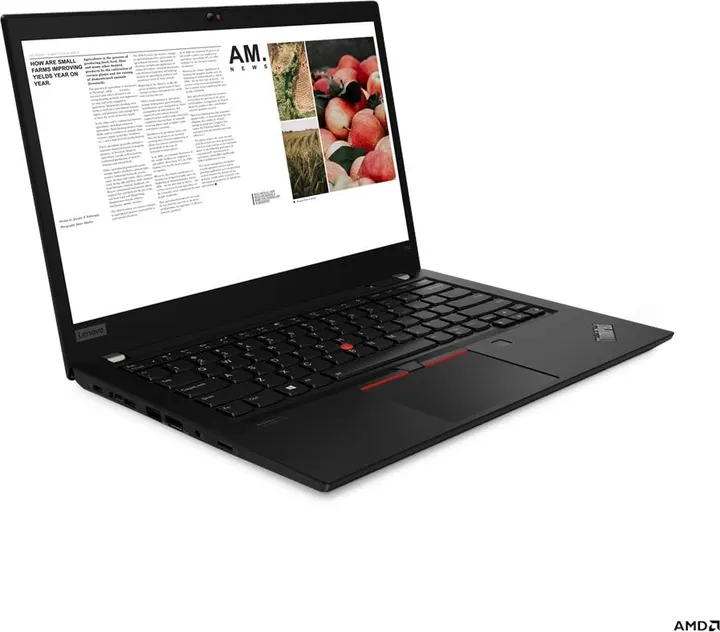
T14 Gen 2 (AMD)
Jun 2021$160–$270 by configLow-cost with 16GB+ ($170)- Display
- 14″ 16:9 · touch
- Weight
- 1.46 kg~
- Memory
- Up to 48GB, upgradable
- Ports
- C×2 A×2 HDMI LAN microSD
- Lenovo sold it with Linux preinstalled (Fedora Linux / Ubuntu Linux)
- Face login (IR camera) is not part of Omarchy’s setup (fingerprint and FIDO2 keys are)
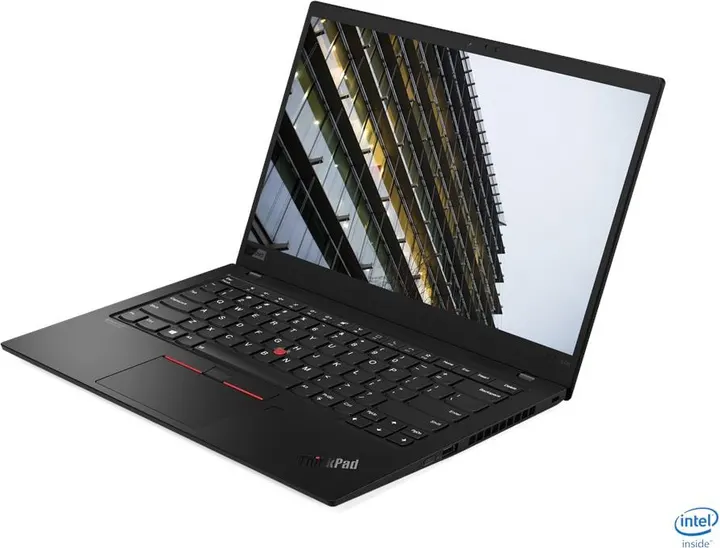
X1 Carbon Gen 8
Apr 2020$150–$220 by configLow-cost with 16GB+ ($180)- Display
- 14″ 16:9 · touch
- Weight
- 1.09 kg~
- Memory
- Up to 16GB, soldered
- Ports
- TB×2 A×2 HDMI
- Lenovo sold it with Linux preinstalled (Fedora Linux / Ubuntu Linux)
- Face login (IR camera) is not part of Omarchy’s setup (fingerprint and FIDO2 keys are)
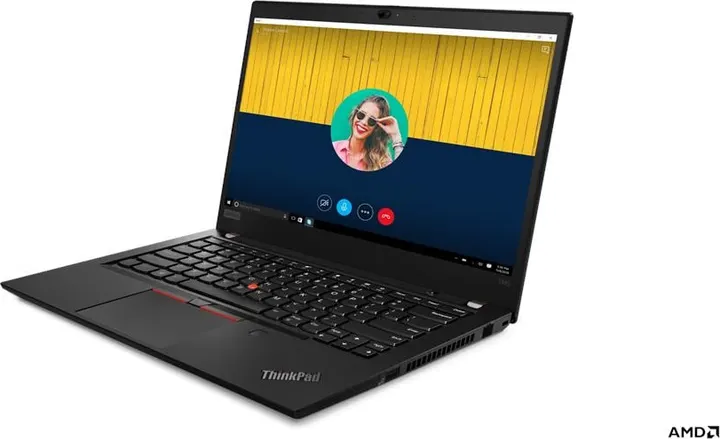
T495
May 2019$70–$210 by configAffordable with 16GB+ ($210)- Display
- 14″ 16:9 · touch
- Weight
- 1.54 kg~
- Memory
- Up to 32GB, upgradable
- Ports
- C×2 A×2 HDMI LAN microSD
- Lenovo sold it with Linux preinstalled (Ubuntu Linux)
- Face login (IR camera) is not part of Omarchy’s setup (fingerprint and FIDO2 keys are)
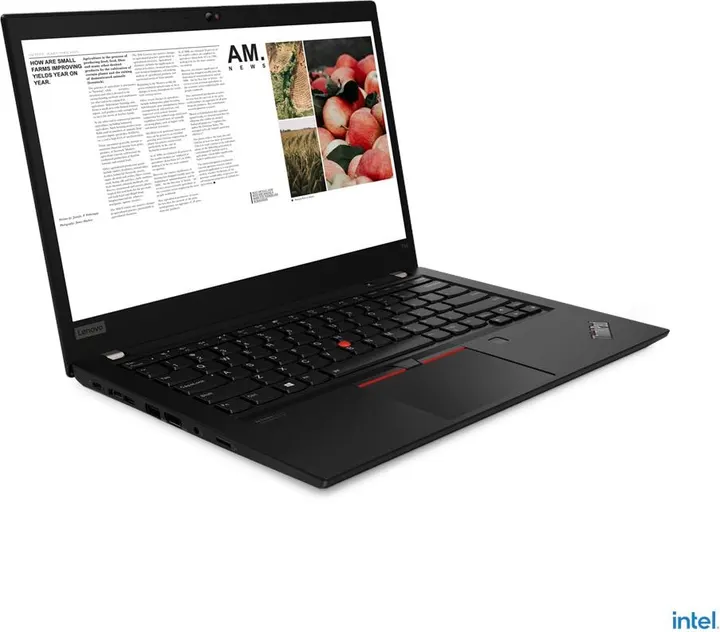
T14 Gen 2 (Intel)
Feb 2021$210–$420 by configAffordable with 16GB+ ($210)- Display
- 14″ 16:9 · touch
- Weight
- 1.47 kg~
- Memory
- Up to 48GB, upgradable
- Ports
- TB×2 A×2 HDMI LAN microSD
- Lenovo sold it with Linux preinstalled (Ubuntu Linux)
- Some configurations have an NVIDIA dGPU (MX450). Omarchy installs nvidia-open and has a hybrid GPU switch; the Hyprland wiki lists monitors on the NVIDIA GPU and suspend/resume as known issues
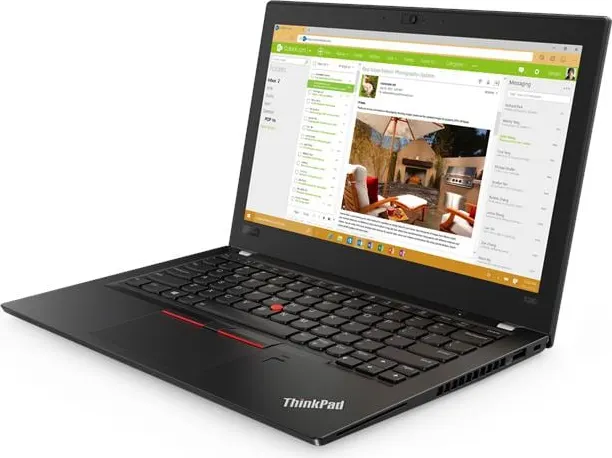
X280
Feb 2018$30–$210 by configAffordable with 16GB+ ($210)- Display
- 12.5″ 16:9 · touch
- Weight
- 1.13 kg~
- Memory
- Up to 16GB, soldered
- Ports
- TB×1 C×1 A×2 HDMI microSD
- Face login (IR camera) is not part of Omarchy’s setup (fingerprint and FIDO2 keys are)
- Fingerprint reader: Omarchy’s menu sets it up for sudo and the lock screen (if libfprint supports the sensor)
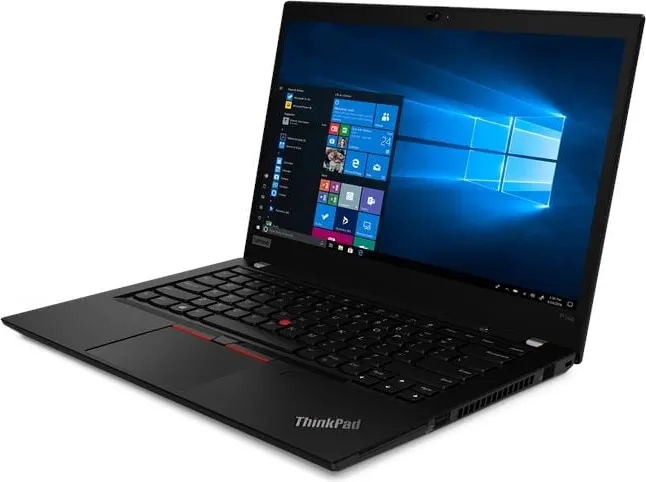
P14s Gen 1 (AMD)
Oct 2020$110–$220 by configAffordable with 16GB+ ($220)- Display
- 14″ 16:9 · touch
- Weight
- 1.46 kg~
- Memory
- Up to 48GB, upgradable
- Ports
- C×2 A×2 HDMI LAN microSD
- Lenovo sold it with Linux preinstalled (Red Hat Enterprise Linux 8.6 (certified only) / Ubuntu Linux LTS)
- Face login (IR camera) is not part of Omarchy’s setup (fingerprint and FIDO2 keys are)
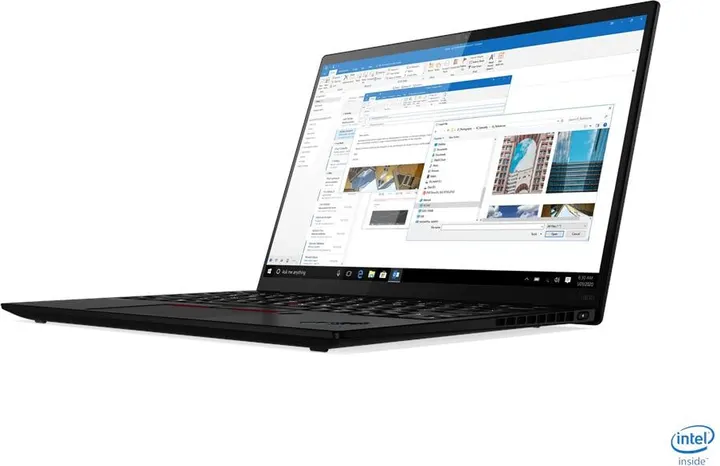
X1 Nano Gen 1
Dec 2020$230–$330 by configAffordable with 16GB+ ($250)- Display
- 13″ 16:10 · touch
- Weight
- 0.907 kg~
- Memory
- Up to 16GB, soldered
- Ports
- TB×2
- Lenovo sold it with Linux preinstalled (Ubuntu Linux)
- Face login (IR camera) is not part of Omarchy’s setup (fingerprint and FIDO2 keys are)
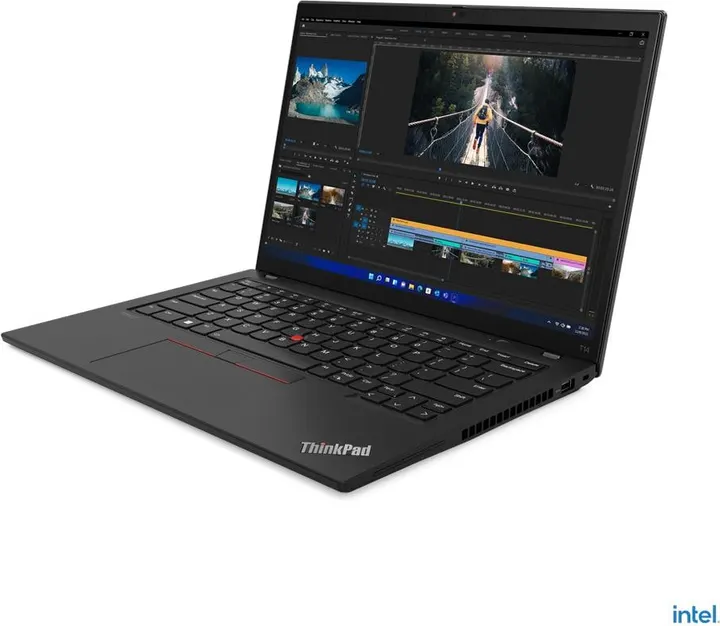
T14 Gen 3 (Intel)
May 2022$250–$790 by configAffordable with 16GB+ ($250)- Display
- 14″ 16:10 · touch
- Weight
- 1.358 kg~
- Memory
- Up to 48GB, upgradable
- Ports
- TB×2 A×2 HDMI LAN
- Lenovo sold it with Linux preinstalled (Ubuntu Linux)
- Some configurations have an NVIDIA dGPU (MX550). Omarchy installs nvidia-open and has a hybrid GPU switch; the Hyprland wiki lists monitors on the NVIDIA GPU and suspend/resume as known issues
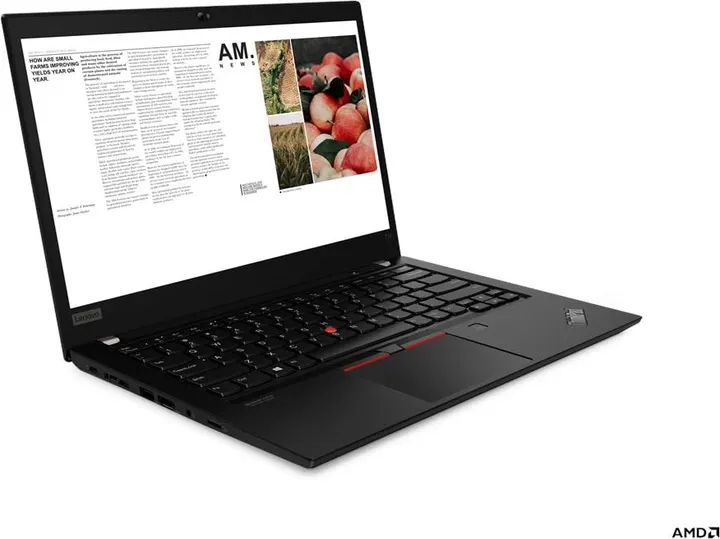
T14 Gen 1 (AMD)
Jun 2020$180–$320 by configAffordable with 16GB+ ($250)- Display
- 14″ 16:9 · touch
- Weight
- 1.46 kg~
- Memory
- Up to 32GB, upgradable
- Ports
- C×2 A×2 HDMI LAN microSD
- Lenovo sold it with Linux preinstalled (Ubuntu Linux)
- Face login (IR camera) is not part of Omarchy’s setup (fingerprint and FIDO2 keys are)
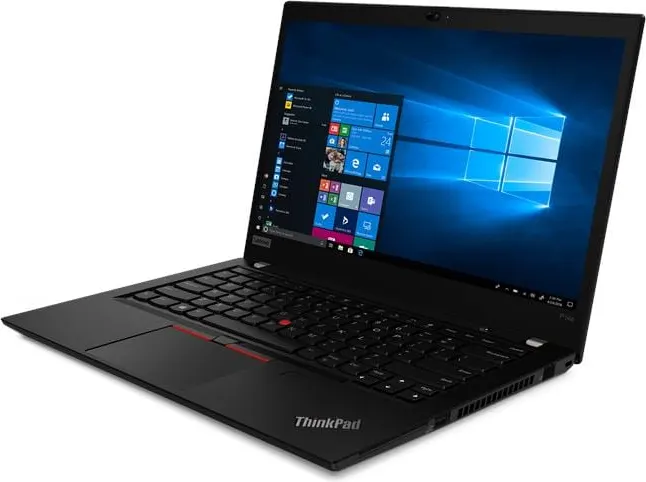
P14s Gen 2 (AMD)
Jun 2021$160–$260 by configAffordable with 16GB+ ($260)- Display
- 14″ 16:9 · touch
- Weight
- 1.46 kg~
- Memory
- Up to 48GB, upgradable
- Ports
- C×2 A×2 HDMI LAN microSD
- Lenovo sold it with Linux preinstalled (Fedora Linux / Ubuntu Linux LTS)
- Face login (IR camera) is not part of Omarchy’s setup (fingerprint and FIDO2 keys are)
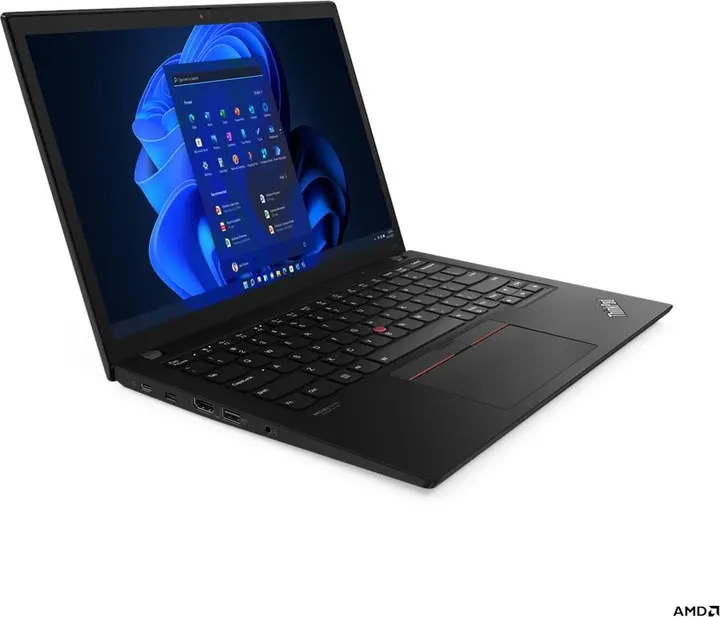
X13 Gen 3 (AMD)
Jun 2022$260–$340 by configAffordable with 16GB+ ($260)- Display
- 13.3″ 16:10 · touch
- Weight
- 1.19 kg~
- Memory
- Up to 32GB, soldered
- Ports
- USB4×1 C×1 A×2 HDMI
- Lenovo sold it with Linux preinstalled (Ubuntu Linux)
- Face login (IR camera) is not part of Omarchy’s setup (fingerprint and FIDO2 keys are)
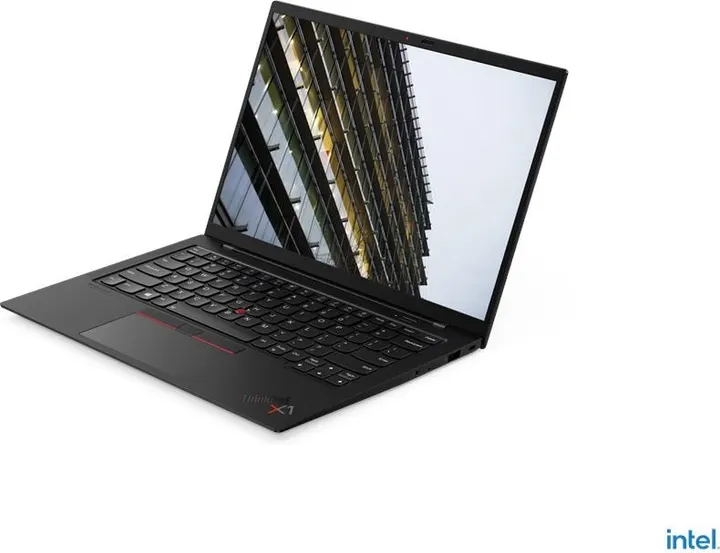
X1 Carbon Gen 9
Mar 2021$180–$460 by configAffordable with 16GB+ ($260)- Display
- 14″ 16:10 · touch
- Weight
- 1.133 kg~
- Memory
- Up to 32GB, soldered
- Ports
- TB×2 A×2 HDMI
- Lenovo sold it with Linux preinstalled (Fedora Linux / Ubuntu Linux)
- Face login (IR camera) is not part of Omarchy’s setup (fingerprint and FIDO2 keys are)
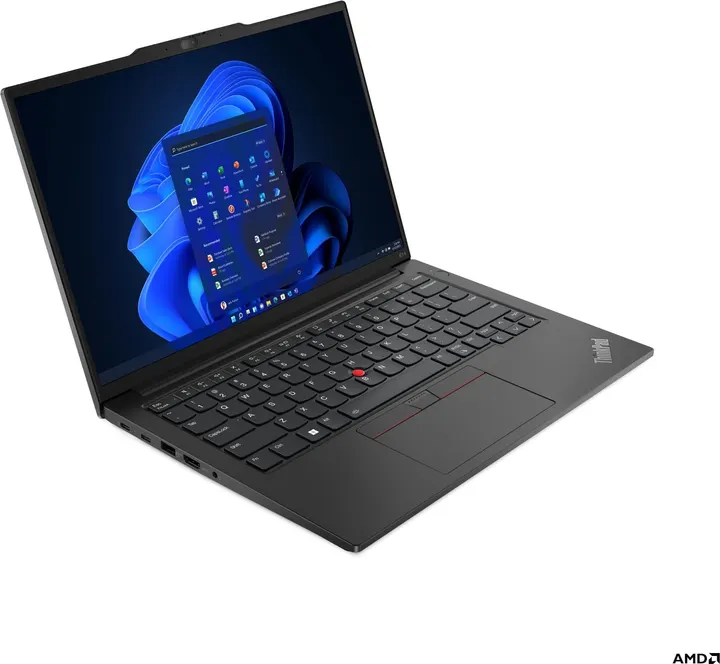
E14 Gen 5 (AMD)
May 2023$280–$350 by configAffordable with 16GB+ ($280)- Display
- 14″ 16:10 · touch
- Weight
- 1.41 kg~
- Memory
- Up to 40GB, upgradable
- Ports
- C×2 A×2 HDMI LAN
- Face login (IR camera) is not part of Omarchy’s setup (fingerprint and FIDO2 keys are)
- Fingerprint reader: Omarchy’s menu sets it up for sudo and the lock screen (if libfprint supports the sensor)
X13 Gen 4 (AMD)
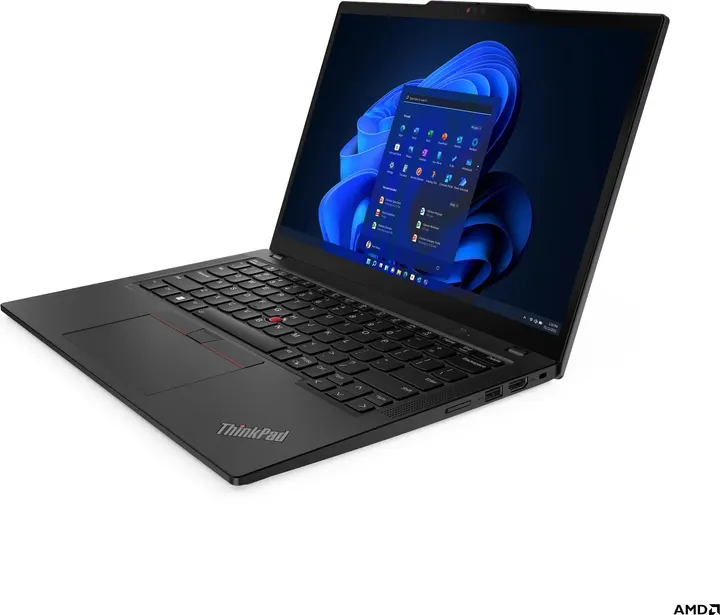
Aug 2023$280–$640 by configAffordable with 16GB+ ($280)- Display
- 13.3″ 16:10 · touch
- Weight
- 1.14 kg~
- Memory
- Up to 32GB, soldered
- Ports
- USB4×2 A×2 HDMI
- Lenovo sold it with Linux preinstalled (Ubuntu Linux)
- Face login (IR camera) is not part of Omarchy’s setup (fingerprint and FIDO2 keys are)
T16 Gen 1 (AMD)
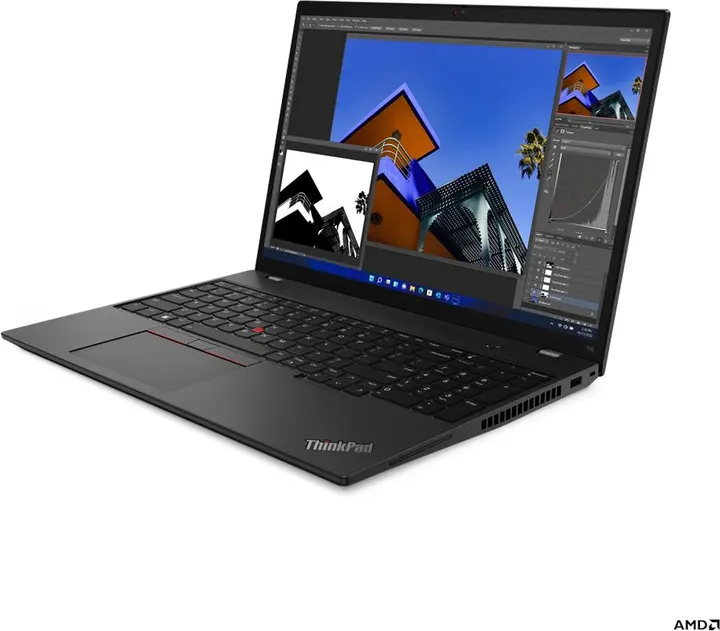
May 2022$300 (one config)Affordable with 16GB+ ($300)- Display
- 16″ 16:10 · touch
- Weight
- 1.738 kg~
- Memory
- Up to 32GB, soldered
- Ports
- C×2 A×2 HDMI LAN
- Lenovo sold it with Linux preinstalled (Ubuntu Linux)
- Face login (IR camera) is not part of Omarchy’s setup (fingerprint and FIDO2 keys are)
T14 Gen 4 (Intel)
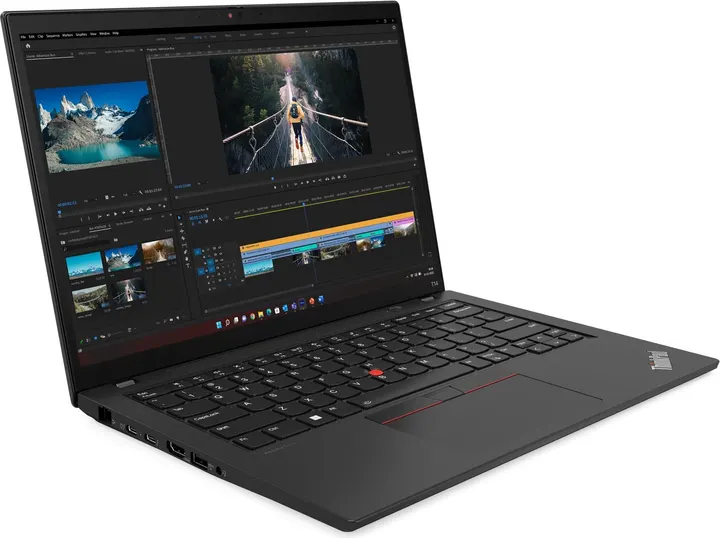
Apr 2023$320–$630 by configAffordable with 16GB+ ($320)- Display
- 14″ 16:10 · OLED · touch
- Weight
- 1.32 kg~
- Memory
- Up to 40GB, upgradable
- Ports
- TB×2 A×2 HDMI LAN
- Lenovo sold it with Linux preinstalled (Ubuntu Linux)
- Some configurations have an NVIDIA dGPU (MX550). Omarchy installs nvidia-open and has a hybrid GPU switch; the Hyprland wiki lists monitors on the NVIDIA GPU and suspend/resume as known issues
E14 Gen 4 (AMD)
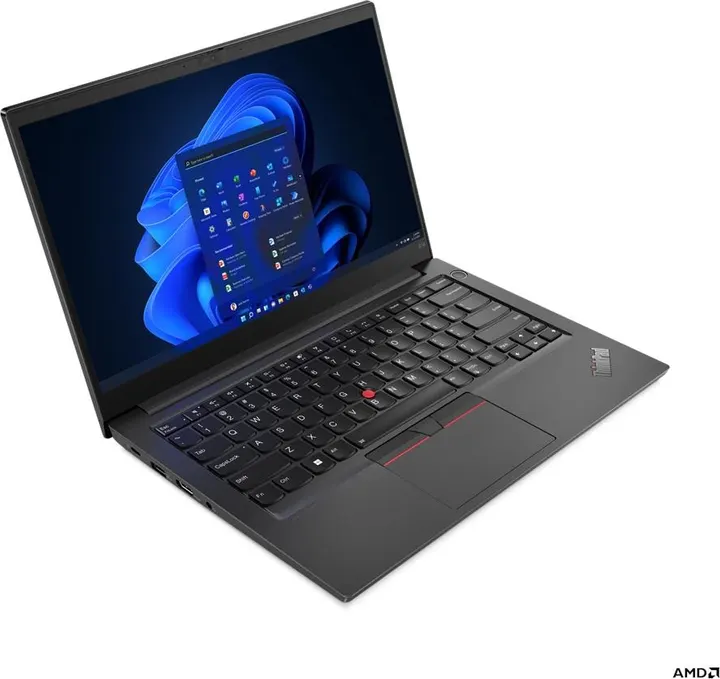
Mar 2022$330 (one config)Affordable with 16GB+ ($330)- Display
- 14″ 16:9
- Weight
- 1.59 kg~
- Memory
- Up to 40GB, upgradable
- Ports
- C×1 A×2 HDMI LAN
- Face login (IR camera) is not part of Omarchy’s setup (fingerprint and FIDO2 keys are)
- Fingerprint reader: Omarchy’s menu sets it up for sudo and the lock screen (if libfprint supports the sensor)
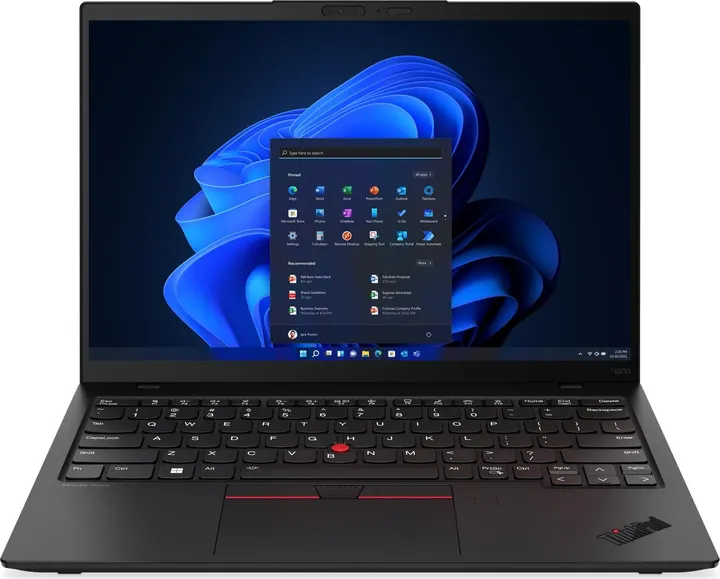
X1 Nano Gen 3
Apr 2023$340–$480 by configAffordable with 16GB+ ($340)- Display
- 13″ 16:10 · touch
- Weight
- 0.9665 kg~
- Memory
- Up to 16GB, soldered
- Ports
- TB×2
- Face login (IR camera) is not part of Omarchy’s setup (fingerprint and FIDO2 keys are)
- Fingerprint reader: Omarchy’s menu sets it up for sudo and the lock screen (if libfprint supports the sensor)
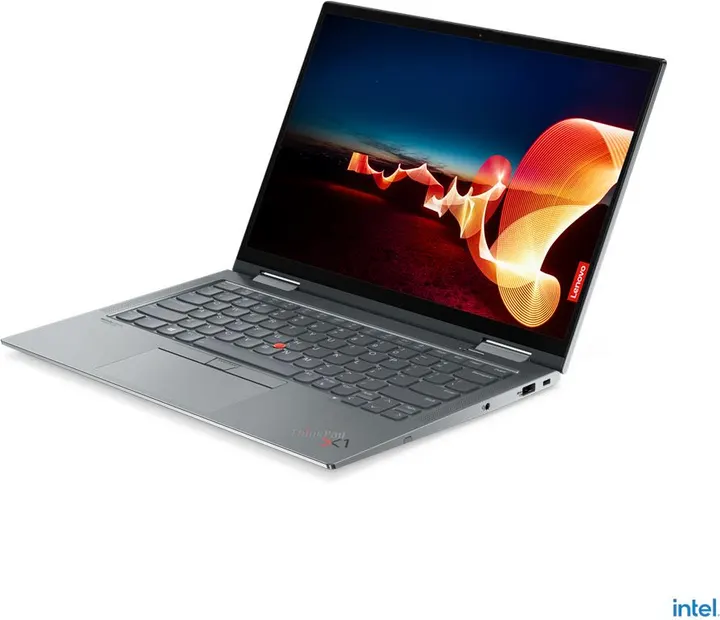
X1 Yoga Gen 6
Feb 2021$300–$390 by configAffordable with 16GB+ ($350)- Display
- 14″ 16:10 · touch
- Weight
- 1.399 kg~
- Memory
- Up to 32GB, soldered
- Ports
- TB×2 A×2 HDMI
- Lenovo sold it with Linux preinstalled (Ubuntu Linux)
- Face login (IR camera) is not part of Omarchy’s setup (fingerprint and FIDO2 keys are)
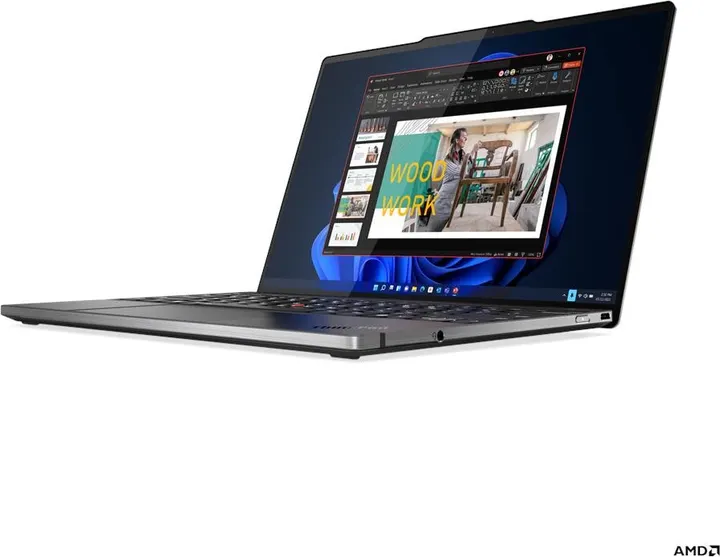
Z13 Gen 1
May 2022$350–$510 by configAffordable with 16GB+ ($350)- Display
- 13.3″ 16:10 · OLED · touch
- Weight
- 1.19 kg~
- Memory
- Up to 32GB, soldered
- Ports
- USB4×2
- Lenovo sold it with Linux preinstalled (Fedora Linux / Ubuntu Linux)
- Face login (IR camera) is not part of Omarchy’s setup (fingerprint and FIDO2 keys are)
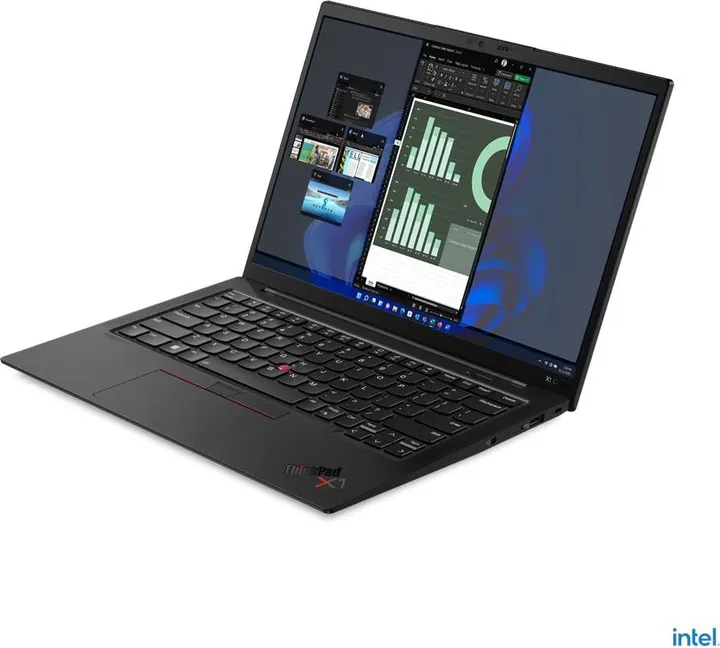
X1 Carbon Gen 10
Mar 2022$220–$750 by configAffordable with 16GB+ ($370)- Display
- 14″ 16:10 · OLED · touch
- Weight
- 1.12 kg~
- Memory
- Up to 32GB, soldered
- Ports
- TB×2 A×2 HDMI
- Lenovo sold it with Linux preinstalled (Fedora Linux / Ubuntu Linux)
- Face login (IR camera) is not part of Omarchy’s setup (fingerprint and FIDO2 keys are)
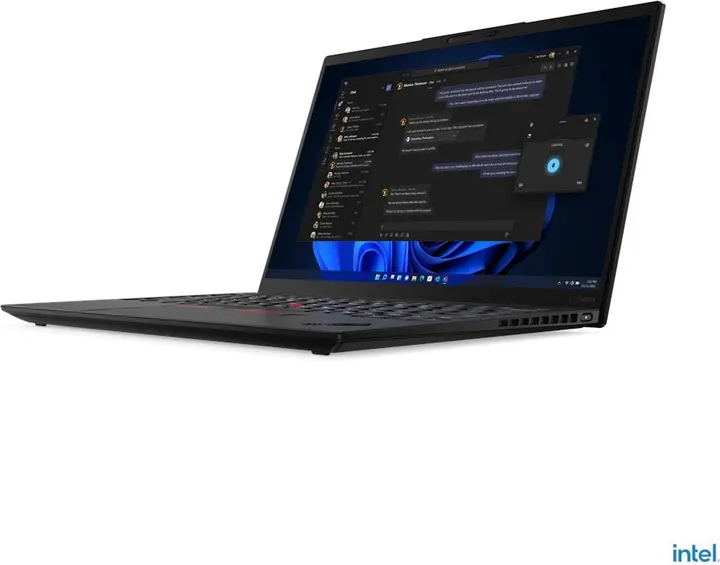
X1 Nano Gen 2
Apr 2022$380 (one config)Affordable with 16GB+ ($380)- Display
- 13″ 16:10 · touch
- Weight
- 0.9665 kg~
- Memory
- Up to 32GB, soldered
- Ports
- TB×2
- Lenovo sold it with Linux preinstalled (Ubuntu Linux)
- Face login (IR camera) is not part of Omarchy’s setup (fingerprint and FIDO2 keys are)
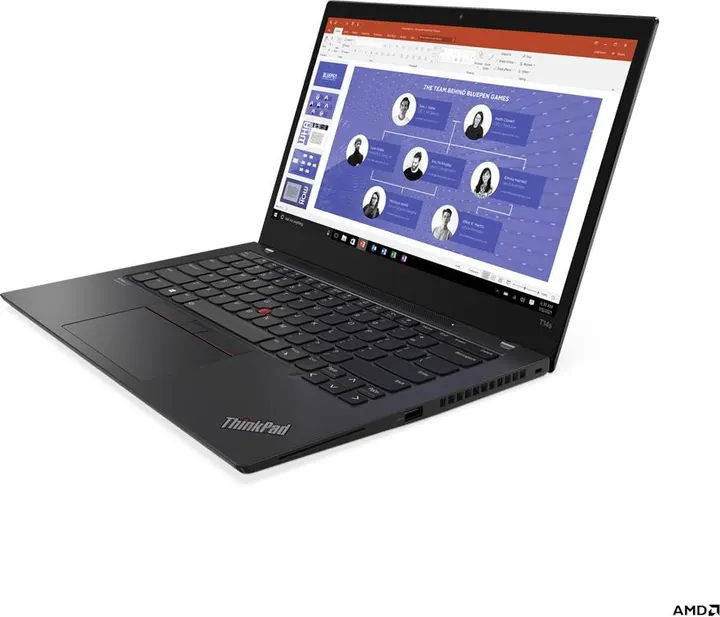
T14s Gen 2 (AMD)
Jul 2021$420 (one config)Mid-range with 16GB+ ($420)- Display
- 14″ 16:9 · touch
- Weight
- 1.28 kg~
- Memory
- Up to 32GB, soldered
- Ports
- C×2 A×2 HDMI
- Lenovo sold it with Linux preinstalled (Ubuntu Linux)
- Face login (IR camera) is not part of Omarchy’s setup (fingerprint and FIDO2 keys are)
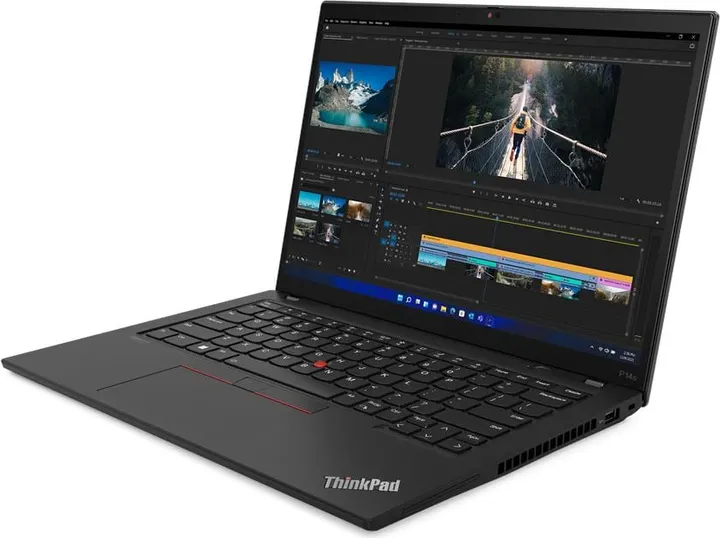
P14s Gen 3 (AMD)
Sep 2022$440 (one config)Mid-range with 16GB+ ($440)- Display
- 14″ 16:10 · touch
- Weight
- 1.4 kg~
- Memory
- Up to 32GB, soldered
- Ports
- C×2 A×2 HDMI LAN
- Lenovo sold it with Linux preinstalled (Fedora Linux / Ubuntu Linux LTS)
- Face login (IR camera) is not part of Omarchy’s setup (fingerprint and FIDO2 keys are)
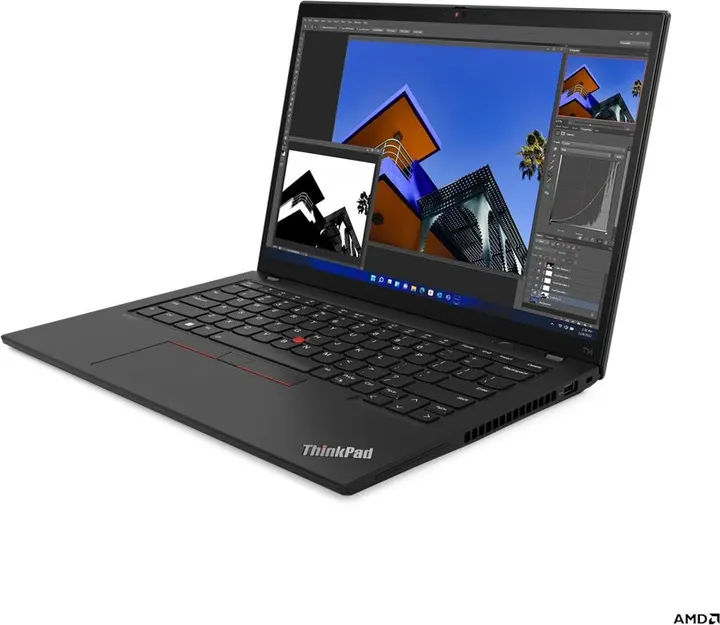
T14 Gen 3 (AMD)
Jun 2022$440 (one config)Mid-range with 16GB+ ($440)- Display
- 14″ 16:10 · touch
- Weight
- 1.406 kg~
- Memory
- Up to 32GB, soldered
- Ports
- C×2 A×2 HDMI LAN
- Lenovo sold it with Linux preinstalled (Ubuntu Linux)
- Face login (IR camera) is not part of Omarchy’s setup (fingerprint and FIDO2 keys are)
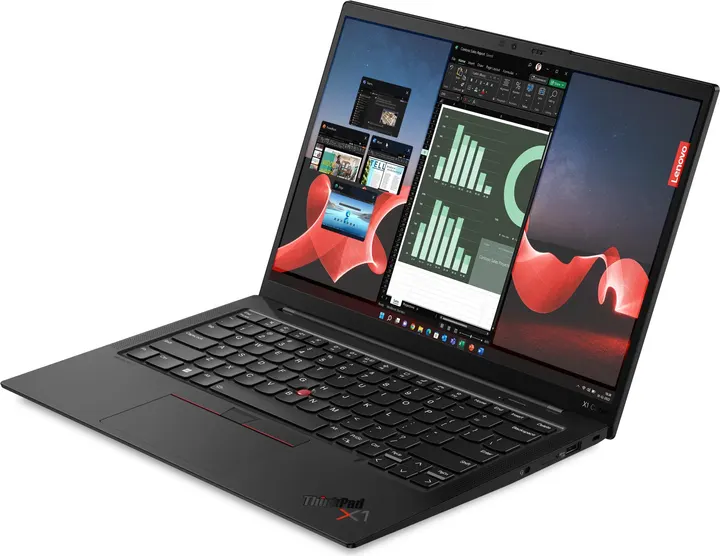
X1 Carbon Gen 11
Mar 2023$450–$720 by configMid-range with 16GB+ ($450)- Display
- 14″ 16:10 · OLED · touch
- Weight
- 1.12 kg~
- Memory
- Up to 64GB, soldered
- Ports
- TB×2 A×2 HDMI
- Lenovo sold it with Linux preinstalled (Fedora Linux / Ubuntu Linux)
- Face login (IR camera) is not part of Omarchy’s setup (fingerprint and FIDO2 keys are)
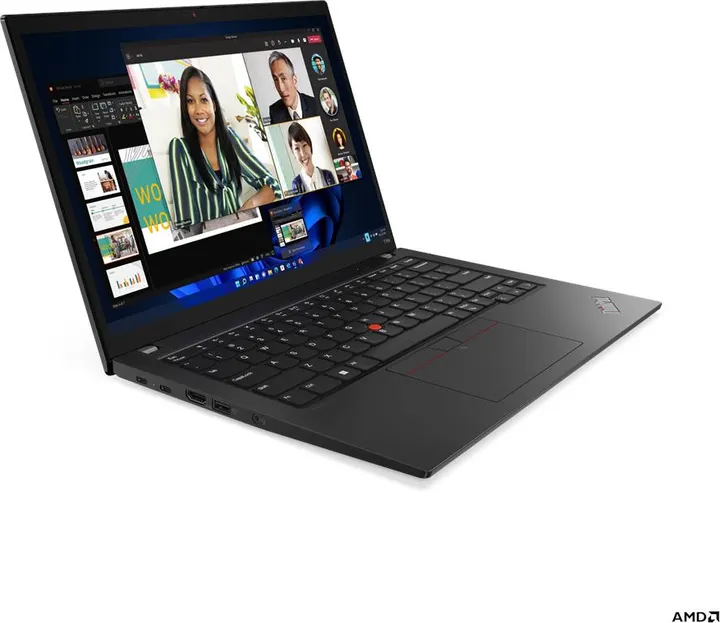
T14s Gen 3 (AMD)
May 2022$460 (one config)Mid-range with 16GB+ ($460)- Display
- 14″ 16:10 · OLED · touch
- Weight
- 1.23 kg~
- Memory
- Up to 32GB, soldered
- Ports
- USB4×1 C×1 A×2 HDMI
- Lenovo sold it with Linux preinstalled (Ubuntu Linux)
- Face login (IR camera) is not part of Omarchy’s setup (fingerprint and FIDO2 keys are)
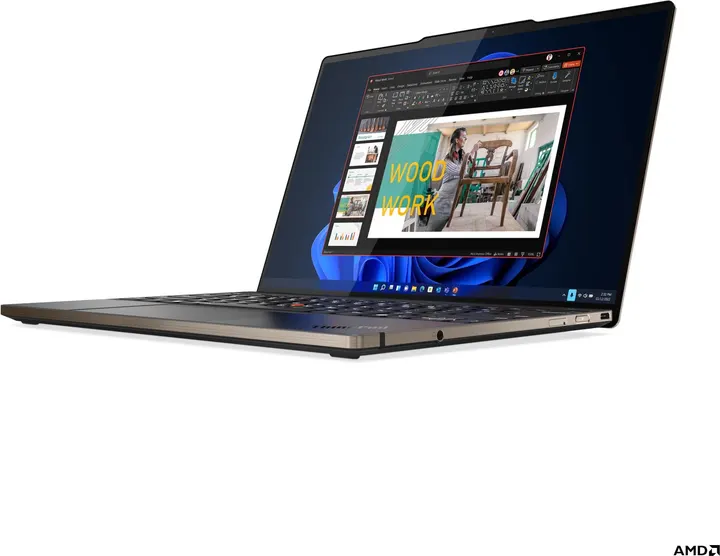
Z13 Gen 2
Oct 2023$460 (one config)Mid-range with 16GB+ ($460)- Display
- 13.3″ 16:10 · OLED · touch
- Weight
- 1.19 kg~
- Memory
- Up to 64GB, soldered
- Ports
- USB4×2
- Lenovo sold it with Linux preinstalled (Fedora Linux / Ubuntu Linux)
- Face login (IR camera) is not part of Omarchy’s setup (fingerprint and FIDO2 keys are)
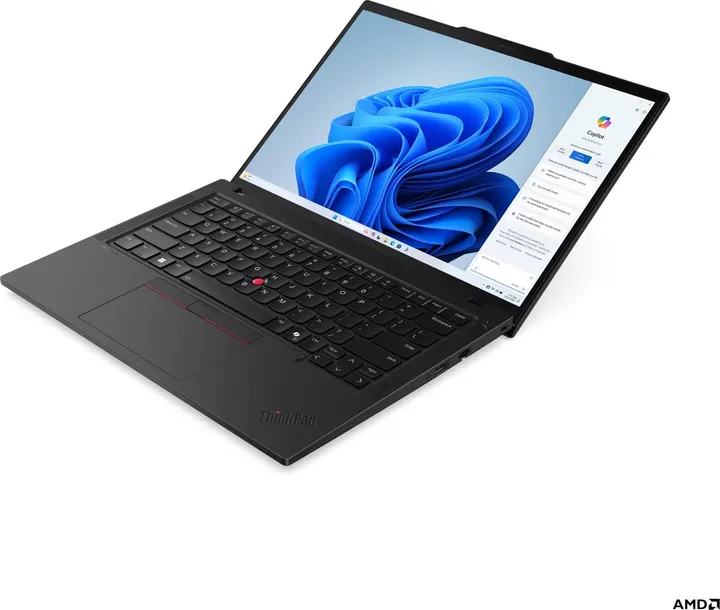
T14 Gen 5 (AMD)
May 2024$470 (one config)Mid-range with 16GB+ ($470)- Display
- 14″ 16:10 · OLED · 120Hz · touch
- Weight
- 1.31 kg~
- Memory
- Up to 64GB, upgradable
- Ports
- TB×2 A×2 HDMI LAN
- Lenovo sold it with Linux preinstalled (Fedora Linux / Ubuntu Linux)
- Face login (IR camera) is not part of Omarchy’s setup (fingerprint and FIDO2 keys are)
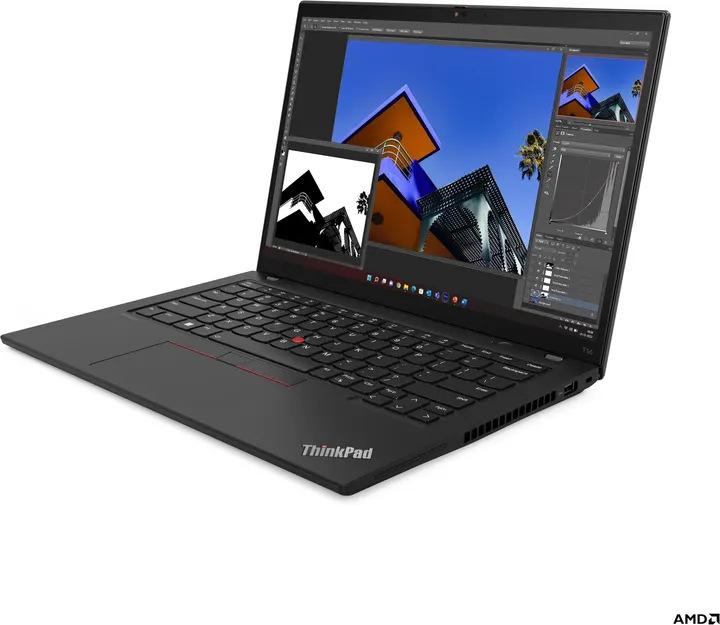
T14 Gen 4 (AMD)
Jul 2023$480 (one config)Mid-range with 16GB+ ($480)- Display
- 14″ 16:10 · OLED · touch
- Weight
- 1.35 kg~
- Memory
- Up to 32GB, soldered
- Ports
- USB4×1 C×1 A×2 HDMI LAN
- Lenovo sold it with Linux preinstalled (Ubuntu Linux)
- Face login (IR camera) is not part of Omarchy’s setup (fingerprint and FIDO2 keys are)
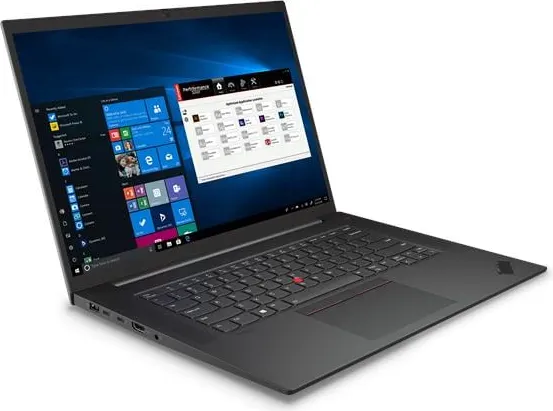
P1 Gen 4
Jun 2021$510–$520 by configMid-range with 16GB+ ($510)- Display
- 16″ 16:10 · touch
- Weight
- 1.81 kg~
- Memory
- Up to 64GB, upgradable
- Ports
- TB×2 A×2 HDMI SD
- Lenovo sold it with Linux preinstalled (Fedora Linux / Red Hat Enterprise Linux 8.4 (certified only) / Ubuntu Linux LTS / Ubuntu Linux with Data Science Preload)
- Some configurations have an NVIDIA dGPU (RTX 3080 / RTX A5000 / RTX A2000). Omarchy installs nvidia-open and has a hybrid GPU switch; the Hyprland wiki lists monitors on the NVIDIA GPU and suspend/resume as known issues
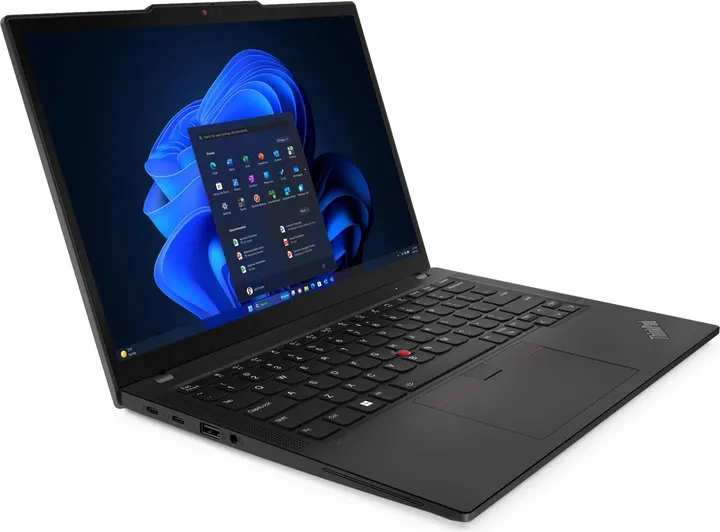
X13 Gen 5
Mar 2024$520–$630 by configMid-range with 16GB+ ($520)- Display
- 13.3″ 16:10 · touch
- Weight
- 1.12 kg~
- Memory
- Up to 64GB, soldered
- Ports
- TB×2 A×2 HDMI
- Lenovo sold it with Linux preinstalled (Ubuntu Linux)
- Face login (IR camera) is not part of Omarchy’s setup (fingerprint and FIDO2 keys are)
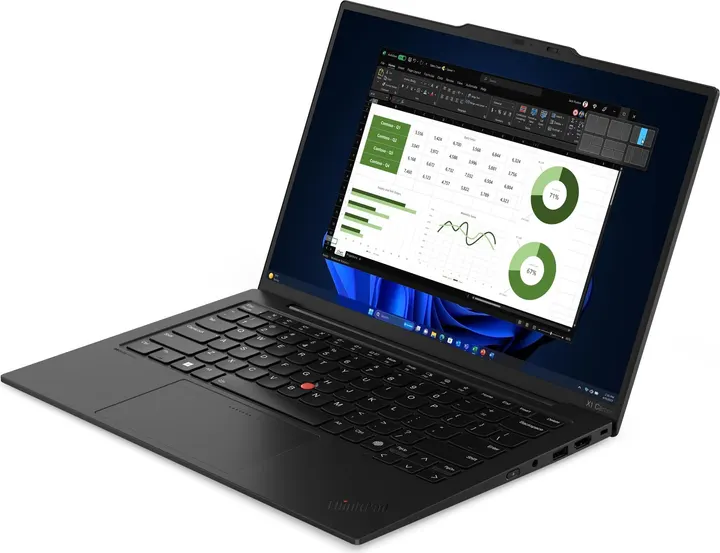
X1 Carbon Gen 12
Mar 2024$580–$960 by configMid-range with 16GB+ ($580)- Display
- 14″ 16:10 · OLED · 120Hz · touch
- Weight
- 1.08 kg~
- Memory
- Up to 64GB, soldered
- Ports
- TB×2 A×2 HDMI
- Lenovo sold it with Linux preinstalled (Fedora Linux / Ubuntu Linux)
- Face login (IR camera) is not part of Omarchy’s setup (fingerprint and FIDO2 keys are)
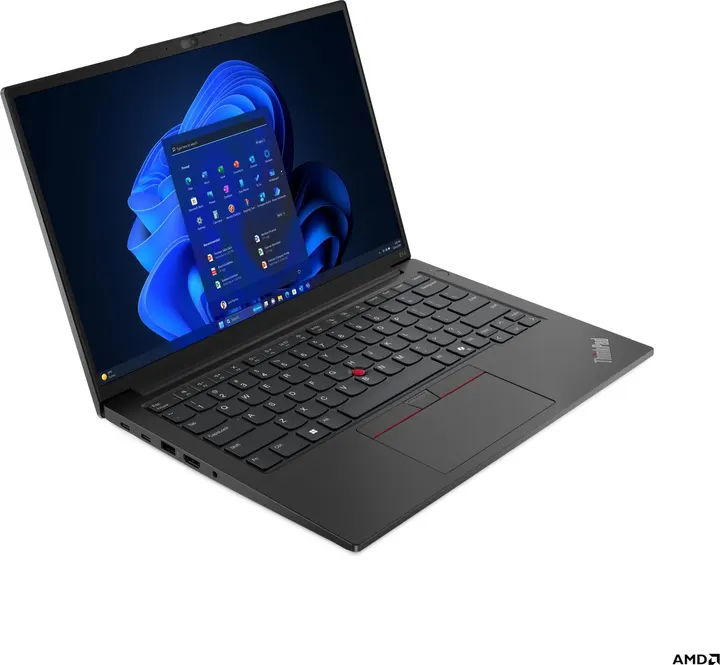
E14 Gen 6 (AMD)
Apr 2024$330–$1,100 by configMid-range with 16GB+ ($620)- Display
- 14″ 16:10 · touch
- Weight
- 1.42 kg~
- Memory
- Up to 64GB, upgradable
- Ports
- C×2 A×2 HDMI LAN
- Face login (IR camera) is not part of Omarchy’s setup (fingerprint and FIDO2 keys are)
- Fingerprint reader: Omarchy’s menu sets it up for sudo and the lock screen (if libfprint supports the sensor)
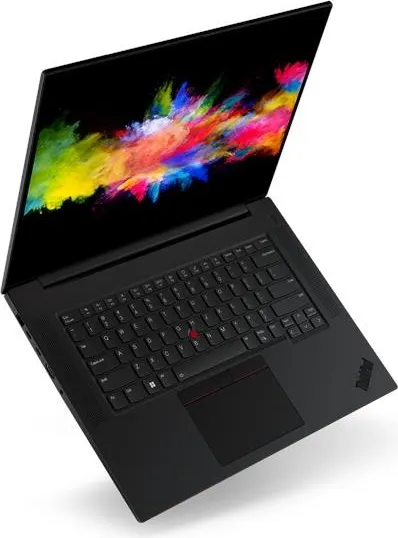
P1 Gen 5
Apr 2022$680–$1,450 by configMid-range with 16GB+ ($680)- Display
- 16″ 16:10 · touch
- Weight
- 1.81 kg~
- Memory
- Up to 64GB, upgradable
- Ports
- TB×2 A×2 HDMI SD
- Lenovo sold it with Linux preinstalled (Fedora Linux / Ubuntu Linux LTS / Ubuntu Linux with Data Science Preload / Red Hat Enterprise Linux 8.6 (certified only))
- Some configurations have an NVIDIA dGPU (RTX 3070 Ti / RTX 3080 Ti / RTX A1000). Omarchy installs nvidia-open and has a hybrid GPU switch; the Hyprland wiki lists monitors on the NVIDIA GPU and suspend/resume as known issues
- No angled photo
P14s Gen 4 (AMD)
Jul 2023$700 (one config)Mid-range with 16GB+ ($700)- Display
- 14″ 16:10 · OLED · touch
- Weight
- 1.34 kg~
- Memory
- Up to 64GB, soldered
- Ports
- USB4×1 C×1 A×2 HDMI LAN
- Lenovo sold it with Linux preinstalled (Fedora Linux / Ubuntu Linux LTS / Red Hat Enterprise Linux 9.1 (certified only))
- Face login (IR camera) is not part of Omarchy’s setup (fingerprint and FIDO2 keys are)
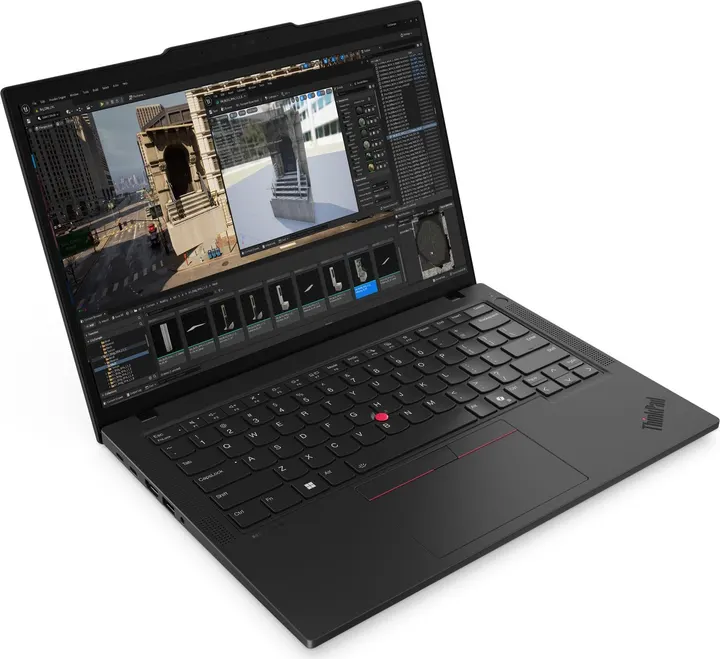
P14s Gen 5 (AMD)
May 2024$700 (one config)Mid-range with 16GB+ ($700)- Display
- 14″ 16:10 · OLED · 120Hz · touch
- Weight
- 1.31 kg~
- Memory
- Up to 96GB, upgradable
- Ports
- TB×2 A×2 HDMI LAN
- Lenovo sold it with Linux preinstalled (Fedora Linux / Ubuntu Linux LTS / Red Hat Enterprise Linux 9.2 (certified only))
- Face login (IR camera) is not part of Omarchy’s setup (fingerprint and FIDO2 keys are)
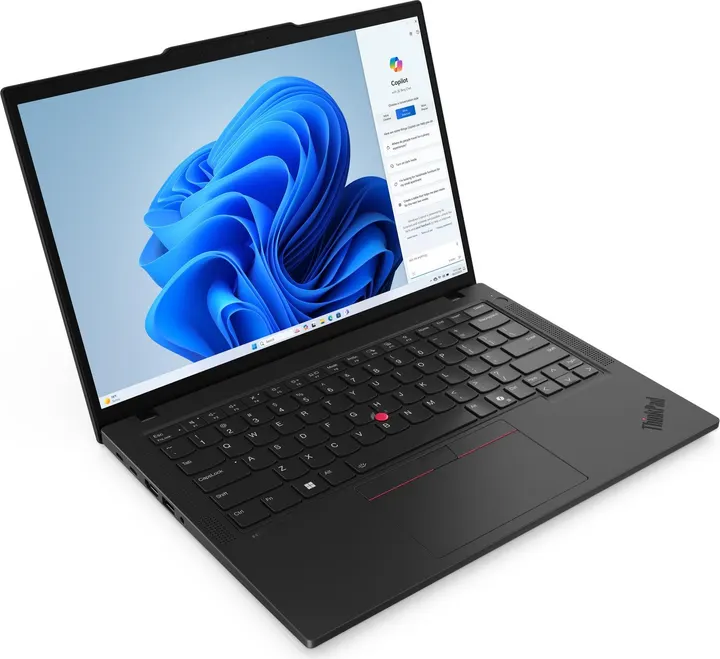
T14 Gen 5 (Intel)
Apr 2024$730 (one config)Mid-range with 16GB+ ($730)- Display
- 14″ 16:10 · OLED · 120Hz · touch
- Weight
- 1.31 kg~
- Memory
- Up to 64GB, upgradable
- Ports
- TB×2 A×2 HDMI LAN
- Lenovo sold it with Linux preinstalled (Fedora Linux / Ubuntu Linux)
- Face login (IR camera) is not part of Omarchy’s setup (fingerprint and FIDO2 keys are)
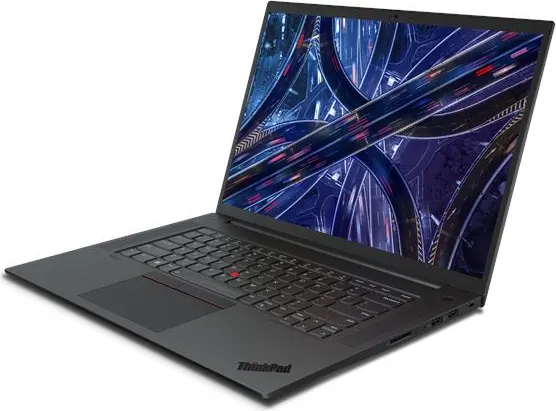
P1 Gen 6
Jun 2023$450–$2,450 by configPremium with 16GB+ ($900)- Display
- 16″ 16:10 · OLED · 165Hz · touch
- Weight
- 1.78 kg~
- Memory
- Up to 96GB, upgradable
- Ports
- TB×2 A×2 HDMI SD
- Lenovo sold it with Linux preinstalled (Fedora Linux / Ubuntu Linux LTS / Ubuntu Linux with Data Science Preload / Red Hat Enterprise Linux 9.2 (certified only))
- Some configurations have an NVIDIA dGPU (RTX 4060 / RTX 4080 / RTX 4090). Omarchy installs nvidia-open and has a hybrid GPU switch; the Hyprland wiki lists monitors on the NVIDIA GPU and suspend/resume as known issues
- No angled photo
P1 Gen 7
May 2024$1,300–$1,800 by configPremium with 16GB+ ($1,300)- Display
- 16″ 16:10 · OLED · 165Hz · touch
- Weight
- 1.82 kg~
- Memory
- Up to 64GB, soldered
- Ports
- TB×2 C×1 A×1 HDMI SD
- Lenovo sold it with Linux preinstalled (Fedora Linux / Ubuntu Linux LTS / Red Hat Enterprise Linux 9.2 (certified only))
- Some configurations have an NVIDIA dGPU (RTX 4060 / RTX 4070 / RTX 1000 Ada Generation). Omarchy installs nvidia-open and has a hybrid GPU switch; the Hyprland wiki lists monitors on the NVIDIA GPU and suspend/resume as known issues
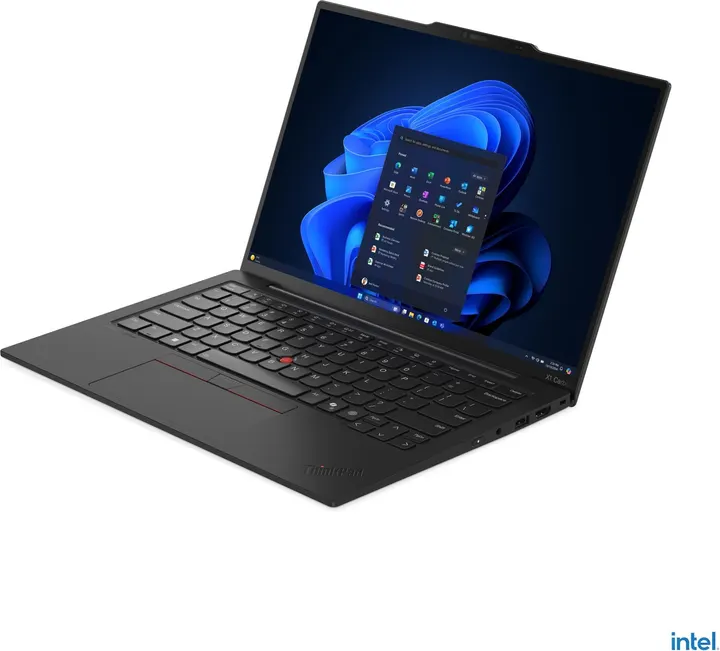
X1 Carbon Gen 13 Aura Edition
Oct 2024$1,250–$1,450 by configPremium with 16GB+ ($1,450)- Display
- 14″ 16:10 · OLED · 120Hz · touch
- Weight
- 0.986 kg~
- Memory
- Up to 64GB, soldered
- Ports
- TB×2 A×2 HDMI
- Lenovo sold it with Linux preinstalled (Fedora Linux / Ubuntu Linux)
- Face login (IR camera) is not part of Omarchy’s setup (fingerprint and FIDO2 keys are)
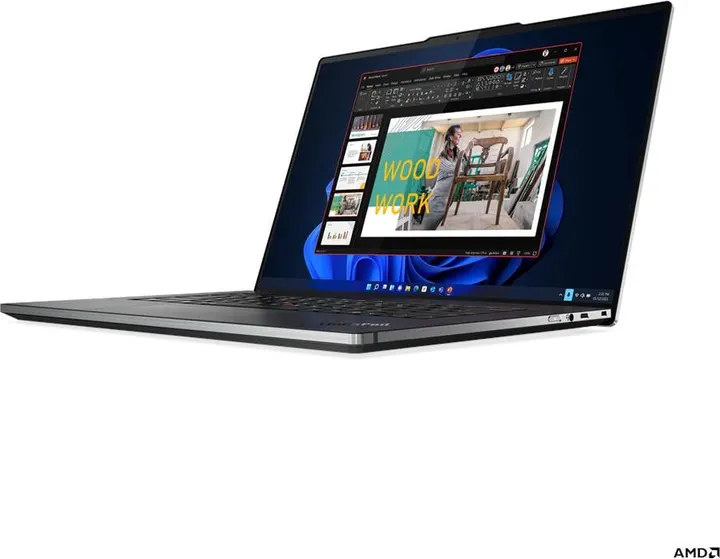
Z16 Gen 1
May 2022No price estimate- Display
- 16″ 16:10 · OLED · touch
- Weight
- 1.81 kg~
- Memory
- Up to 32GB, soldered
- Ports
- USB4×2 C×1 SD
- Lenovo sold it with Linux preinstalled (Fedora Linux / Ubuntu Linux)
- Face login (IR camera) is not part of Omarchy’s setup (fingerprint and FIDO2 keys are)
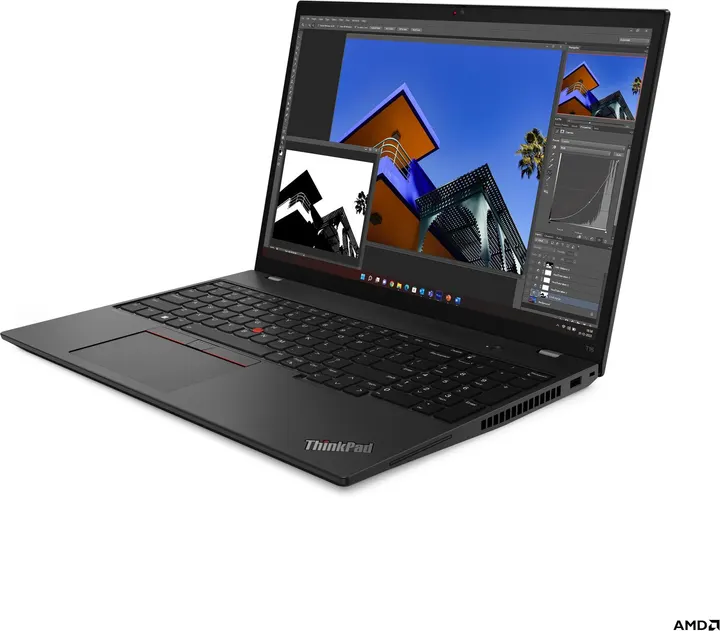
T16 Gen 2 (AMD)
Jul 2023No price estimate- Display
- 16″ 16:10 · OLED · touch
- Weight
- 1.71 kg~
- Memory
- Up to 64GB, soldered
- Ports
- USB4×1 C×1 A×2 HDMI LAN
- Lenovo sold it with Linux preinstalled (Ubuntu Linux)
- Face login (IR camera) is not part of Omarchy’s setup (fingerprint and FIDO2 keys are)
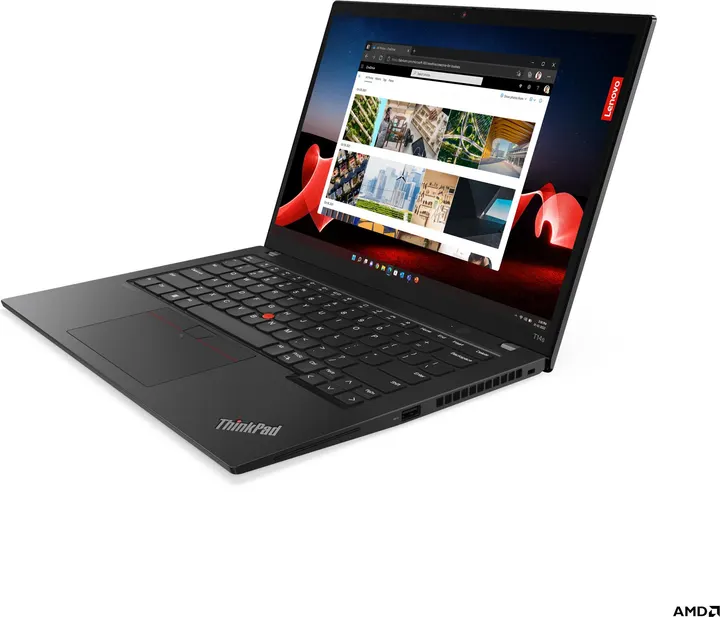
T14s Gen 4 (AMD)
Aug 2023No price estimate- Display
- 14″ 16:10 · OLED · touch
- Weight
- 1.26 kg~
- Memory
- Up to 32GB, soldered
- Ports
- USB4×2 A×2 HDMI
- Lenovo sold it with Linux preinstalled (Ubuntu Linux)
- Face login (IR camera) is not part of Omarchy’s setup (fingerprint and FIDO2 keys are)
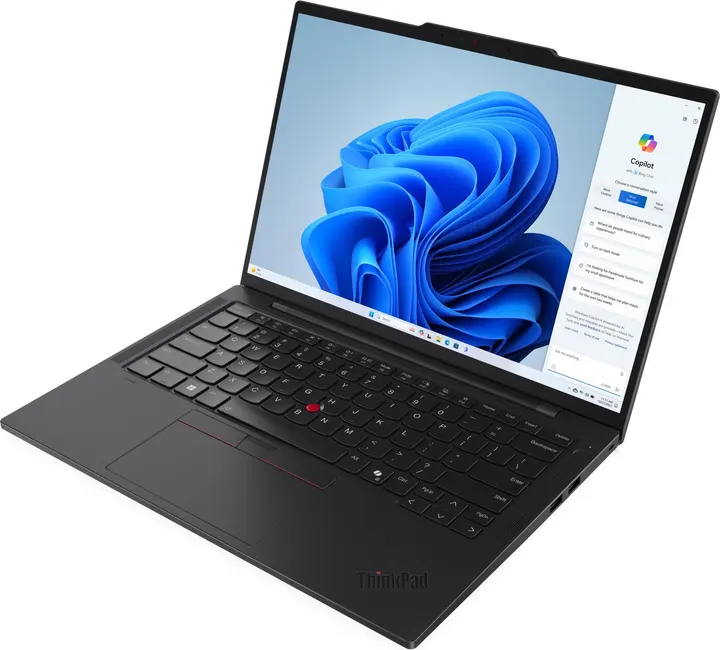
T14s Gen 5
Apr 2024No price estimate- Display
- 14″ 16:10 · OLED · 120Hz · touch
- Weight
- 1.24 kg~
- Memory
- Up to 64GB, soldered
- Ports
- TB×2 A×2 HDMI
- Lenovo sold it with Linux preinstalled (Ubuntu Linux)
- Face login (IR camera) is not part of Omarchy’s setup (fingerprint and FIDO2 keys are)
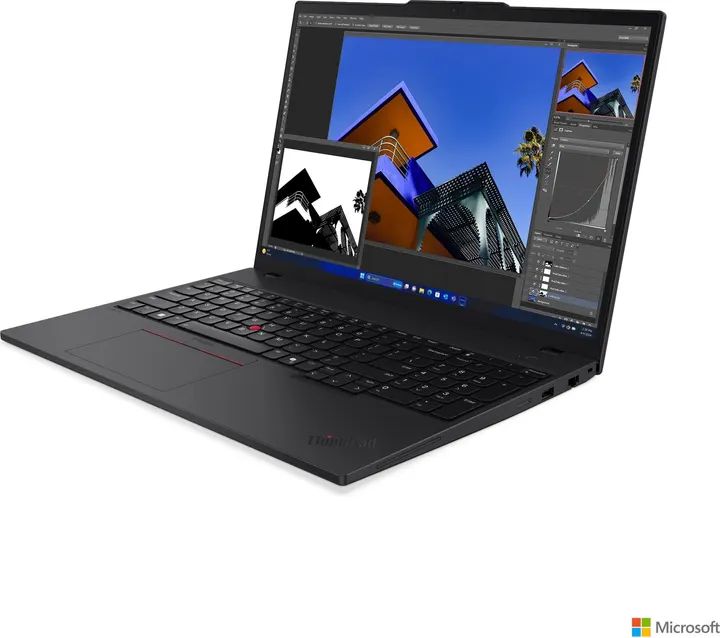
T16 Gen 3
Apr 2024No price estimate- Display
- 16″ 16:10 · OLED · touch
- Weight
- 1.66 kg~
- Memory
- Up to 64GB, upgradable
- Ports
- TB×2 A×2 HDMI LAN
- Lenovo sold it with Linux preinstalled (Ubuntu Linux)
- Face login (IR camera) is not part of Omarchy’s setup (fingerprint and FIDO2 keys are)
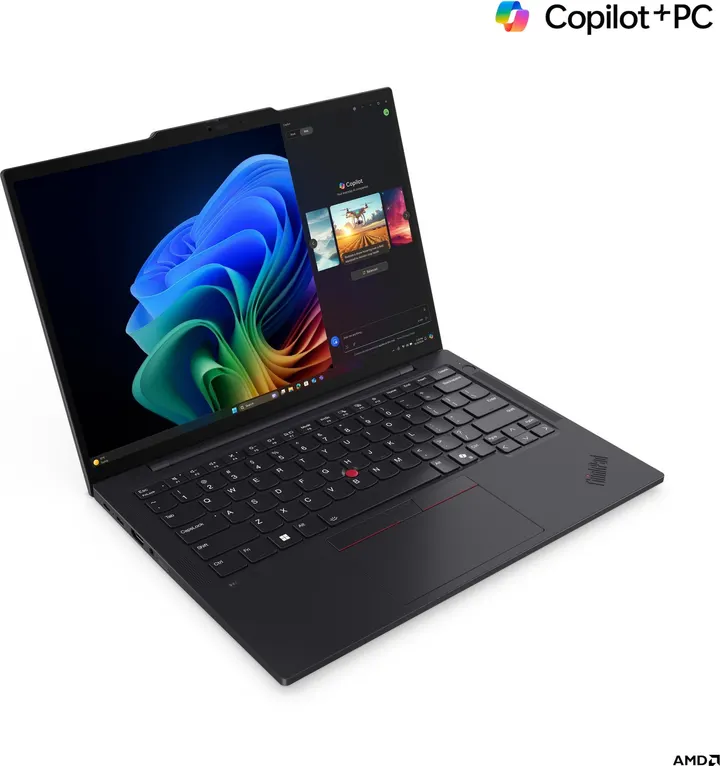
T14s Gen 6 (AMD)
Oct 2024No price estimate- Display
- 14″ 16:10 · OLED · 120Hz · touch
- Weight
- 1.25 kg~
- Memory
- Up to 64GB, soldered
- Ports
- TB×2 A×2 HDMI
- Lenovo sold it with Linux preinstalled (Fedora Linux / Ubuntu Linux)
- Face login (IR camera) is not part of Omarchy’s setup (fingerprint and FIDO2 keys are)
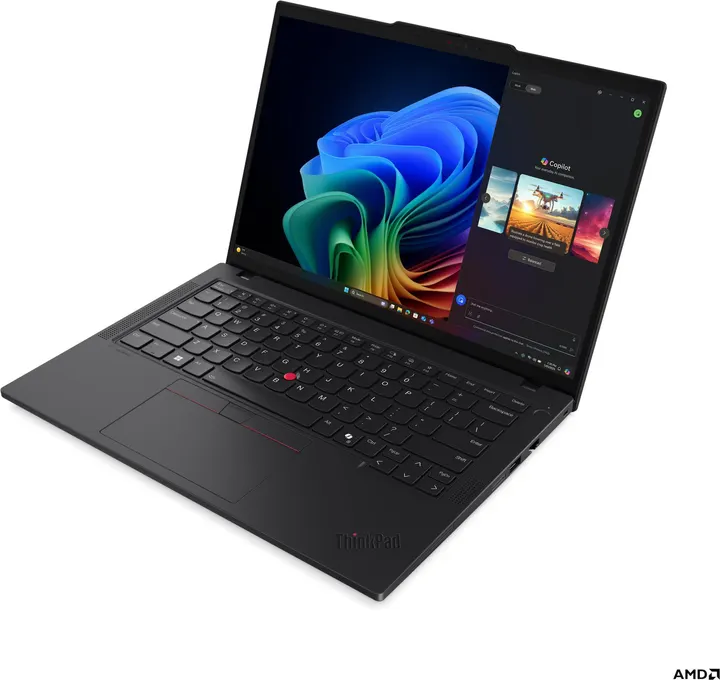
T14 Gen 6 (AMD)
Apr 2025No price estimate- Display
- 14″ 16:10 · OLED · 120Hz · touch
- Weight
- 1.38 kg~
- Memory
- Up to 64GB, upgradable
- Ports
- TB×2 A×2 HDMI LAN
- Lenovo sold it with Linux preinstalled (Fedora Linux / Ubuntu Linux)
- Face login (IR camera) is not part of Omarchy’s setup (fingerprint and FIDO2 keys are)
What to look at
- Memory is often fixed at purchase
- Soldered memory cannot be upgraded later. Models with an SO-DIMM slot (such as the T14 Gen 5 and P14s Gen 5) can be. Use the “Upgradable memory” filter.
- The same model came with different panels
- Many models were offered with a standard 300-nit panel as well as 400-nit-plus or OLED panels. Used units vary, so check the part number or the screen itself. Each model’s details list the panels it shipped with.
- Compare configurations, not generations
- A high-end configuration of an older generation can cost about the same as a base configuration of a newer one. The dot on each price bar (the cheapest configuration with the memory you need) makes this easy to compare.
- Check the ports in the photos
- The T14 and P14s have a built-in Ethernet port; the X1 Carbon and T14s need a USB-C adapter. Switch the photo angle to “Left side” or “Right side” to compare port layouts across every model.
Omarchy and Hyprland compatibility
Omarchy installs a setup centred on Hyprland (a Wayland window manager) on top of Arch Linux. These points matter when choosing a model.
- Pick Intel or AMD
- The official Omarchy ISO is x86_64 only. Snapdragon (ARM) ThinkPads do not install the official way, so they are left out of the list.
- NVIDIA works, with known issues
- Omarchy detects NVIDIA GPUs during installation and installs the driver (nvidia-open for Turing and newer, the legacy 580 driver for Maxwell to Volta such as the GeForce MX150). ThinkPads with a dGPU drive the screen from the integrated GPU, and Omarchy has a menu for switching hybrid graphics. The Hyprland wiki notes that NVIDIA’s proprietary drivers can cause problems Hyprland cannot fix, and lists monitors attached to the NVIDIA GPU and resuming from suspend as known issues.
- Fingerprint rather than face login
- Omarchy’s menu sets up fingerprint login (sudo and the lock screen) and FIDO2 keys. Face login with an IR camera is not included, so an IR camera is not a reason to pick a model.
- 2-in-1s need manual rotation
- On 2-in-1s like the X1 Yoga, screen rotation is not automatic and has to be set up by hand.
Checked against: basecamp/omarchy (install/hardware/nvidia.sh, bin/omarchy-setup-security-fingerprint) / Hyprland Wiki: Nvidia
ThinkPad series at a glance
The letter is the series, the number is the screen size in inches, and “s” means slim.
Price vs. specs map
How new or how light a model your money can buy. Models above the dotted line are the best value at their price.
The dotted line marks models with nothing newer at a lower price. Click a dot for details. Models without a price estimate and Snapdragon models are not shown.
Release timeline
Which model replaced which, and what came out in the same year.
All 59 models that run Omarchy
| Model | Announced | CPU | Weight | Memory | Typical used price (by config) |
|---|---|---|---|---|---|
| ThinkPad T14 Gen 6 (AMD) | 2025-04 | Ryzen AI 5 PRO 340 / Ryzen AI 7 PRO 350 | 1.38 kg | 64GB · upgradable | — |
| ThinkPad T14s Gen 6 (AMD) | 2024-10 | Ryzen AI 5 PRO 340 (KRK) – Ryzen AI 7 PRO 360 (STX) | 1.25 kg | 64GB · soldered | — |
| ThinkPad X1 Carbon Gen 13 Aura Edition | 2024-10 | Core Ultra 5 225H – Core Ultra 7 268V | 0.986 kg | 64GB · soldered | $1,250–$1,450 (¥195k–¥233k) |
| ThinkPad P1 Gen 7 | 2024-05 | Core Ultra 9 185H – Core Ultra 7 165H | 1.82 kg | 64GB · soldered | $1,300–$1,800 (¥204k–¥283k) |
| ThinkPad T14 Gen 5 (AMD) | 2024-05 | Ryzen 5 PRO 8540U / Ryzen 7 PRO 8840U | 1.31 kg | 64GB · upgradable | $470 (¥75k) |
| ThinkPad P14s Gen 5 (AMD) | 2024-05 | Ryzen 5 PRO 8640HS / Ryzen 7 PRO 8840HS | 1.31 kg | 96GB · upgradable | $700 (¥110k) |
| ThinkPad T16 Gen 3 | 2024-04 | Core Ultra 5 125H – Core Ultra 7 165U | 1.66 kg | 64GB · upgradable | — |
| ThinkPad T14s Gen 5 | 2024-04 | Core Ultra 5 125U – Core Ultra 7 165U | 1.24 kg | 64GB · soldered | — |
| ThinkPad T14 Gen 5 (Intel) | 2024-04 | Core Ultra 5 125H – Core Ultra 7 165U | 1.31 kg | 64GB · upgradable | $730 (¥115k) |
| ThinkPad E14 Gen 6 (AMD) | 2024-04 | Ryzen 3 7335U – Ryzen 7 7735U | 1.42 kg | 64GB · upgradable | $330–$1,100 (¥53k–¥172k) |
| ThinkPad X13 Gen 5 | 2024-03 | Core Ultra 5 125H – Core Ultra 7 165U | 1.12 kg | 64GB · soldered | $520–$630 (¥83k–¥100k) |
| ThinkPad X1 Carbon Gen 12 | 2024-03 | Core Ultra 5 125H – Core Ultra 7 165U | 1.08 kg | 64GB · soldered | $580–$960 (¥92k–¥151k) |
| ThinkPad Z13 Gen 2 | 2023-10 | Ryzen 5 PRO 7540U / Ryzen 7 PRO 7840U | 1.19 kg | 64GB · soldered | $460 (¥73k) |
| ThinkPad X13 Gen 4 (AMD) | 2023-08 | Ryzen 5 PRO 7540U – Ryzen 7 PRO 7840U | 1.14 kg | 32GB · soldered | $280–$640 (¥44k–¥101k) |
| ThinkPad T14s Gen 4 (AMD) | 2023-08 | Ryzen 5 PRO 7540U / Ryzen 7 PRO 7840U | 1.26 kg | 32GB · soldered | — |
| ThinkPad T16 Gen 2 (AMD) | 2023-07 | Ryzen 5 PRO 7540U – Ryzen 7 PRO 7840U | 1.71 kg | 64GB · soldered | — |
| ThinkPad T14 Gen 4 (AMD) | 2023-07 | Ryzen 5 PRO 7540U / Ryzen 7 PRO 7840U | 1.35 kg | 32GB · soldered | $480 (¥76k) |
| ThinkPad P14s Gen 4 (AMD) | 2023-07 | Ryzen 5 PRO 7540U / Ryzen 7 PRO 7840U | 1.34 kg | 64GB · soldered | $700 (¥110k) |
| ThinkPad P1 Gen 6 | 2023-06 | Core i7-13700H – Core i9-13900H | 1.78 kg | 96GB · upgradable | $450–$2,450 (¥71k–¥385k) |
| ThinkPad E14 Gen 5 (AMD) | 2023-05 | Ryzen 3 7330U – Ryzen 7 7730U | 1.41 kg | 40GB · upgradable | $280–$350 (¥44k–¥55k) |
| ThinkPad T14 Gen 4 (Intel) | 2023-04 | Core i5-1335U – Core i7-1370P | 1.32 kg | 40GB · upgradable | $320–$630 (¥50k–¥100k) |
| ThinkPad X1 Nano Gen 3 | 2023-04 | Core i5-1340P – Core i7-1370P | 0.9665 kg | 16GB · soldered | $340–$480 (¥54k–¥75k) |
| ThinkPad X1 Carbon Gen 11 | 2023-03 | Core i5-1335U – Core i7-1370P | 1.12 kg | 64GB · soldered | $450–$720 (¥71k–¥114k) |
| ThinkPad P14s Gen 3 (AMD) | 2022-09 | Ryzen 5 PRO 6650U / Ryzen 7 PRO 6850U | 1.4 kg | 32GB · soldered | $440 (¥70k) |
| ThinkPad X13 Gen 3 (AMD) | 2022-06 | Ryzen 5 PRO 6650U / Ryzen 7 PRO 6850U | 1.19 kg | 32GB · soldered | $260–$340 (¥41k–¥54k) |
| ThinkPad T14 Gen 3 (AMD) | 2022-06 | Ryzen 5 PRO 6650U / Ryzen 7 PRO 6850U | 1.406 kg | 32GB · soldered | $440 (¥70k) |
| ThinkPad T16 Gen 1 (AMD) | 2022-05 | Ryzen 5 PRO 6650U / Ryzen 7 PRO 6850U | 1.738 kg | 32GB · soldered | $300 (¥48k) |
| ThinkPad Z16 Gen 1 | 2022-05 | Ryzen 5 PRO 6650H – Ryzen 9 PRO 6950H | 1.81 kg | 32GB · soldered | — |
| ThinkPad Z13 Gen 1 | 2022-05 | Ryzen 5 PRO 6650U – Ryzen 7 PRO 6860Z | 1.19 kg | 32GB · soldered | $350–$510 (¥55k–¥81k) |
| ThinkPad T14s Gen 3 (AMD) | 2022-05 | Ryzen 5 PRO 6650U / Ryzen 7 PRO 6850U | 1.23 kg | 32GB · soldered | $460 (¥72k) |
| ThinkPad T14 Gen 3 (Intel) | 2022-05 | Core i5-1235U – Core i7-1280P | 1.358 kg | 48GB · upgradable | $250–$790 (¥39k–¥125k) |
| ThinkPad P1 Gen 5 | 2022-04 | Core i7-12700H – Core i9-12900H | 1.81 kg | 64GB · upgradable | $680–$1,450 (¥108k–¥229k) |
| ThinkPad X1 Nano Gen 2 | 2022-04 | Core i5-1240P – Core i7-1280P | 0.9665 kg | 32GB · soldered | $380 (¥60k) |
| ThinkPad X1 Carbon Gen 10 | 2022-03 | Core i5-1235U – Core i7-1280P | 1.12 kg | 32GB · soldered | $220–$750 (¥35k–¥118k) |
| ThinkPad E14 Gen 4 (AMD) | 2022-03 | Ryzen 3 5425U – Ryzen 7 5825U | 1.59 kg | 40GB · upgradable | $330 (¥52k) |
| ThinkPad X13 Gen 2 (AMD) | 2021-07 | Ryzen 3 PRO 5450U – Ryzen 7 PRO 5850U | 1.19 kg | 32GB · soldered | $130–$380 (¥20k–¥60k) |
| ThinkPad T14s Gen 2 (AMD) | 2021-07 | Ryzen 3 PRO 5450U – Ryzen 7 PRO 5850U | 1.28 kg | 32GB · soldered | $420 (¥66k) |
| ThinkPad P1 Gen 4 | 2021-06 | Core i7-11800H – Xeon W-11855M | 1.81 kg | 64GB · upgradable | $510–$520 (¥80k–¥83k) |
| ThinkPad T14 Gen 2 (AMD) | 2021-06 | Ryzen 3 PRO 5450U – Ryzen 7 PRO 5850U | 1.46 kg | 48GB · upgradable | $160–$270 (¥25k–¥42k) |
| ThinkPad P14s Gen 2 (AMD) | 2021-06 | Ryzen 5 PRO 5650U / Ryzen 7 PRO 5850U | 1.46 kg | 48GB · upgradable | $160–$260 (¥25k–¥41k) |
| ThinkPad X1 Carbon Gen 9 | 2021-03 | Core i5-1135G7 – Core i7-1185G7 | 1.133 kg | 32GB · soldered | $180–$460 (¥29k–¥73k) |
| ThinkPad X1 Yoga Gen 6 | 2021-02 | Core i5-1135G7 – Core i7-1185G7 | 1.399 kg | 32GB · soldered | $300–$390 (¥48k–¥62k) |
| ThinkPad T14 Gen 2 (Intel) | 2021-02 | Core i5-1135G7 – Core i7-1185G7 | 1.47 kg | 48GB · upgradable | $210–$420 (¥34k–¥66k) |
| ThinkPad X1 Nano Gen 1 | 2020-12 | Core i5-1130G7 – Core i7-1180G7 | 0.907 kg | 16GB · soldered | $230–$330 (¥36k–¥53k) |
| ThinkPad P14s Gen 1 (AMD) | 2020-10 | Ryzen 7 PRO 4750U | 1.46 kg | 48GB · upgradable | $110–$220 (¥18k–¥34k) |
| ThinkPad X13 Gen 1 (AMD) | 2020-06 | Ryzen 3 PRO 4450U – Ryzen 7 PRO 4750U | 1.28 kg | 32GB · soldered | $60–$220 (¥9k–¥34k) |
| ThinkPad T14s Gen 1 (AMD) | 2020-06 | Ryzen 5 PRO 4650U / Ryzen 7 PRO 4750U | 1.27 kg | 32GB · soldered | $100–$140 (¥16k–¥22k) |
| ThinkPad T14 Gen 1 (AMD) | 2020-06 | Ryzen 3 PRO 4450U – Ryzen 7 PRO 4750U | 1.46 kg | 32GB · upgradable | $180–$320 (¥28k–¥50k) |
| ThinkPad T14 Gen 1 (Intel) | 2020-05 | Core i5-10210U – Core i7-10810U | 1.49 kg | 48GB · upgradable | $110–$190 (¥18k–¥30k) |
| ThinkPad X1 Carbon Gen 8 | 2020-04 | Core i5-10210U – Core i7-10810U | 1.09 kg | 16GB · soldered | $150–$220 (¥24k–¥35k) |
| ThinkPad X1 Carbon (7th Gen) | 2019-06 | Core i5-8265U – Core i7-10710U | 1.09 kg | 16GB · soldered | $90–$280 (¥15k–¥45k) |
| ThinkPad X395 | 2019-06 | Ryzen 3 PRO 3300U – Ryzen 7 PRO 3700U | 1.28 kg | 16GB · soldered | $40–$110 (¥6k–¥17k) |
| ThinkPad T495 | 2019-05 | Ryzen 3 PRO 3300U – Ryzen 7 PRO 3700U | 1.54 kg | 32GB · upgradable | $70–$210 (¥11k–¥32k) |
| ThinkPad X390 | 2019-03 | Core i3-8145U – Core i7-10710U | 1.22 kg | 32GB · soldered | $40–$130 (¥6k–¥20k) |
| ThinkPad T490 | 2019-03 | Core i5-8265U – Core i7-10710U | 1.46 kg | 48GB · upgradable | $80–$190 (¥13k–¥31k) |
| ThinkPad X280 | 2018-02 | Core i3-7020U – Core i7-8650U | 1.13 kg | 16GB · soldered | $30–$210 (¥5k–¥34k) |
| ThinkPad X1 Carbon (6th Gen) | 2018-02 | Core i5-7300U – Core i7-8650U | 1.13 kg | 16GB · soldered | $90–$140 (¥14k–¥22k) |
| ThinkPad T480s | 2018-01 | Core i5-7200U – Core i7-8650U | 1.32 kg | 24GB · upgradable | $60–$180 (¥9k–¥28k) |
| ThinkPad T480 | 2018-01 | Core i5-7200U – Core i7-8650U | 1.58 kg | 32GB · upgradable | $110–$160 (¥18k–¥25k) |
Frequently asked questions
Does Omarchy run on every ThinkPad?
The official Omarchy ISO is x86_64 only. Intel and AMD ThinkPads install the official way. Snapdragon (ARM) ThinkPads do not.
Can I use Omarchy on a ThinkPad with an NVIDIA GPU?
Omarchy detects NVIDIA GPUs during installation and installs the driver: nvidia-open for Turing and newer, and the legacy 580 driver for Maxwell to Volta (such as the GeForce MX150). ThinkPads with a dGPU drive the screen from the integrated GPU, and Omarchy has a menu for switching hybrid graphics. The Hyprland wiki lists monitors attached to the NVIDIA GPU and resuming from suspend as known issues, so check them if you rely on external monitors.
Do fingerprint and face login work on Omarchy?
Fingerprint login can be set up from the Omarchy menu for sudo and the lock screen, as long as libfprint supports the sensor. FIDO2 keys can be set up too. Face login with an IR camera is not part of Omarchy’s setup.
Which configuration should I buy used?
Prices for the same model can more than double depending on CPU and memory. Many models have soldered memory that cannot be upgraded later, so buy the amount you need up front: 16GB or more for development, 32GB or more for heavy Docker or VM use. Models with an SO-DIMM slot can be upgraded later.
Where do the price estimates come from?
They are medians for each CPU and memory combination, taken from used sales in Japan over the 120 days to 4 October 2026, excluding junk, parts and bundles. US dollar figures use 158 yen to the dollar. Condition and accessories move prices, so treat them as a guide.
Get comfortable with the terminal
Omarchy is driven by the terminal and the keyboard. WebTerm Learn lets you practise the terminal, Vim and tmux right in your browser.
Start from Zero
Terminal Introduction
Learn the basics of terminal from scratch
A step-by-step guide for beginners. Master file operations, navigation, and core commands.
Never Leave the Keyboard
Vim Introduction
Edit at the speed of thought
Start with open, edit, save, and quit. Then learn modes and the grammar of motion.
Your Job Outlives the Connection
tmux Introduction
Split the screen, work in parallel
Split the screen into panes and windows. Detach, and your jobs keep running.
Sources and notes
- Specs, product photos and port diagrams: Lenovo PSREF (Product Specifications Reference). Each model page links to the original. psref.lenovo.com
- Typical used prices: medians per CPU and memory combination from used sales in Japan over the 120 days to 2026-10-04, excluding junk, parts and bundles. Dollar figures use 158 yen to the dollar.
- Announcement dates: the earliest announce date of the model in PSREF’s model list.
- Lenovo and ThinkPad are trademarks of Lenovo. This page is not affiliated with Lenovo.