Articles
Guides and tips for terminal users
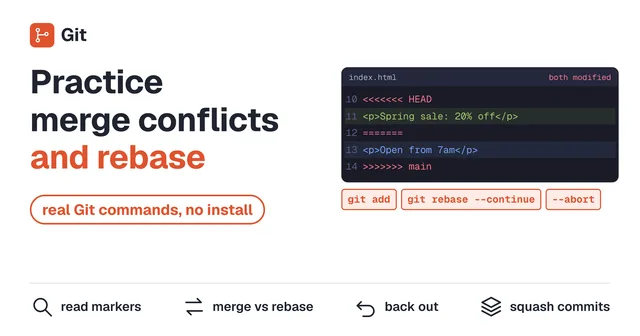
Practice Git Merge Conflicts and Rebase in Your Browser
Practice resolving Git merge conflicts and rebasing in a Git that runs in your browser. Read conflict markers, fix them with merge and with rebase, back out with --abort, and squash commits with rebase -i before you push. Nothing to install and no sign-up.
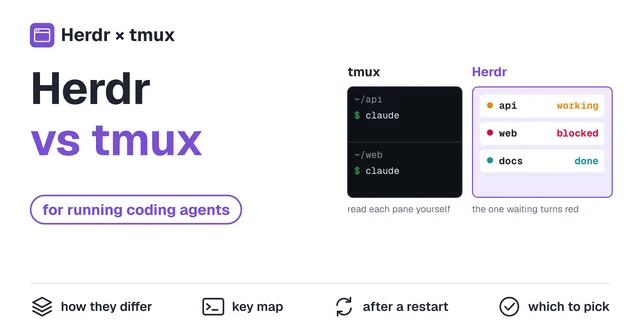
Herdr vs tmux: Which One to Use for Running Coding Agents
Herdr and tmux both split your terminal and keep it running after you close it. The difference is that Herdr tells your coding agents apart by state (working, blocked, done) and lists them. Compare how they work, their keys, what survives a restart, and when to pick each, with the same task played back in both.
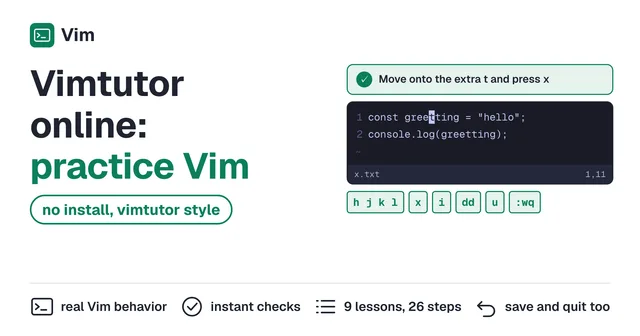
Vimtutor Online: Practice Vim in Your Browser, No Install
Practice Vim basics in a Vim that runs in your browser. The same ground as the vimtutor that ships with Vim (moving, deleting, inserting, undo, search, substitute, saving and quitting), one step at a time with instant checks. The exercises are code fixes, with nothing to install and no sign-up.
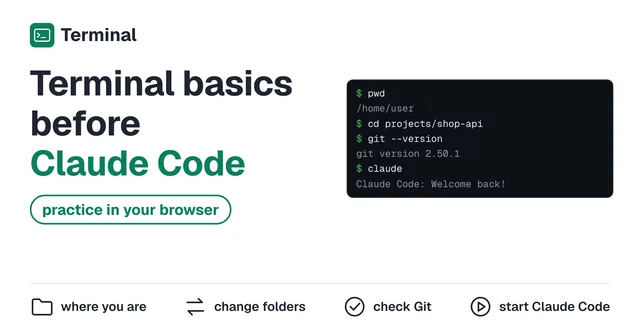
How to Use the Terminal Before Claude Code: Practice in Your Browser
Practice the terminal basics you need before Claude Code, in a terminal that runs in your browser. Checking where you are (pwd, ls), moving between folders (cd), looking inside files and checking Git, up to starting Claude Code and asking it something. Nothing to install and no sign-up.
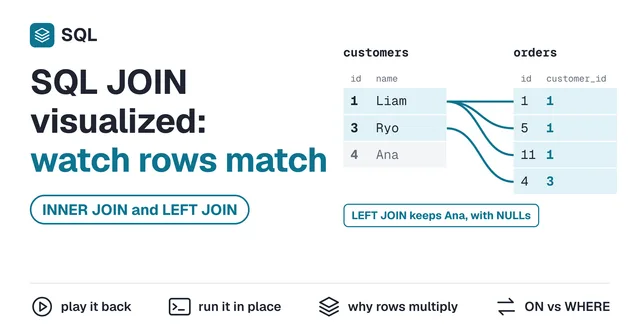
SQL JOIN Visualizer: Watch INNER JOIN and LEFT JOIN Match Rows
See how SQL JOIN works by playing back how rows are matched. The difference between INNER JOIN and LEFT JOIN, why joins add rows, and why ON and WHERE give different results. Edit the SQL and run it in your browser.
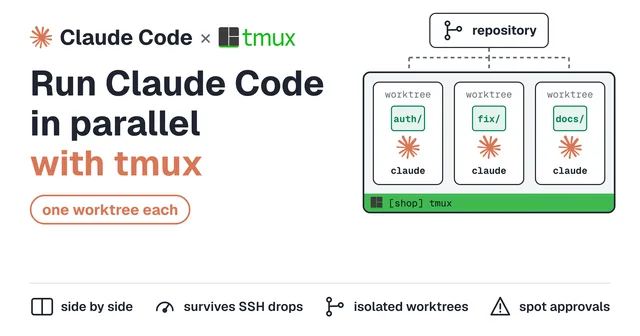
Claude Code with tmux: Parallel Sessions, Git Worktrees, and Setup
Run Claude Code inside tmux so it keeps working when SSH drops, and watch several sessions side by side. Covers parallel panes, git worktrees with claude -w, noticing approval prompts from another window, and the .tmux.conf lines that fix Shift+Enter and scrolling.

Best ThinkPad for Omarchy: 60 Models Compared
Find the best ThinkPad for Omarchy. Compare 60 models, from the X1 Carbon to the T14 and P14s, by official specs, photos from every angle and used prices.
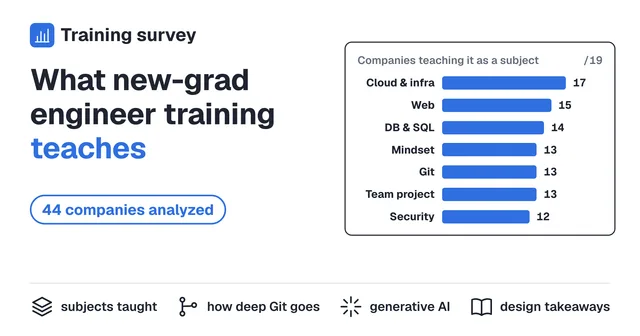
What Japanese Tech Companies Teach New-Grad Engineers: A Curriculum Analysis of 44 Companies (2026)
Recruit, MIXI, Cybozu and 41 other Japanese tech companies publish the materials from their new-graduate engineer training. This analysis reads them and tallies how the curricula are built: which subjects they cover, what they now assume new hires already know, and how they handle generative AI.
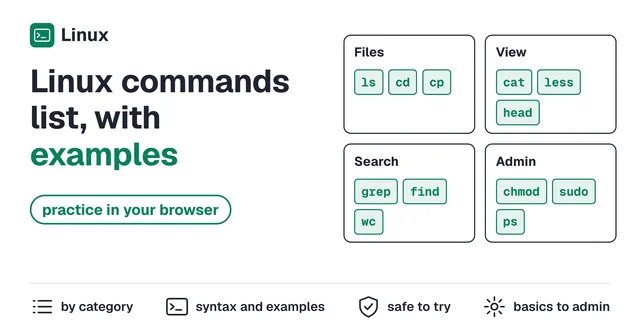
Linux Commands List - The Essential Commands, Explained with Examples (Try Them in Your Browser)
A categorized list of essential Linux commands, from pwd, cd, and ls to grep, find, permissions, and process management, each with syntax and examples. Every command on this page can be practiced right in your browser.
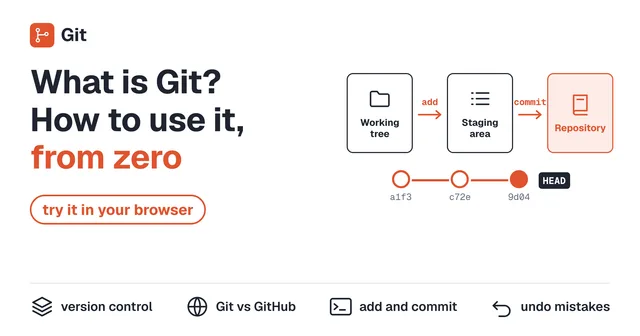
What Is Git? How to Use It, Explained for Beginners (Try It in Your Browser)
What Git is, explained from zero: why version control matters, how Git differs from GitHub, and how to use init, add, commit, and push. Try every command in a safe browser environment as you read.
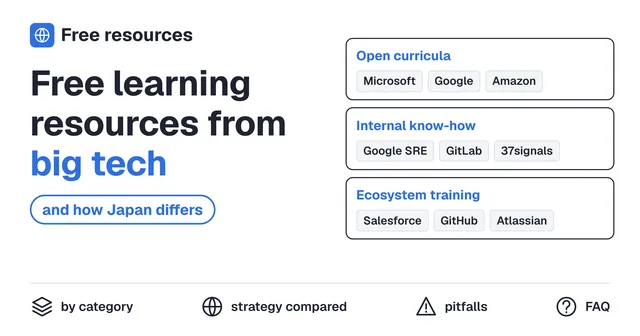
Free Learning Resources from Big Tech: How Google, Microsoft, and GitLab Give Their Knowledge Away
Big tech companies publish enormous amounts of free educational content, but in a different form than Japan's training-release culture: open source curricula, published internal playbooks like the SRE books and the GitLab Handbook, and ecosystem education like Trailhead. A curated list by category, plus the strategy behind it.
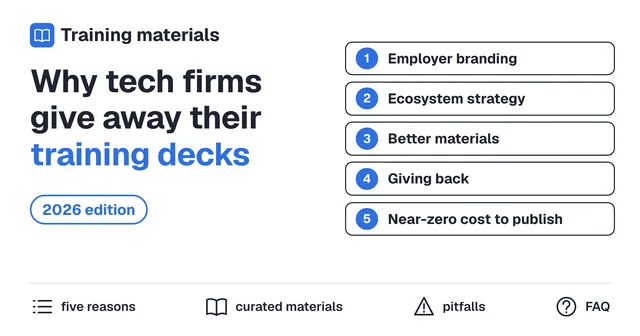
Why Do Tech Companies Publish Their Engineer Training Materials for Free? Reasons and a Curated List
Every year, Japanese tech companies like Recruit, MIXI, and Cybozu publish their internal new-grad engineer training materials for free. This article explains the strategy behind it, and curates the best publicly available materials by category.
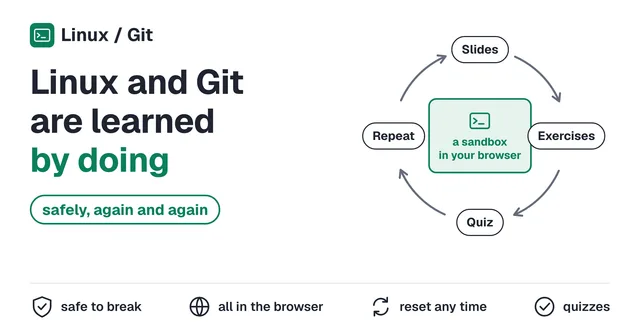
You Can't Learn Linux or Git by Reading. Practice Both Safely, as Many Times as You Want
You can't learn Linux or Git just by reading. Get real terminal experience in a safe, browser-based sandbox where mistakes cost nothing and every exercise repeats as many times as you want.
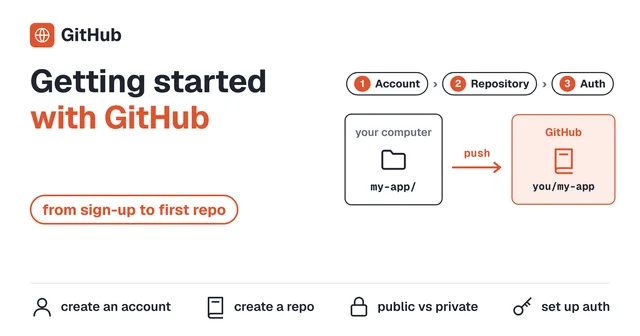
Getting Started with GitHub - From Account Creation to Your First Repository
A beginner-friendly, step-by-step guide to creating a GitHub account and setting up your first repository. Get ready to store your Git-managed code online.
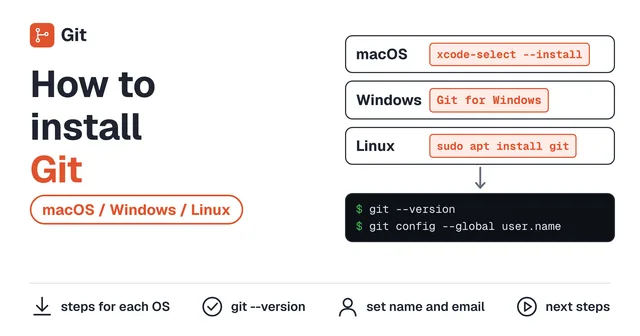
How to Install Git (macOS / Windows / Linux)
A step-by-step guide to installing Git on macOS, Windows, and Linux. Covers installation methods for each OS and initial configuration.
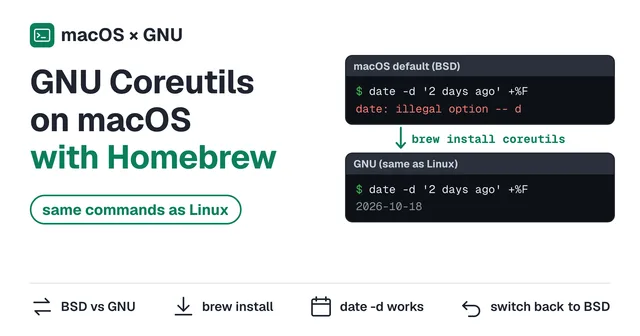
Install GNU Coreutils on macOS with Homebrew
macOS ships with BSD command-line tools that differ from the GNU versions found on Linux. Learn how to install GNU coreutils via Homebrew for a consistent terminal experience.
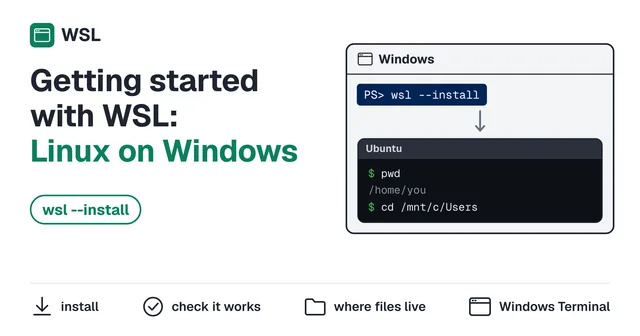
Getting Started with WSL: Run Linux on Windows
A step-by-step guide to installing Windows Subsystem for Linux (WSL). Set up a full Linux environment on your Windows machine and start learning terminal commands.